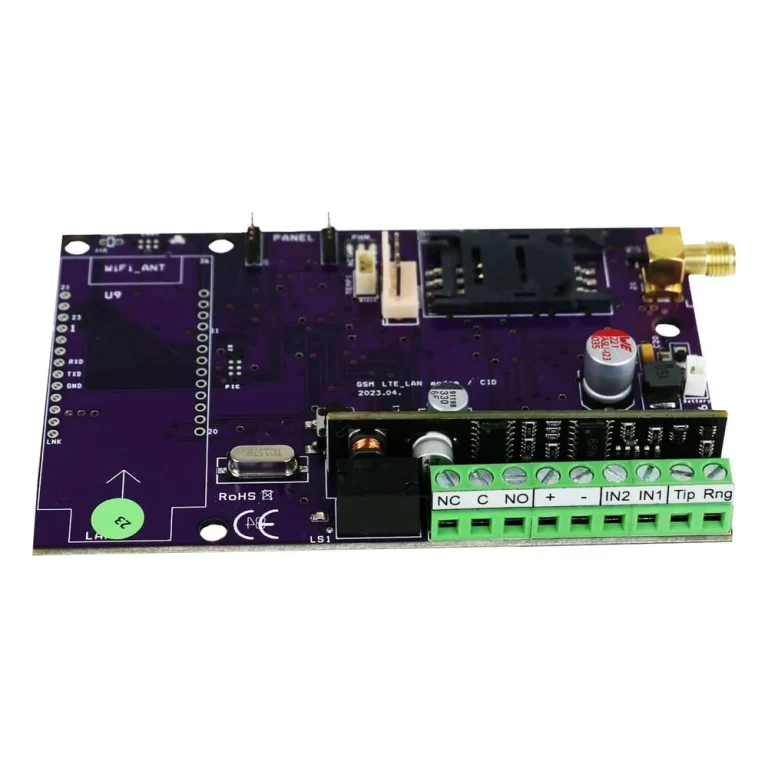
SATEL 4G GSM X-LTE Alarm Transmitter is an advanced communication module designed to provide secure and reliable alarm transmission via LTE, HSPA+, EDGE and GPRS.
It is ideal for upgrading existing alarms that use 2G or 3G and offers a modern solution that can also replace fixed telephone lines. With GSM-X LTE, you can send alarms, remotely control devices and receive notifications directly to your mobile phone.
Features and Benefits
Universal Compatibility: Fits all alarm systems and control panels, making it ideal for both residential and commercial properties.
Flexible Data Transfer: Supports multiple data transmission technologies (LTE, HSPA+, EDGE, GPRS) for optimal coverage and speed.
Remote control: Four programmable outputs can be controlled remotely via the GX Control mobile app, making it easy to manage lighting, gates, roller blinds and other devices.
Dual SIM Card Slot: Two SIM card slots to ensure continuous operation and redundancy.
Notifications: Send alerts via voice, SMS, PUSH or CLIP to keep you informed of events in real time.
Temperature resistance: Withstands working temperatures between -10 °C and +55 °C, making it reliable in different environments.
Technical Specification
Device Type: Universal communication module
Data transfer technology: LTE / HSPA+ / EDGE / GPRS
Number of SIM card slots: 2
Number of Programmable Inputs: 8 (NO, NC)
Number of Outputs: 4 (OC)
Supply voltage: 12 V DC +/- 15 %
Standby Power Consumption: 170mA
Maximum Power Consumption: 520mA
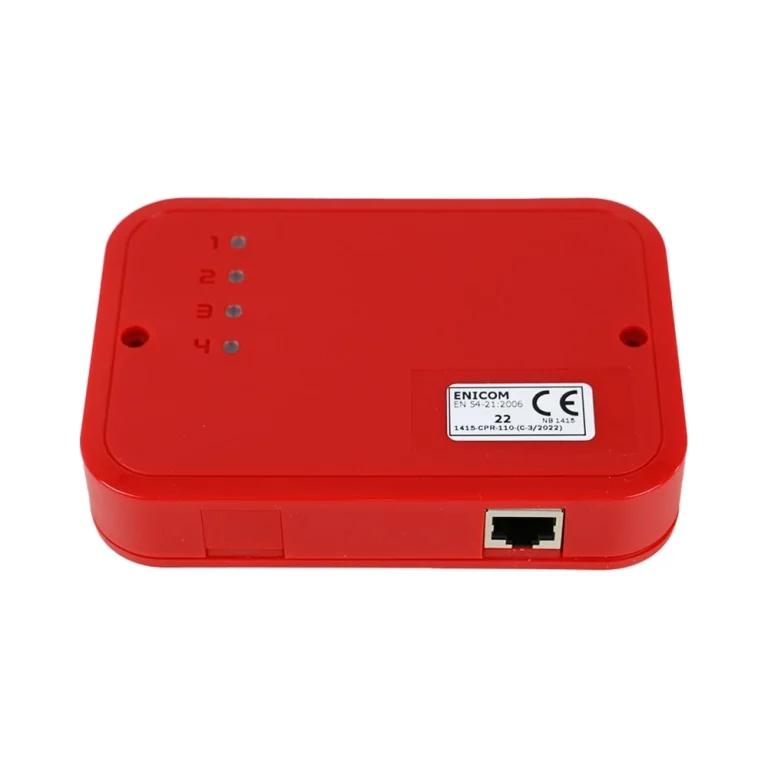
Enclosure Dimensions: 126 x 158 x 46 mm
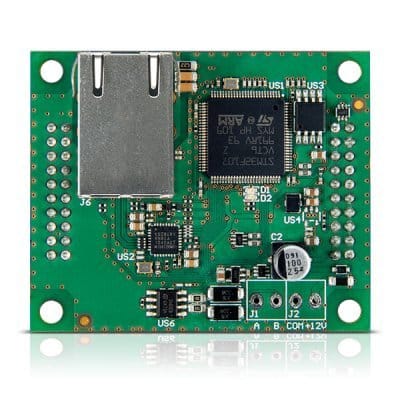
Dimensions for Electronics Board: 141 x 70 mm
Working temperature range: -10 ~ +55 °C
Areas of use
Residences: To ensure fast and reliable alarm transmission and remote control of household appliances.
Commercial Real Estate: Ideal for offices, shops and warehouses that require high security and reliable communication.
Industrial Environments: Used to remotely monitor and control industrial processes, improving safety and efficiency.
Simpler Installation Guide
Preparations:
Turn off the power to your current alarm system.
Remove the old 2G or 3G modem from the central unit.
Installing GSM-X LTE:
Insert the SIM cards into the two SIM card slots.
Connect the GSM-X LTE to your alarm system. Use the programmable inputs and outputs to match your specific needs.
Power supply:
Connect the GSM-X LTE to the power supply and check that the device starts up correctly.
Configuration:
Use the GX Control mobile app (available on the App Store and Google Play) to configure the device. Follow the manual to program inputs, outputs and notifications.
Test all functions to ensure proper system operation.
Remote Control and Notifications:
With the GX Control app, you can easily remotely control connected devices and receive notifications about events in real time.
You can find the mobile application in the Appstore / Google Play - Search for GX Control satel
A short video showing the advantage of the Universal 4g Transmitter from Satel
For those who want to know more and see how you can program via software.
There may be newer versions available from the manufacturer. In that case, you will normally need to register an account to be able to view and download files:
https://www.satel.pl/en/products/intruder-alarms/communication-and-messaging/gsm-lte-modules/gsm-x-lte/
How do I connect my computer to GSM-X LTE to configure?
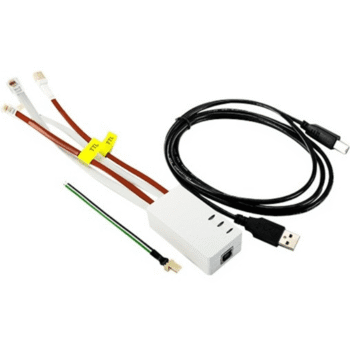
Connect the computer to the module's USB port (micro-USB). You can then configure the module in GX Soft.
Do I need USB/programming for everything to work?
No, not always. Basic functions can often be run without advanced configuration – but if you want to make more advanced settings (e.g. communication settings/protocols, inputs/outputs, SIA, PIN/APN etc.) you need to configure via GX Soft and then a USB connection is required.
Which version of GX Soft should I have?
The manufacturer specifies that you should use GX Soft 2.1.5 or newer.
Can I insert a SIM card at any time?
It is recommended to turn off the power before inserting the SIM card. If the SIM requires a PIN, it may need to be programmed in GX Soft.
Can Satel GSM-X LTE be connected to an alarm center?
Yes. The module can be programmed to communicate with a monitoring station via SIA/IP protocol (e.g. SIA DC-09), provided that the monitoring station supports this.
Does it support SIA protocol?
Yes. Satel GSM-X LTE supports SIA IP communication and is often used as a primary or secondary transmission path to an alarm center.
Is any special programming required for the alarm center?
Yes. The module must be configured manually with:
Alarm center IP address or DNS
Port number
SIA settings (account ID, format, events)
This is done via Satel's configuration program.
Can you use 4G/LTE as your primary connection?
Yes. GSM-X LTE is designed to function as both:
Primary connection to alarm center
Backup to Ethernet/broadband
Does it work with all alarm centers?
It works with most alarm panels that accept SIA/IP, but exact settings differ between panels.
Information such as IP, port and protocol is always obtained from the alarm center.
Is this something you can configure yourself?
Yes, for technically savvy installers.
Otherwise, it is recommended that an installer or alarm center help with the SIA parameters so that everything is correct from the start.








 Svenska
  Dansk
Dansk
 Norsk bokmål
 English (UK)
 Suomi
Suomi
 Nederlands (Formeel)
 Polski
 Français
 Deutsch (Sie)
 Español