


75 kr

🟢 31 st i lager (fler kan beställas)
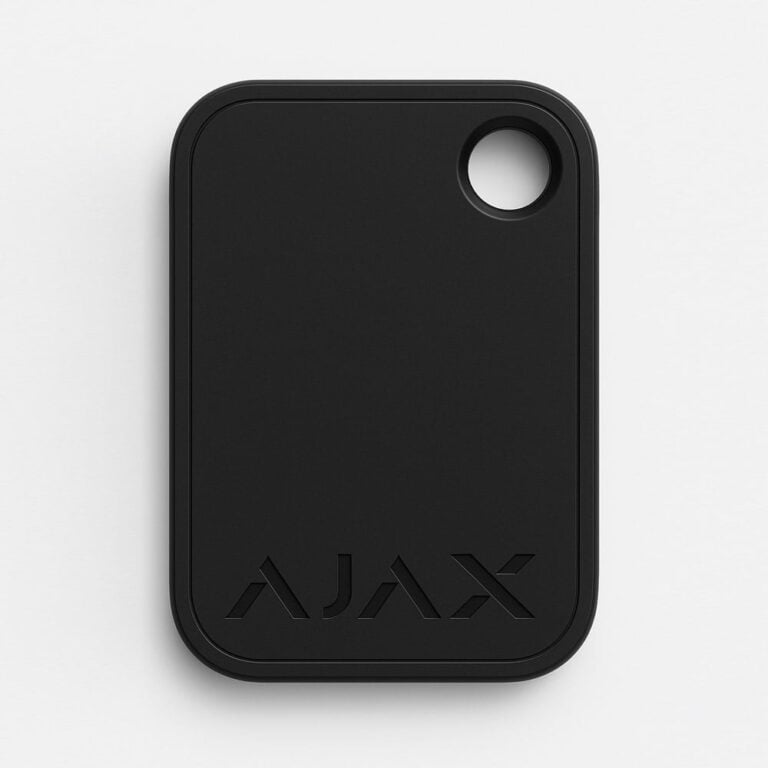
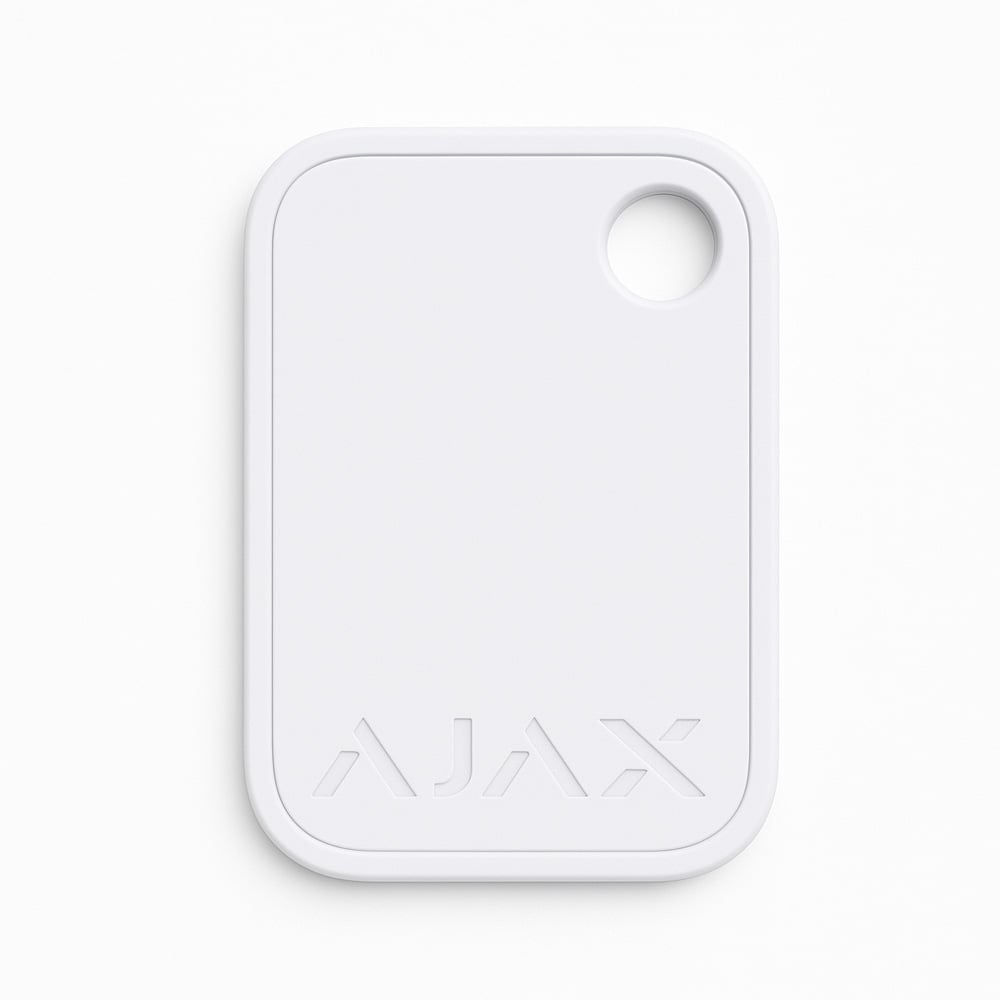
Ajax Tag Passer tag Mifare DESFire is an encrypted, contactless key tag for quick and secure access to your Ajax security system.
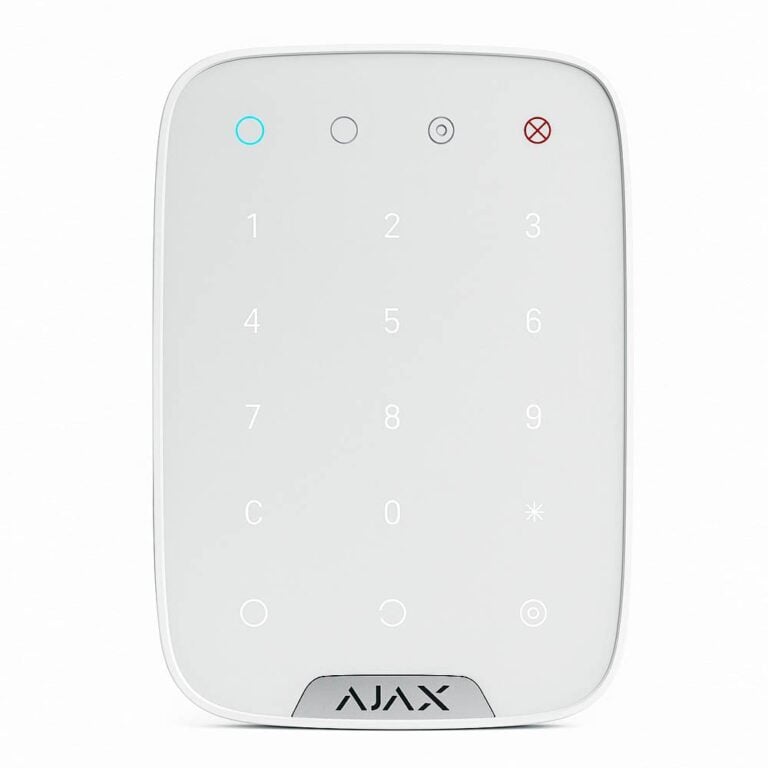
Designed to work with the KeyPad Plus and TouchScreen, it allows the security system to be enabled and disabled without a password or user account.
Artikelnummer: 38229.90.WH
GTIN: 4823114015533
75 kr
The contactless technology makes it possible to activate or deactivate the alarm simply by holding the key fob close to the KeyPad Plus or KeyPad TouchScreen.
It is an excellent choice for both home and business, where security and ease of use are essential.
The tag uses the highly encrypted and secure Mifare DESFire technology, which is based on the ISO 14443 standard, which means that only authorized users can access the system.
The technology provides 128-bit encryption and copy protection, giving you a safe and reliable solution to manage your security system without having to remember passwords or create user accounts.
This technology is also used in transport systems in European capitals and on access systems for NASA.
One of the biggest advantages of the Ajax Tag is its simplicity. To add a new key fob to the system, simply open the Ajax app, go to settings and hold the fob close to a compatible KeyPad device.
You don't need to create an account or do any complicated installations. It makes it particularly easy to grant temporary access rights to other people, such as guests or employees, by assigning a specific Tag to them without having to create user accounts.
Ajax Tag Key fob can be connected to up to 13 hubs, which gives you the flexibility to control several security systems from the same key fob.
Through the Ajax app, the system administrator can easily manage all assigned Tags and also adjust access permissions or revoke access if needed.
All changes and access actions are recorded in the event log, which means that you always have full control and visibility into when and by whom the security system has been activated or deactivated.
The tag works in a temperature range from -10°C to +40°C and has a long life of up to 10 years, making it a durable solution for long-term use.
It also has a very light weight, only 7 grams, and a compact design, which makes it easy to carry and convenient to use.
Technical Specifications:
| Weight | 10 g |
|---|---|
| Dimensions | 45×32×6 mm |
| Paint | |
| Color | |
| Brand/Make |
 Svenska Svenska
  Dansk
Dansk
 Norsk bokmål
 English (UK)
 Suomi
Suomi
 Nederlands (Formeel)
 Polski
 Français
 Deutsch (Sie)
 Español