-9%

WiFi Weather Station – Smart and App Controlled – Keep track of the climate at home & via your mobile phone

Stonehouse Smart
Availability:

🟢 1 pc in stock - Delivery 1-2 days


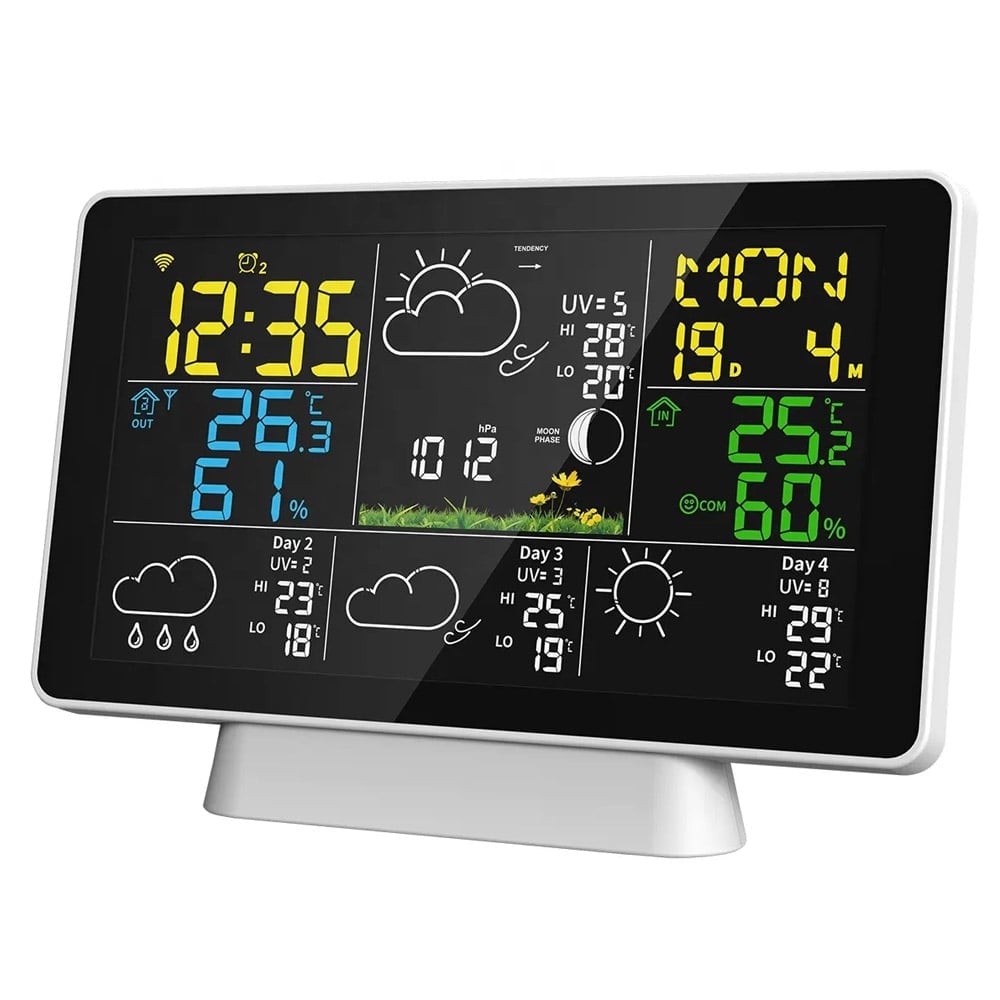
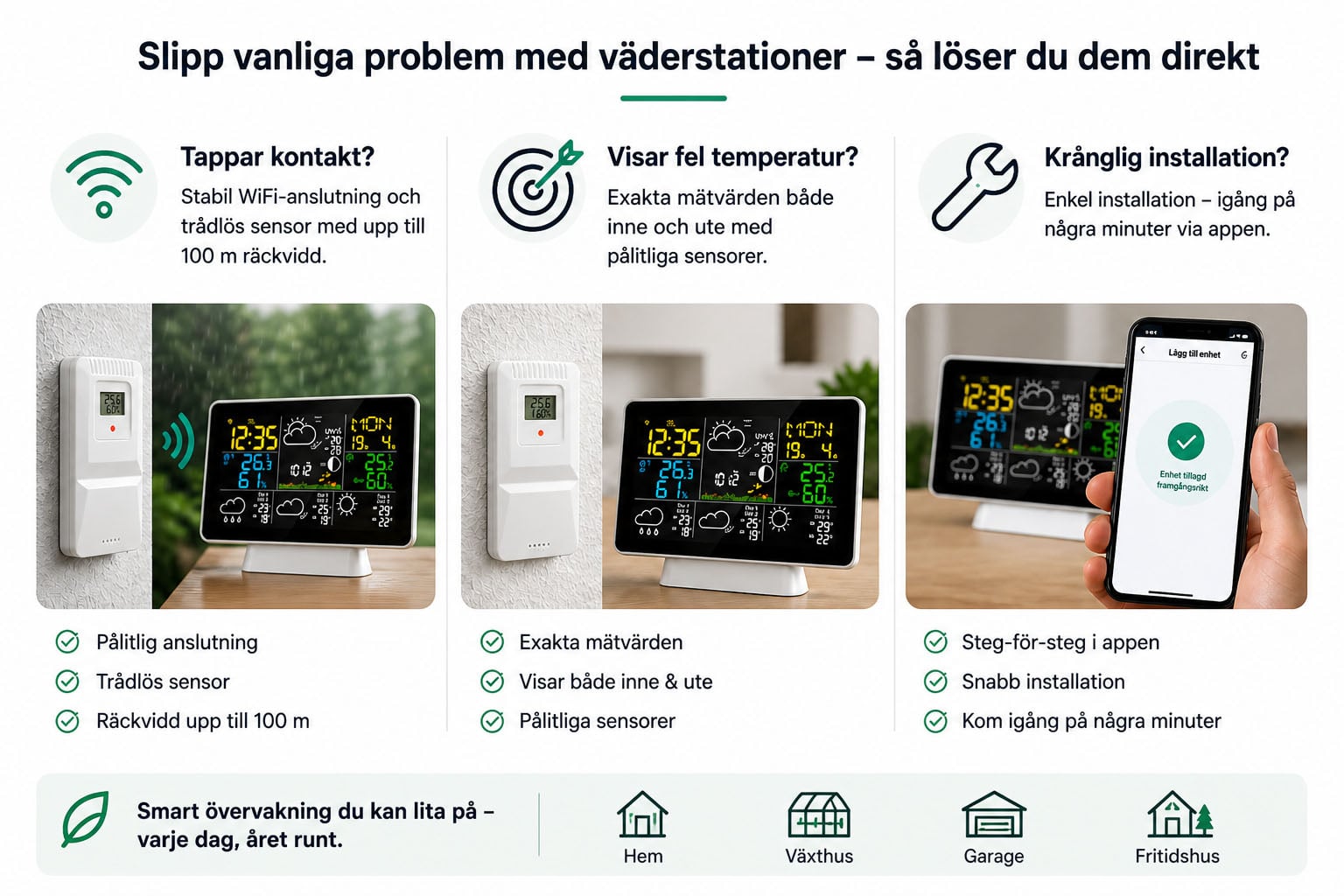
  • 4-day forecast online – automatically downloaded via Wi-Fi

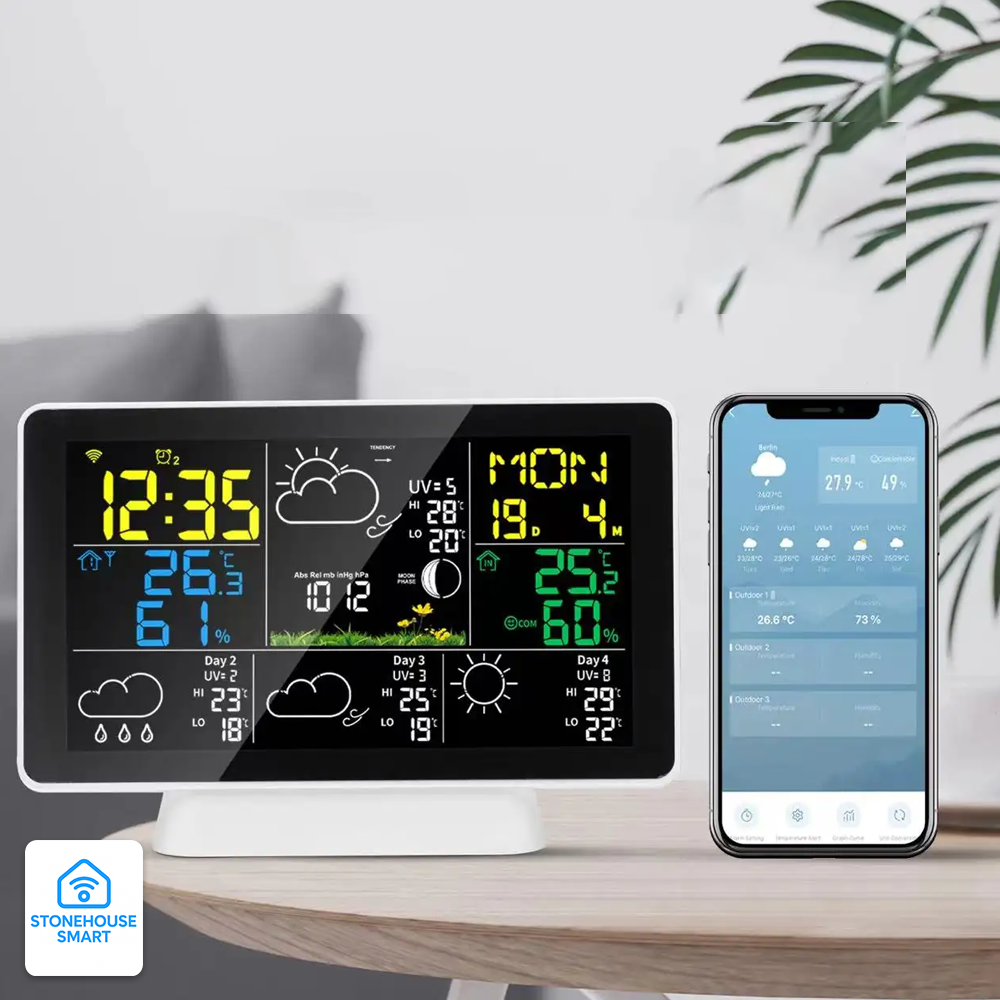
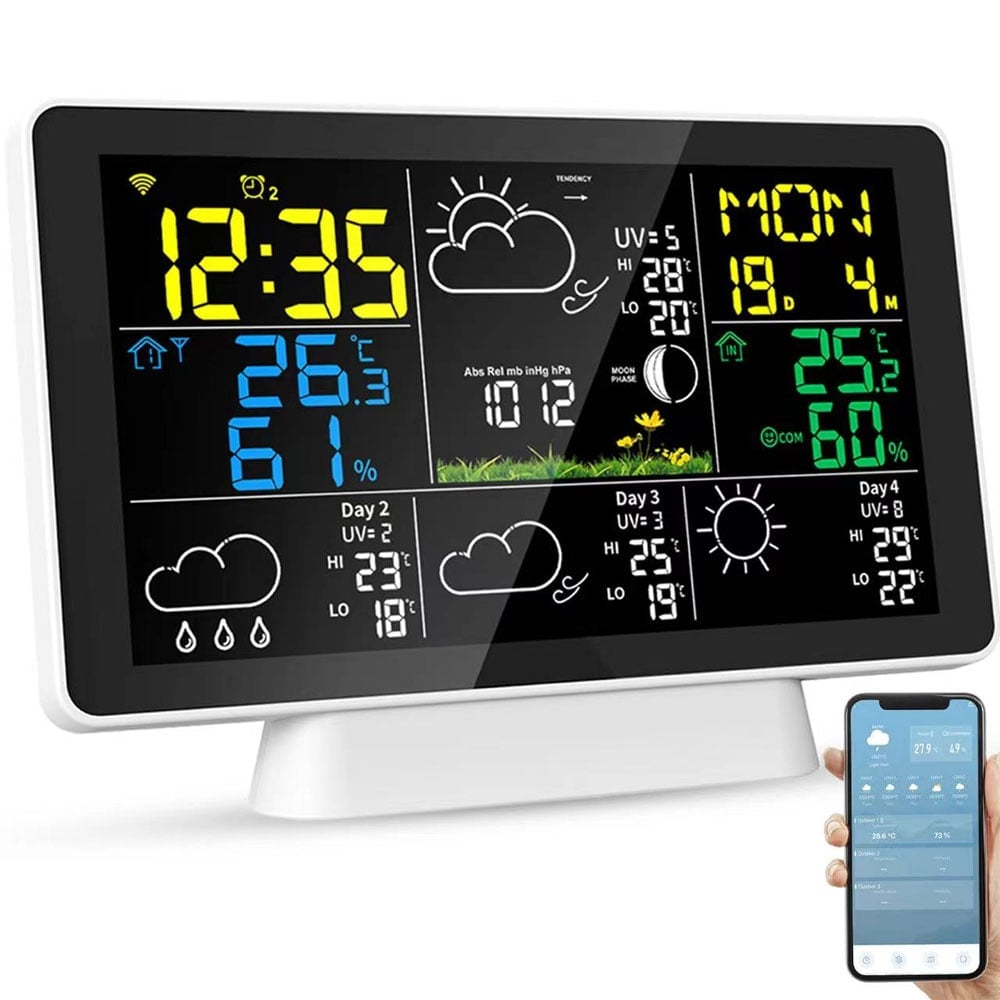
  • Stonehouse Smart / Tuya / Smart Life (iOS/Android) – alarms, temperature graphs & push notifications

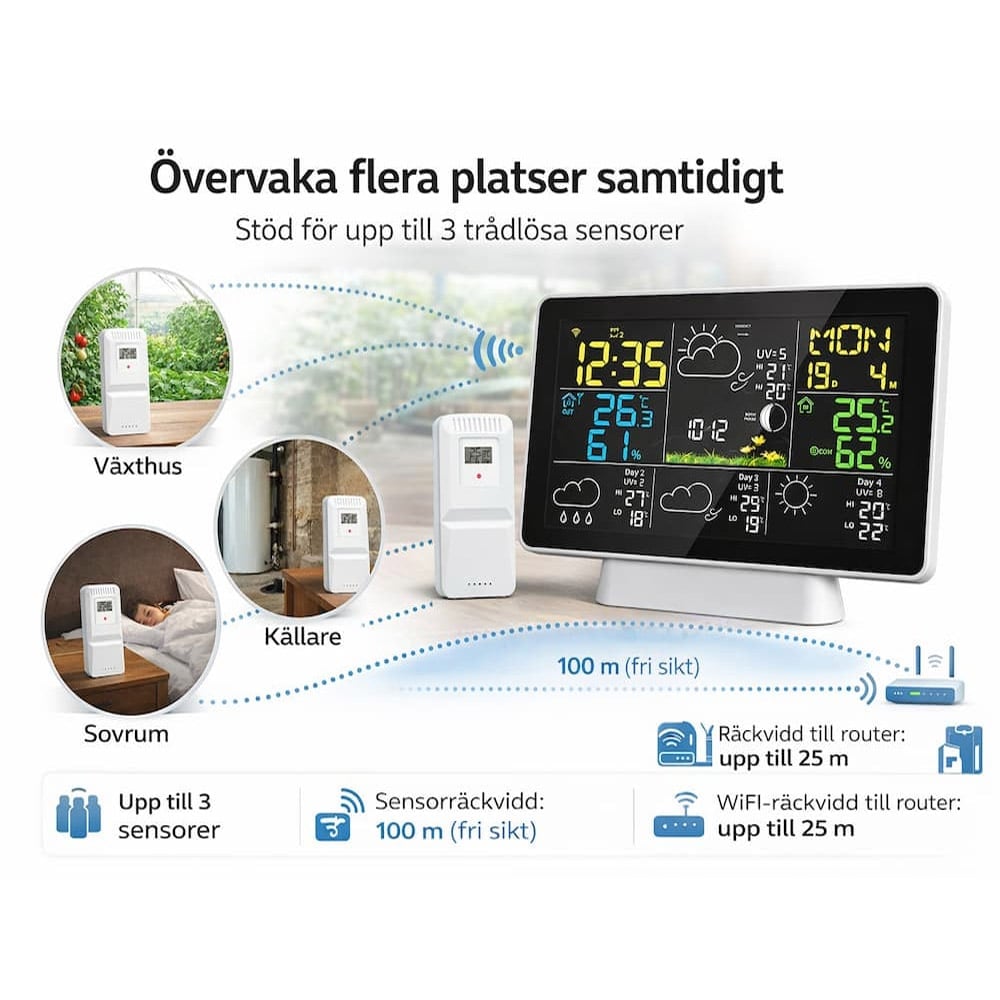
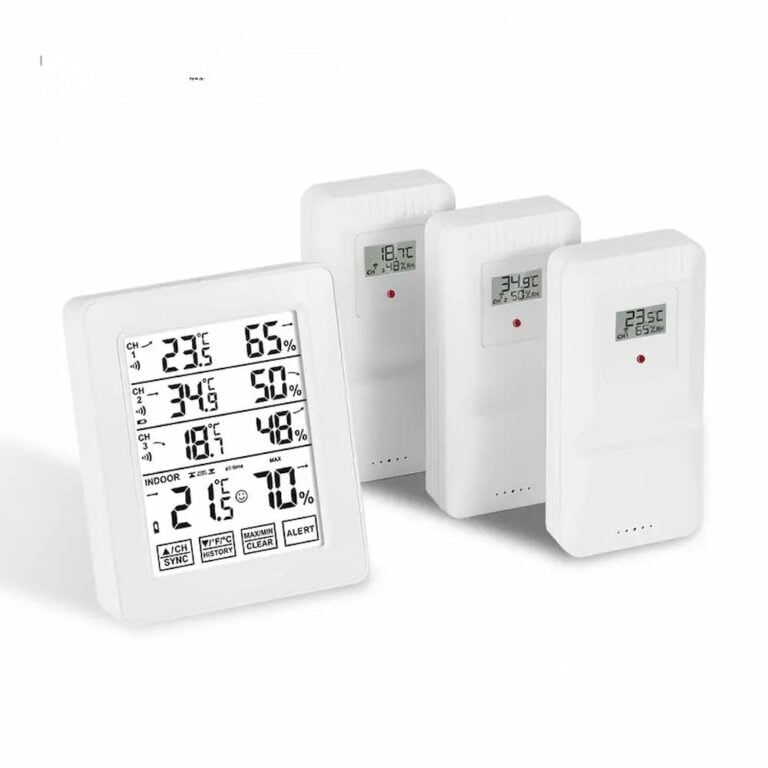
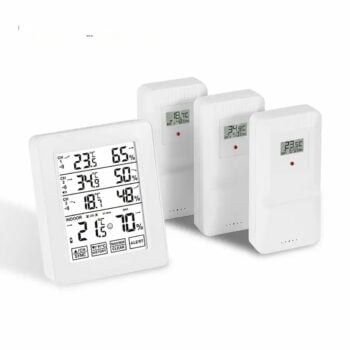
  • Indoor + outdoor climate – support for 3 wireless sensors (1 × included)

  • Temperature warning & 3 separate wake-up alarms – set in app or on device

  • Air pressure, UV index & moon phase directly on the screen

  • Power adapter + battery backup – Wi-Fi active with power adapter, 3 × AAA as a backup for the station.

  • 3-step backlight or 10 s auto-illumination in battery operation

  • 100 m sensor range (free line of sight) & 25 m to router

Item number: SMH-WEATHER

904,00 kr

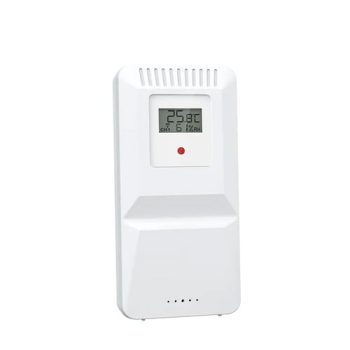
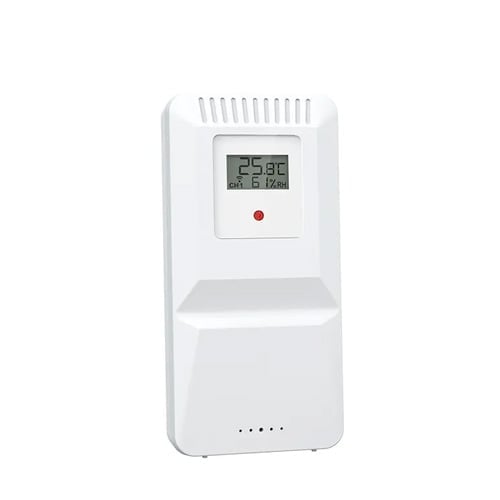
Accessories. Extra wireless temperature & humidity sensor
118,75 kr

Place the main unit indoors, place the sensor outside on the balcony or in the greenhouse – the rest is taken care of automatically:

  1. Connect the power adapter (alternatively 3 × AAA as backup).

  2. Download “Stonehouse Smart” (alternatively Tuya Smart / Smart Life) and pair via Bluetooth/Wi-Fi (2.4 GHz). The device sets the time & date itself.

  3. Mount the sensor, up to 100 m away. If you need more zones, add sensor 2 & 3 in the app.

  4. Follow everything in real time: temperature & humidity trends, air pressure, UV index and stylish weather icons for the next four days.

  5. Set max/min alarm or schedule watering/alarms via smart home routines.

Perfect for hobby greenhouses, summer cottages or just to keep a close eye on the climate and upcoming weather.


Technical data

Parameter Value
Power supply 5 V ⎓ Power adapter / 3 × AAA (backup)
Sensor battery 2 × AAA
Effect Station 3 W max; sensor 0.075 W max
Temperature inside −9.9 … +50 °C (±1 °C 0–40 °C)
Temperature outside −40 … +60 °C (±2 °C)
Moisture 1 … 99 % RH (±5 % RH)
Pressure 900 … 1050 hPa (±5 hPa)
Alarm volume 70 dB @ 10 cm
Sensor range ≤ 100 m clear view
Wi-Fi range ≤ 25 m to router
Main unit dimensions about 190 × 98 × 40 mm (from manual)
Temperature units °C / °F, switching with button or app

Features & Benefits

Function Detail
Forecast Icons for sun, clouds, rain, snow with rain/blizzard flashing
Sensor support 3 channels – switch manually or let the station scroll
Min/Max memory Today's highest/lowest temp & RH resets at 00:00
Smart alarm Individual weekly schedule for 3 alarms (A1–A3)
Temperature alert Set high/low limit in app – icon + sound on station
Backlight High / Medium / Low / Off when on AC adapter, 10 s when on battery
Snooze 5 minute snooze function on the alarm
Low battery level Battery icon for both station and sensor

The package contains

  • 1 × Wi-Fi weather station Main unit – Can also be powered by 3 AAA batteries – not included. Considered as backup)

  • 1 × Temperature & Humidity Sensor (Powered by 2 AAA batteries – not included)

  • 1 × Power adapter for weather station, main unit.

  • 1 × User manual/ Manual (18 languages): SE, EN, DE, FR, ES, IT, DA, CS, PL, HU, FI, NL, LT, RO, PT, JP, RU

(additional sensors sold separately.)

Brand/Make

Frequently asked questions
What is SMK-WEATHER?
SMK-WEATHER is a compact WiFi weather station that measures temperature, humidity and air pressure and displays weather forecasts via the internet. It uses a separate wireless outdoor sensor to display outdoor data.
What does the weather station measure?
It measures indoor and outdoor temperature, indoor and outdoor humidity, air pressure and moon phase. Via WiFi, it also displays the weather forecast and UV index based on internet data.
What does it not measure?
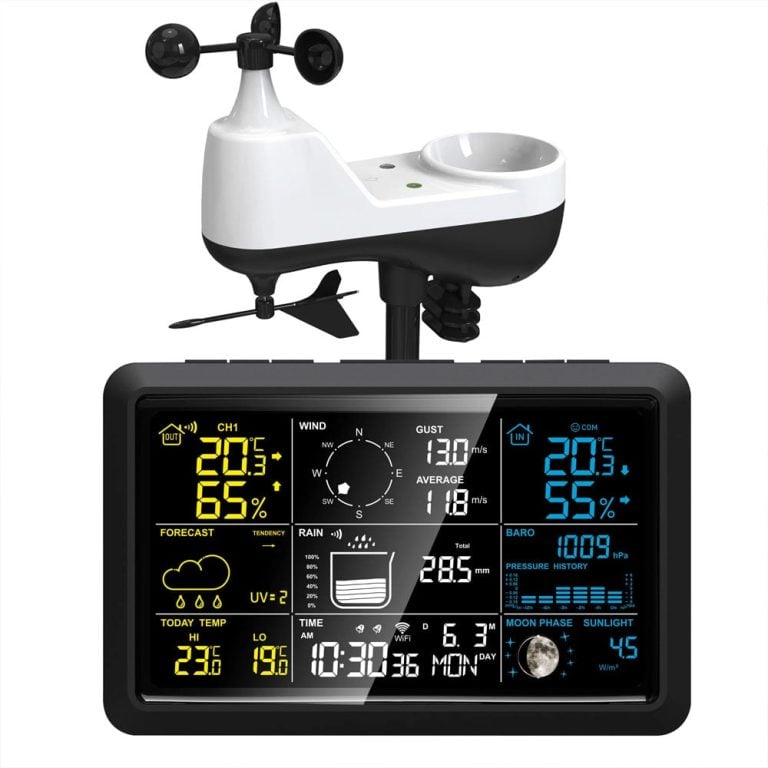
This model does not measure wind speed, wind direction or rainfall. For these functions, SMK-WEATHER PRO is required.
Is an outdoor sensor included with purchase?
Yes. A wireless outdoor temperature and humidity sensor is included in the package.
How many sensors can be connected?
Up to 3 wireless temperature and humidity sensors can be connected simultaneously. Each sensor uses its own channel (CH1, CH2 or CH3).
Is WiFi required for it to work?
No. Temperature and humidity measurement works without WiFi. However, WiFi is required for weather forecast, automatic time setting and app functions.
What app is used?
Stonehouse Smart (with Nordic languages), alternatively Tuya Smart or Smart Life. Apps are available for free for iOS and Android.
What WiFi is supported?
The weather station supports 2.4 GHz WiFi. Combined 2.4/5 GHz networks work, but pure 5 GHz networks are not supported.
How long is the range of the outdoor sensor?
Up to approximately 100 meters in clear line of sight between sensor and display. Walls, metal and other obstacles may reduce the range.
Is the display wireless?
No. The display is intended for indoor use and is primarily powered by a power adapter. Batteries can be used as a backup, but WiFi functions only work when connected to the adapter.
What batteries are used?
The display uses 3 × AAA batteries or power adapter. The outdoor sensor uses 2 × AAA batteries.
Can I get temperature alerts?
Yes. You can set high and low temperature alarms for both indoors and outdoors via the app.
Does it show the weather forecast?
Yes. The weather forecast is shown graphically on the display and in the app based on internet data.
Is the installation difficult?
No. Most are up and running within 5-10 minutes. Plug the display into power, insert batteries into the sensor, and connect to WiFi via the app if you want to use smart features.
Is this a good entry-level model?
Yes. SMK-WEATHER is a popular and affordable entry-level model for homes, apartments and holiday homes.
Who is SMK-WEATHER suitable for?
It is suitable for those who want to keep track of temperature and humidity, want a simple and stylish weather station and don't need wind or rain measurement.
What is the difference between SMK-WEATHER and SMK-WEATHER PRO?
SMK-WEATHER is a compact model with temperature and humidity sensors. SMK-WEATHER PRO is a more advanced weather station with an all-in-one sensor that also measures wind, rain, UV and sunlight.
How do I add additional outdoor sensors?
Open the battery compartment of the sensor and select a free radio channel (CH1, CH2 or CH3). Then press and hold the CH button on the weather station until the receive icon starts flashing. Then press the TX button on the sensor to start manual transmission. When the connection is successful, the temperature and humidity will be displayed for the selected channel. Repeat the same steps for each additional sensor, using a new channel for each sensor.
0
    0
    Your shopping cart is emptyReturn to store