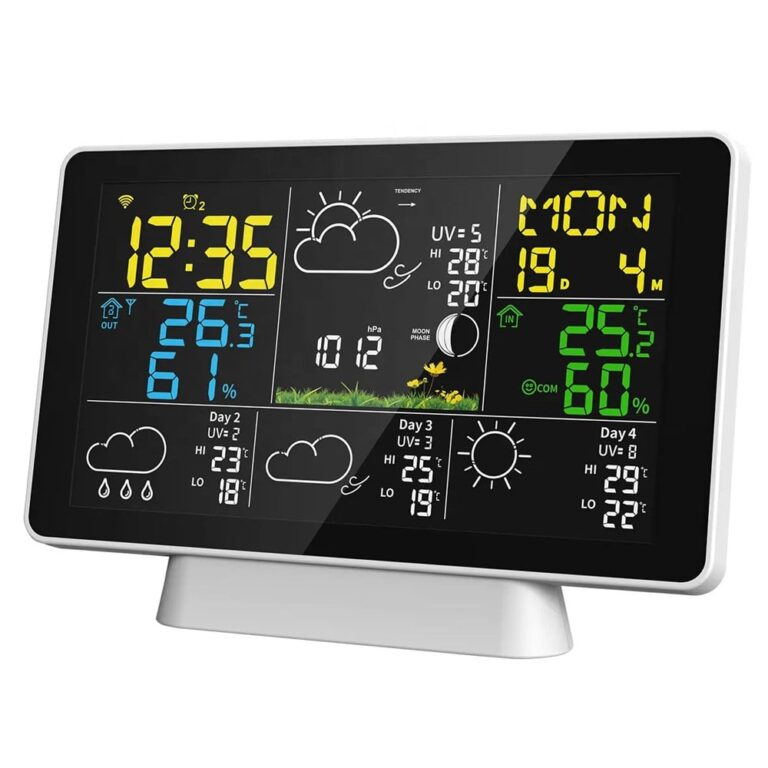
WiFi Weather Station with Smart App – Temperature & Humidity Indoor/Outdoor
Brand: Stonehouse Smart
SKU: SMH-WEATHER
695 kr


🟢 15 st i lager (fler kan beställas)
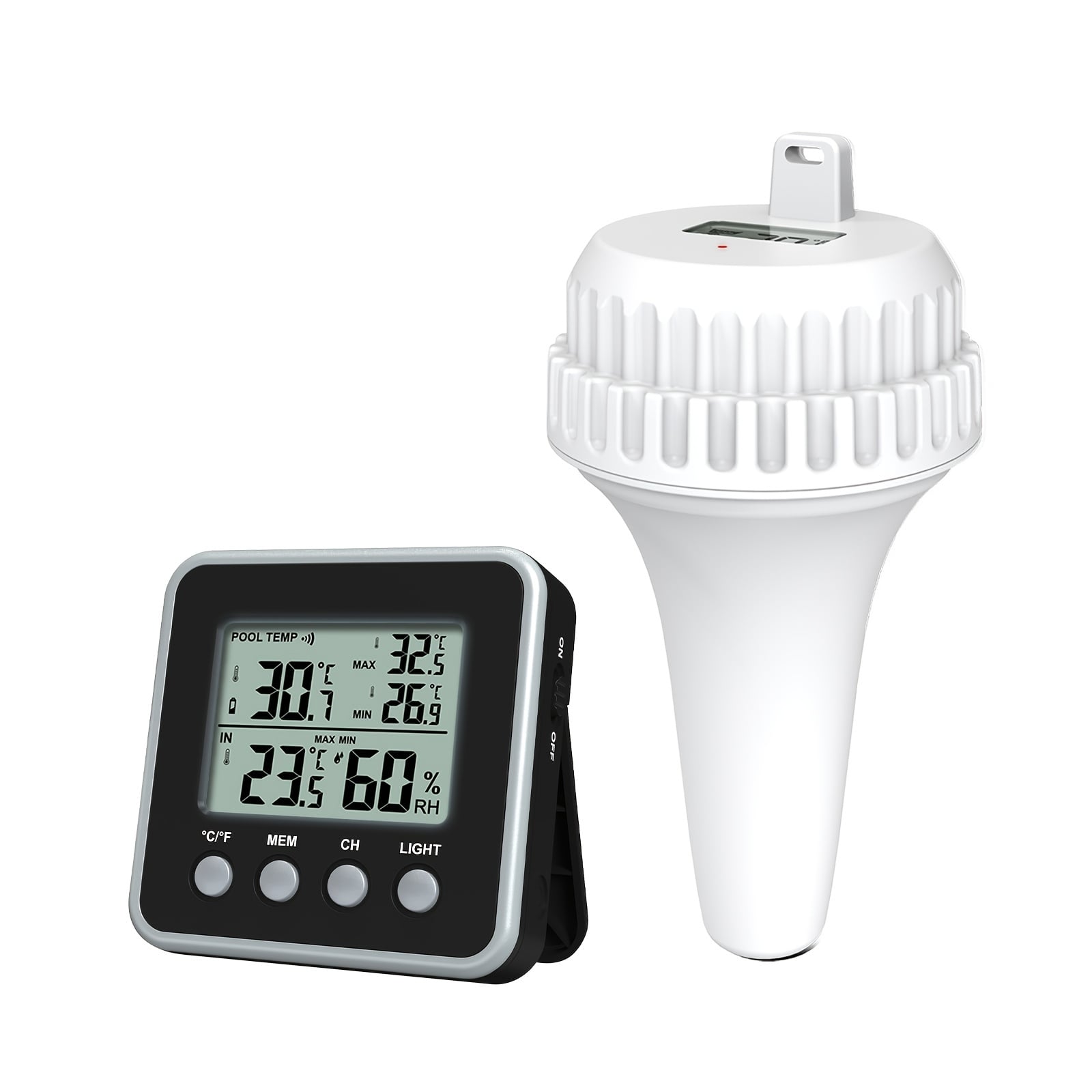
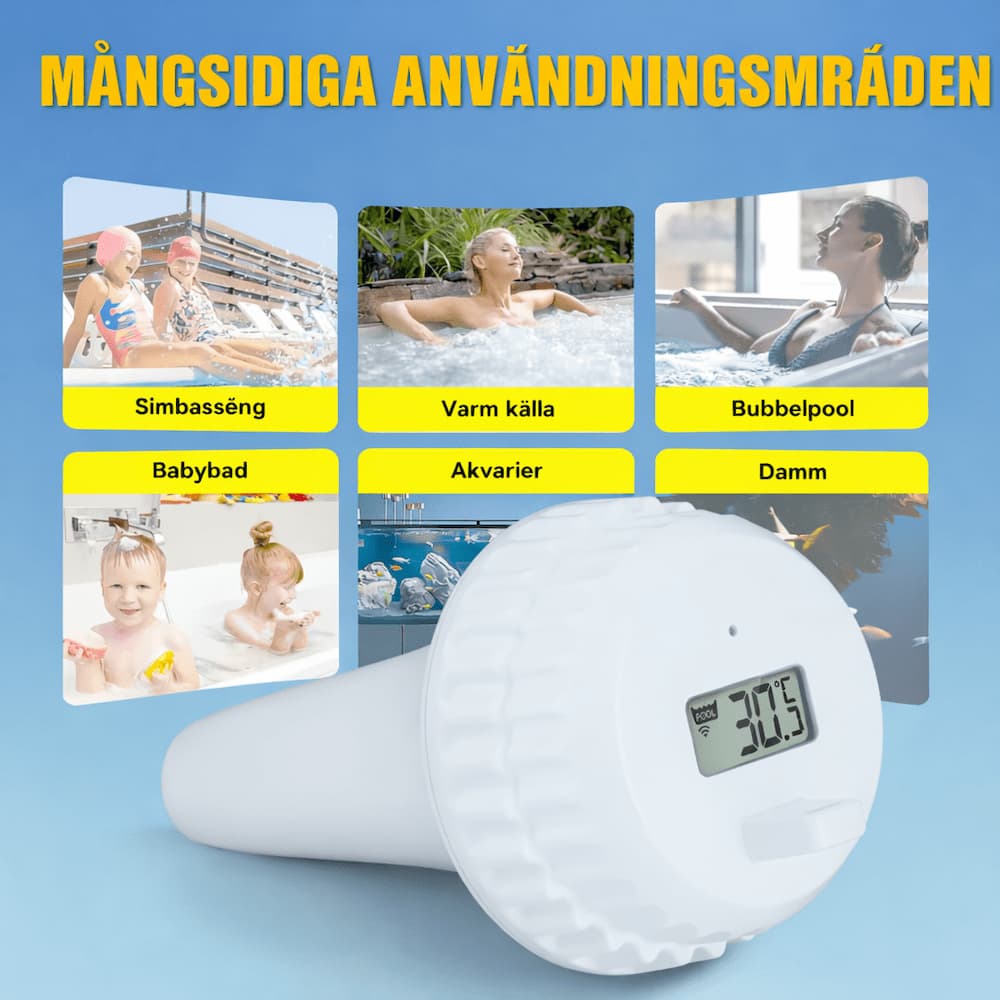
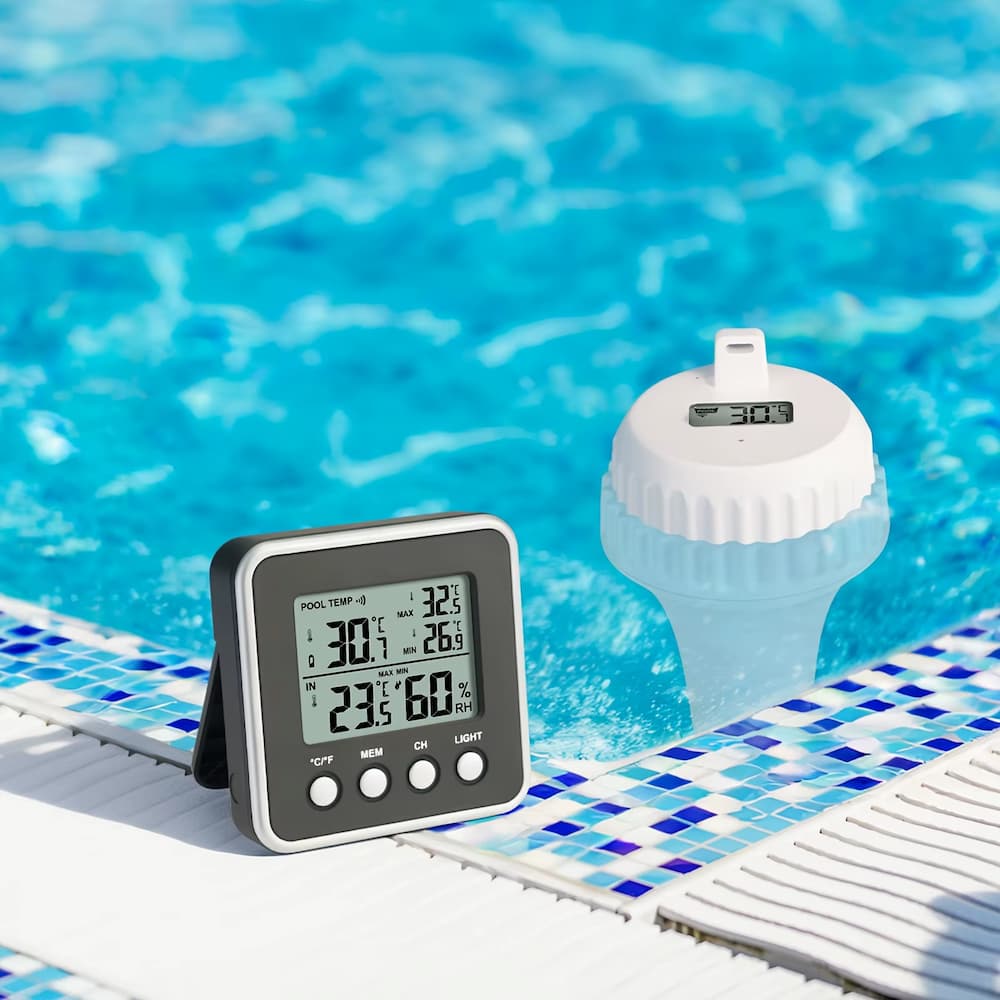
Smart and wireless digital pool thermometer with clear LCD display for easy temperature reading in the pool, spa, hot tub or pond.
Floating design and wireless receiver allow you to read the water temperature indoors without going outside.
Perfect for comfortable and precise temperature control all year round.
Artikelnummer: POOL TEMP
295 kr
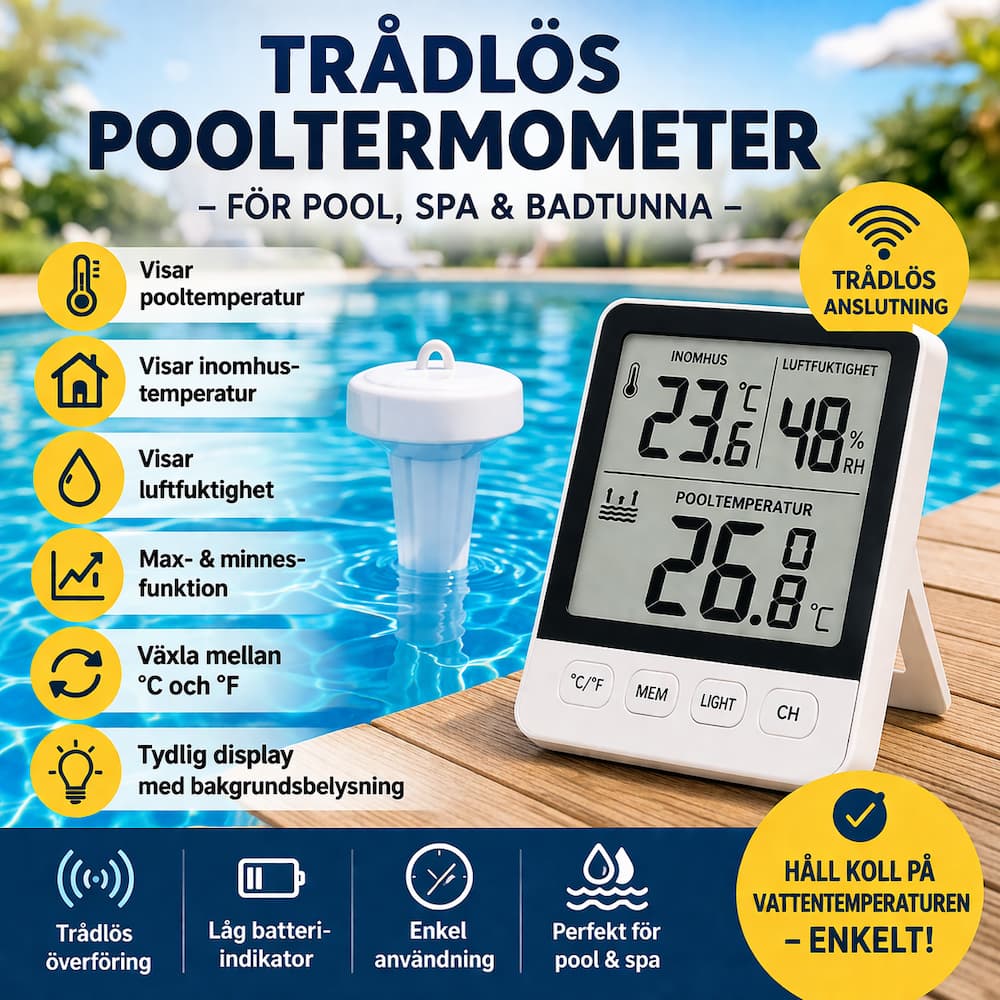
Keep full control of the temperature in your pool with this handy wireless pool thermometer with digital display. The device is designed to give you a clear and easy overview of both pool temperature, indoor temperature and humidity, making it a smart choice for those who want better control over the bathing environment.
The wireless pool sensor is placed in the water while the main unit displays the current temperature indoors. This means you don't have to go outside to check if the water is the right temperature for swimming, spa or relaxing in the hot tub.
The thermometer also has max and memory function for both temperature and humidity, so you can easily follow changes over time. With the clear display, 20-second backlight and the ability to switch between °C and °F It is easy to use both day and night.
This is a smart accessory for those who want a convenient and practical solution for measuring the water temperature in pool, spa, hot tub or similar environments.
Temperature range
Humidity range
Accuracy
Power supply
If the pool temperature is not displayed on the main unit, try the following:
| Trademark |
|---|
 Svenska Svenska
  Dansk
Dansk
 Norsk bokmål
 English (UK)
 Suomi
Suomi
 Nederlands (Formeel)
 Polski
 Français
 Deutsch (Sie)
 Español