
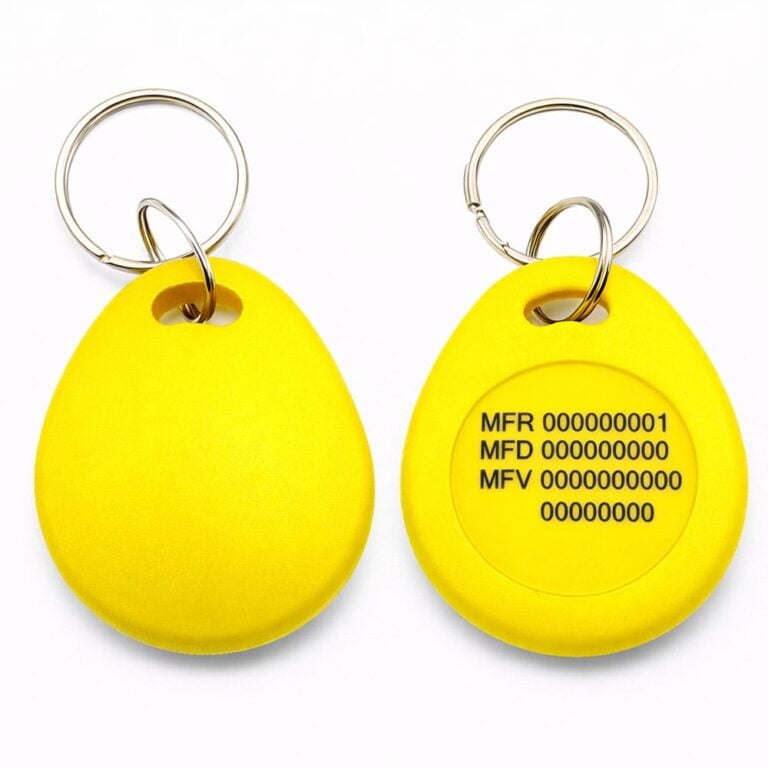
Mifare 1k Droppen Yellow Key Tag - Finished System Numbers (Mifare 13.56 MHz)
Brand: Stonehouse Security
SKU: 10623-3
25 kr


🟢 3937 st i lager (fler kan beställas)
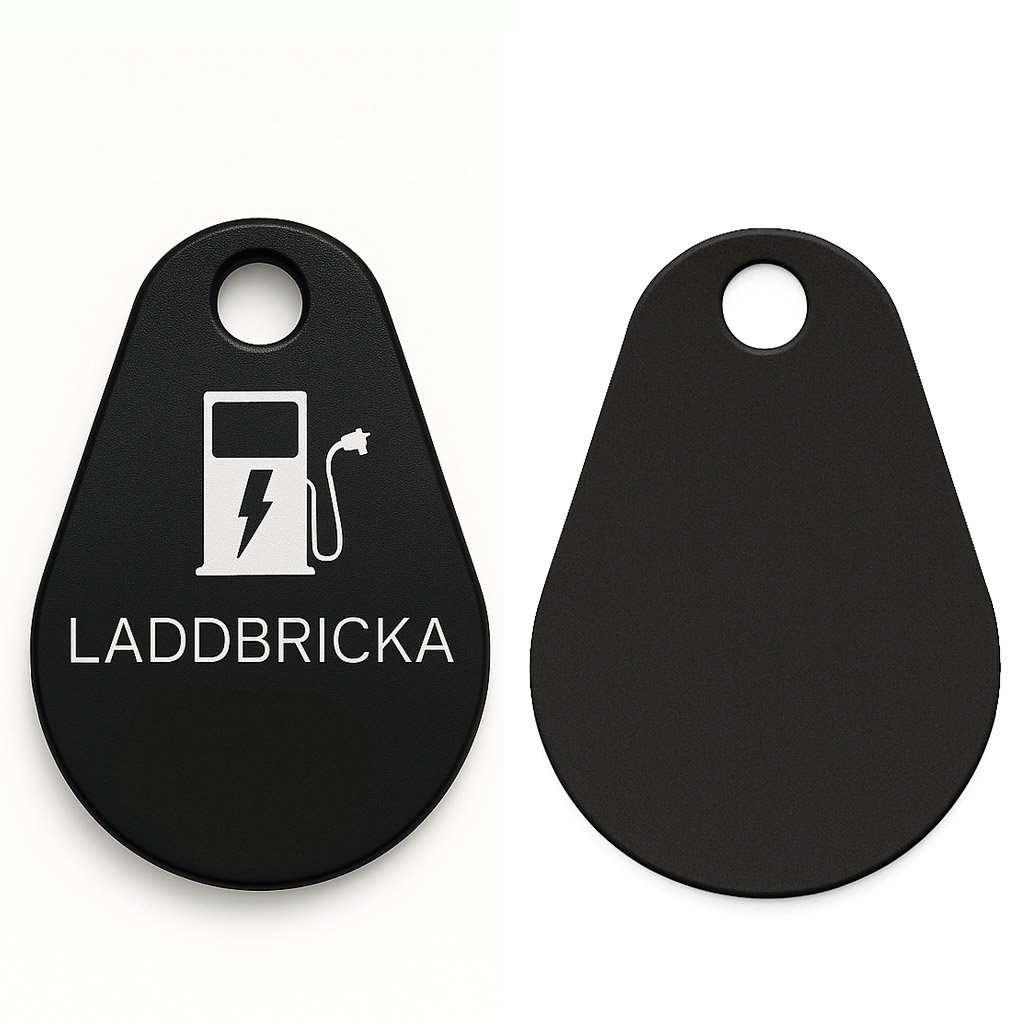
RFID tag / charging pad in black. The tag is of MIFARE standard and works with all charging boxes that support MIFARE, including Easee & Zaptec. This product has a certified chip from NXP®.
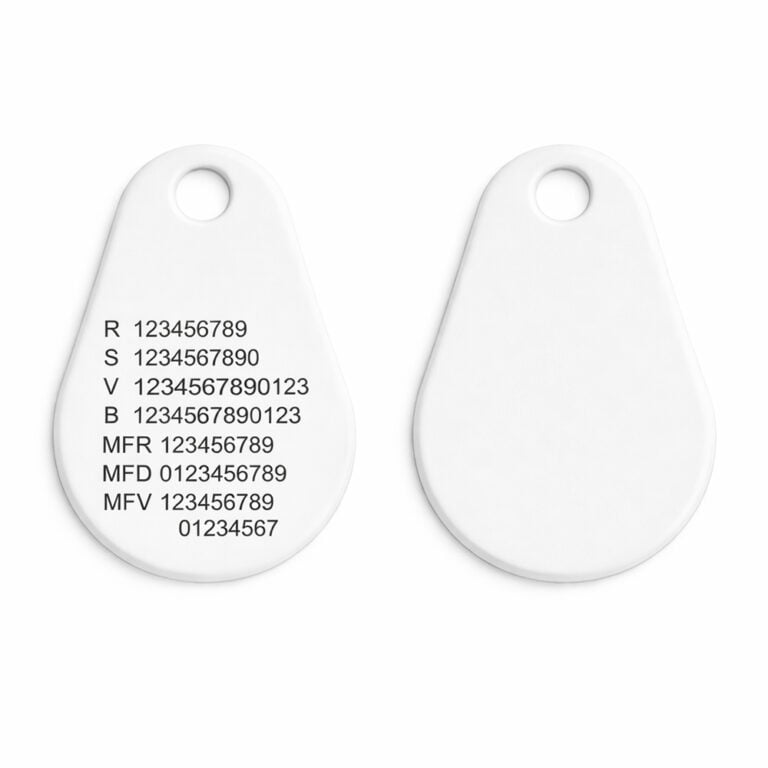
If you want a number on the tag to easily add the tag to your app, click on “Customize Product” and select “Chippet UID”. We will then engrave the unique key number found on the tag before delivery.
Artikelnummer: 10870 charging tray
39 kr
Simplify your electric car charging and increase the level of security with our RFID tags and charging pads, tailored for the MIFARE standard and compatible with charging boxes from leading brands such as Easee & Zaptec.
Smooth Installation: Integrate the RFID tag easily by following clear instructions in your charging box app. No complicated process, just simple and smooth use.
Optimize your electric vehicle charging with our reliable RFID tags and charging pads. Place your order today for a safer and smoother charging experience.
Open the Zaptec app
Go to My key fobs
Choose Add new
Open the Easee app
Open the menu in the upper left corner
Choose Easy keys and well Add from the upper right corner
Choose your charging box
Hold your RFID against the marking on the charging box or scan it with your phone
Name your RFID tag such as "Charging tray"
| Weight | 4 g |
|---|---|
| Dimensions | 43×29×3 mm |
| Trademark | |
| Appearance | With text & icon, Black Blank, White Blank, Green Blank, Blue Blank, Red Blank, Yellow Blank |
| Chip/ Technology |


 Svenska Svenska
  Dansk
Dansk
 Norsk bokmål
 English (UK)
 Suomi
Suomi
 Nederlands (Formeel)
 Polski
 Français
 Deutsch (Sie)
 Español