Fungerar SecureX VibraSense med Stonehouse Smart-appen?
SecureX VibraSense ansluts till en kompatibel SecureX-hubb och inte direkt till mobilen. Via hubben kan du få larm och pushnotiser i Stonehouse Smart-appen. SecureX-systemet är även kompatibelt med Tuya Smart och Smart Life via hubben. Vi rekommenderar Stonehouse Smart-appen. Den finns för både iPhone och Android i App Store och Google Play. Sök bara efter "Stonehouse Smart" för att ladda ner appen.
What is SecureX VibraSense?
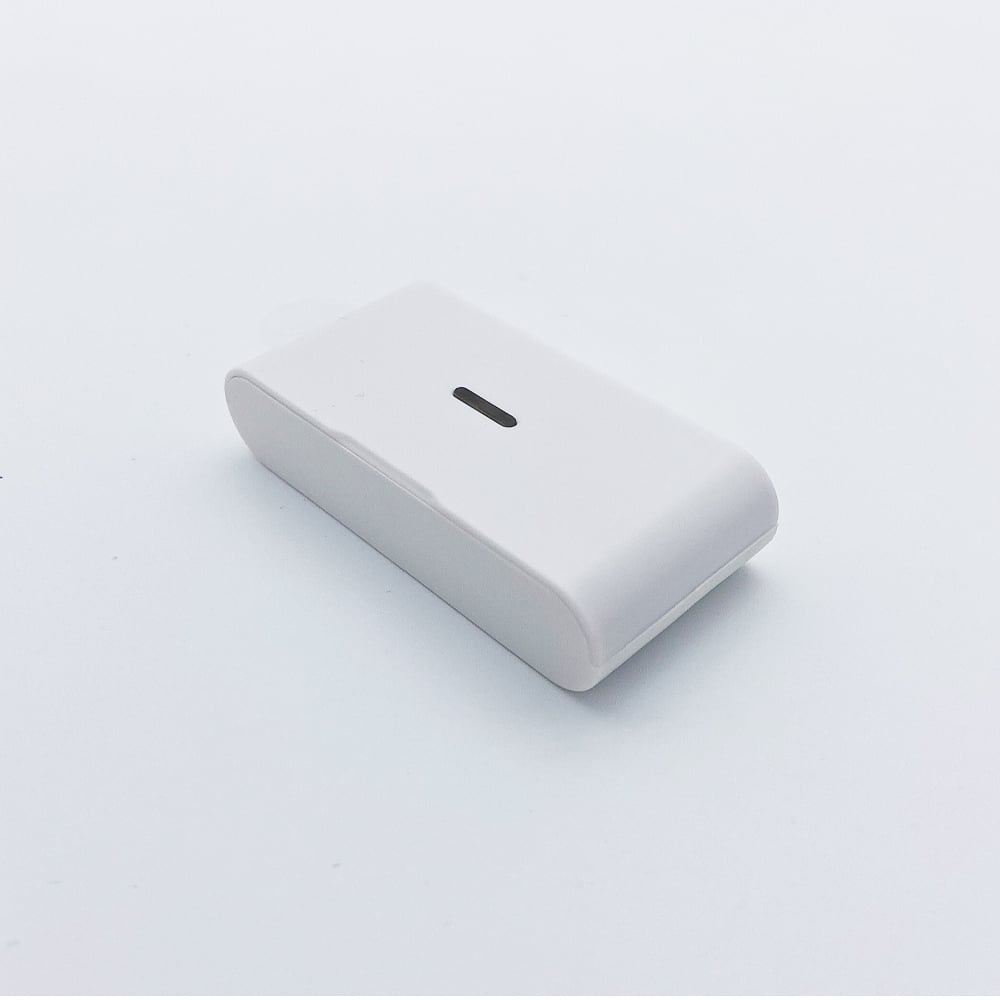
SecureX VibraSense är en trådlös vibrationsdetektor som upptäcker slag, kraftiga vibrationer, borrning och brytförsök mot exempelvis dörrar, fönster och glasytor. Sensorn har även en inbyggd SOS-knapp för nödlarm.
Vilket artikelnummer har SecureX VibraSense?
Artikelnumret är SSVIBE-SX.
Behöver VibraSense en SecureX-hubb?
Ja. VibraSense används tillsammans med en kompatibel SecureX-hubb, exempelvis SecureX Connect Pro. Sensorn kan inte användas fristående.
Fungerar VibraSense med SecureX Connect Pro?
Ja. SecureX VibraSense är kompatibel med SecureX Connect Pro.
Vad kan VibraSense upptäcka?
Sensorn är utvecklad för att reagera på påverkan som slag, kraftiga vibrationer, borrning och brytförsök på ytan där den är monterad.
Kan VibraSense upptäcka ett inbrottsförsök innan dörren öppnas?
Ja. Det är en av fördelarna med vibrationsdetektering. VibraSense kan reagera på exempelvis slag eller brytförsök mot dörren redan innan dörren faktiskt har öppnats.
Vad är skillnaden mellan VibraSense och en magnetkontakt?
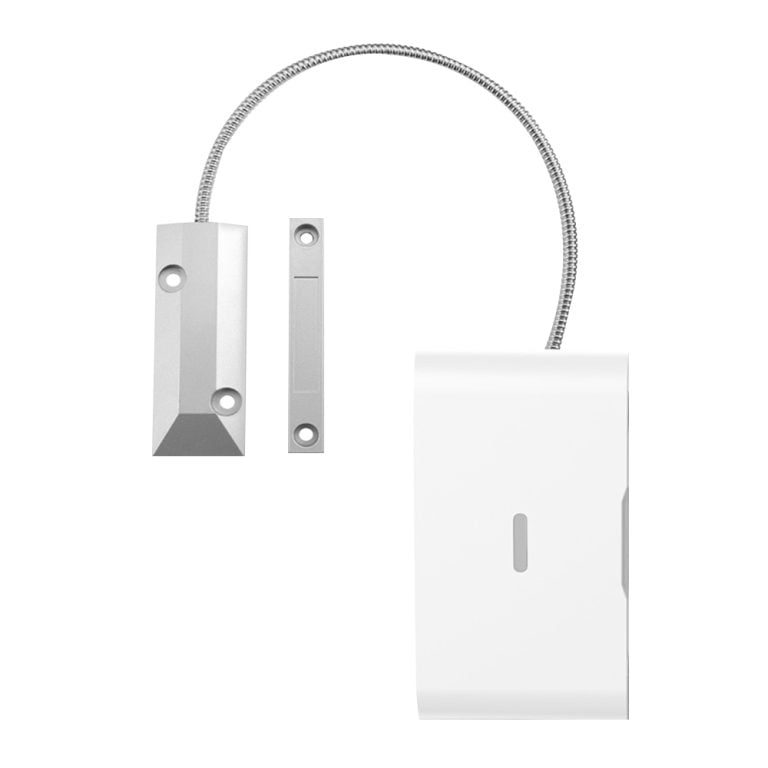
En traditionell magnetkontakt reagerar normalt när en dörr eller ett fönster öppnas. VibraSense reagerar istället på vibrationer och fysisk påverkan, exempelvis slag, borrning eller brytförsök. Produkterna kan därför komplettera varandra.
Kan VibraSense användas på dörrar?
Ja. Dörrar är ett av de vanligaste användningsområdena. Sensorn kan upptäcka vibrationer från exempelvis slag och brytförsök.
Kan VibraSense användas på fönster?
Ja. VibraSense kan monteras på fönster eller andra lämpliga ytor för att upptäcka vibrationer och fysisk påverkan.
Kan VibraSense användas på glasytor?
Ja. Sensorn är lämplig för glasytor och skyltfönster där du vill upptäcka slag eller annan kraftig påverkan.
Kan VibraSense användas på kassaskåp?
Ja. VibraSense kan monteras på kassaskåp för att upptäcka vibrationer från exempelvis slag, borrning eller manipulationsförsök.
Kan VibraSense användas på ett förråd?
Ja. Sensorn kan användas på exempelvis förrådsdörrar och andra utsatta ytor där du vill upptäcka bryt- eller manipulationsförsök.
Kan VibraSense användas i garage?
Ja. VibraSense kan exempelvis användas på en lämplig garageport, dörr, skåp eller annan yta där vibrationsdetektering ger ett extra skydd.
Kan VibraSense användas på elskåp och teknikskåp?
Ja. Sensorn kan monteras på skåp och andra objekt där du vill upptäcka fysisk påverkan eller manipulationsförsök.
Does VibraSense have an SOS button?
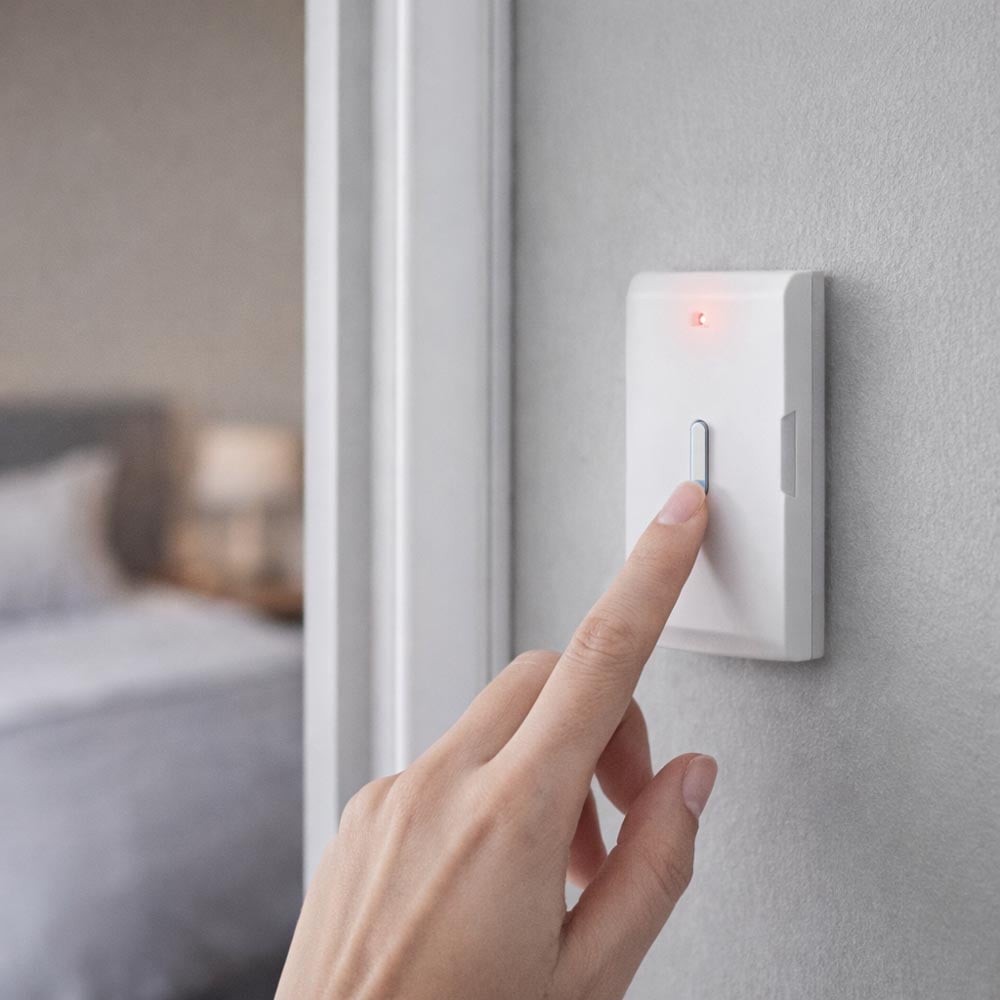
Ja. VibraSense har en inbyggd SOS-knapp som kan användas för att skicka ett nödlarm via SecureX-systemet.
What happens when I press the SOS button?
När SOS-knappen aktiveras skickas en larmsignal till SecureX-hubben. Hubben hanterar sedan SOS-händelsen enligt hur larmsystemet är konfigurerat.
Har SOS-knappen en LED-indikering?
Ja. VibraSense har LED-indikering som bekräftar larm och visar sensorstatus.
Kan SOS-funktionen användas som panikknapp?
Ja. Den inbyggda SOS-funktionen kan användas för att snabbt utlösa ett nödlarm i SecureX-systemet.
Kan VibraSense användas som trygghetslarm?
SOS-knappen kan ge ett enkelt sätt att utlösa en nödhändelse i SecureX-systemet. VibraSense är dock en del av ett säkerhets- och larmsystem och ska inte betraktas som en ersättning för certifierad medicinsk larm- eller trygghetsutrustning.
Kan jag få pushnotiser när VibraSense larmar?
Ja. När VibraSense är ansluten till SecureX-hubben kan larmhändelser skickas som pushnotiser till Stonehouse Smart-appen.
Kan jag få en notis när SOS-knappen används?
Ja. SOS-händelsen skickas via SecureX-hubben och kan hanteras som en larmhändelse i systemet och Stonehouse Smart-appen.
Är VibraSense direkt ansluten till WiFi?
Nej. VibraSense använder inte WiFi för kommunikationen med larmsystemet. Sensorn kommunicerar trådlöst med SecureX-hubben.
What wireless technology does VibraSense use?
VibraSense kommunicerar via 433 MHz med EV1527 och SecureX-kodning.
How long is the range of VibraSense?
Den angivna trådlösa räckvidden är minst 100 meter vid fri sikt mellan VibraSense och SecureX-hubben.
Är räckvidden alltid minst 100 meter inomhus?
Nej. Räckvidden anges vid fri sikt. Väggar, betong, metall och andra hinder kan minska den faktiska räckvidden inomhus.
Vad kan jag göra om räckvidden är för kort?
Kontrollera först placeringen av SecureX-hubben och undvik om möjligt stora metallföremål och andra kraftiga hinder mellan sensorn och hubben. Vid behov kan SecureX SignalMax användas för att förbättra täckningen i större installationer.
Fungerar VibraSense utan internet?
Ja. Själva kommunikationen mellan VibraSense och SecureX-hubben sker lokalt och är inte beroende av internet. Internet behövs däremot för pushnotiser, fjärråtkomst och historik i Stonehouse Smart-appen.
Fungerar VibraSense om hemmets WiFi ligger nere?
Ja. VibraSense kommunicerar med SecureX-hubben via 433 MHz och inte via hemmets WiFi. Appens internetbaserade fjärrfunktioner kan däremot påverkas.
What battery does VibraSense use?
SecureX VibraSense drivs med 1 st A23 12V-batteri.
Behöver VibraSense någon strömkabel?
Nej. Sensorn är helt batteridriven och behöver därför ingen kabeldragning eller nätadapter.
Hur lång batteritid har VibraSense?
VibraSense har låg strömförbrukning och anges kunna ge upp till cirka 2 års standbytid vid normal användning. Den faktiska batteritiden påverkas av bland annat användning, antal larm, temperatur och batterikvalitet.
Vilken strömförbrukning har VibraSense?
Den tekniska specifikationen anger standbyström under 10 mA och larmström på högst 20 mA.
What temperature range can VibraSense handle?
VibraSense är avsedd för en arbetstemperatur från -10 °C till +50 °C.
Vilken luftfuktighet klarar VibraSense?
Den angivna relativa luftfuktigheten är upp till 95 procent, icke-kondenserande.
Hur stor är VibraSense?
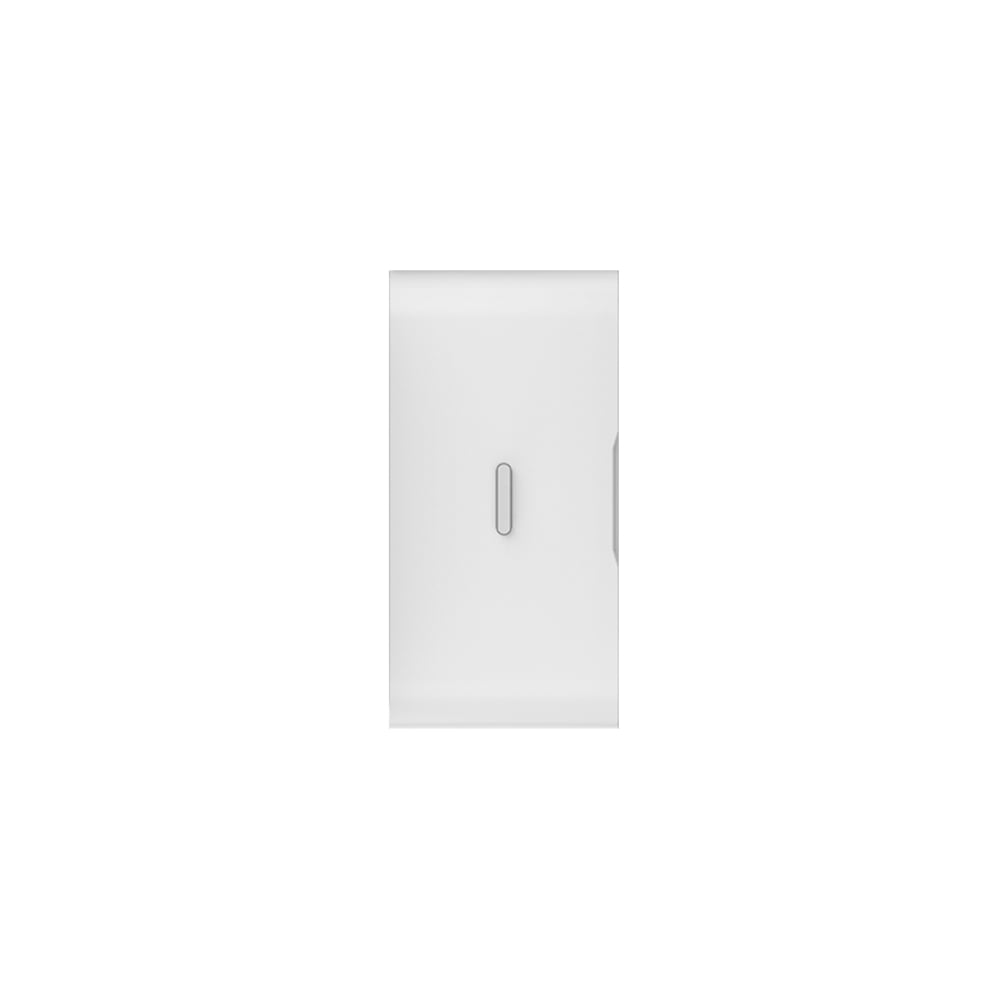
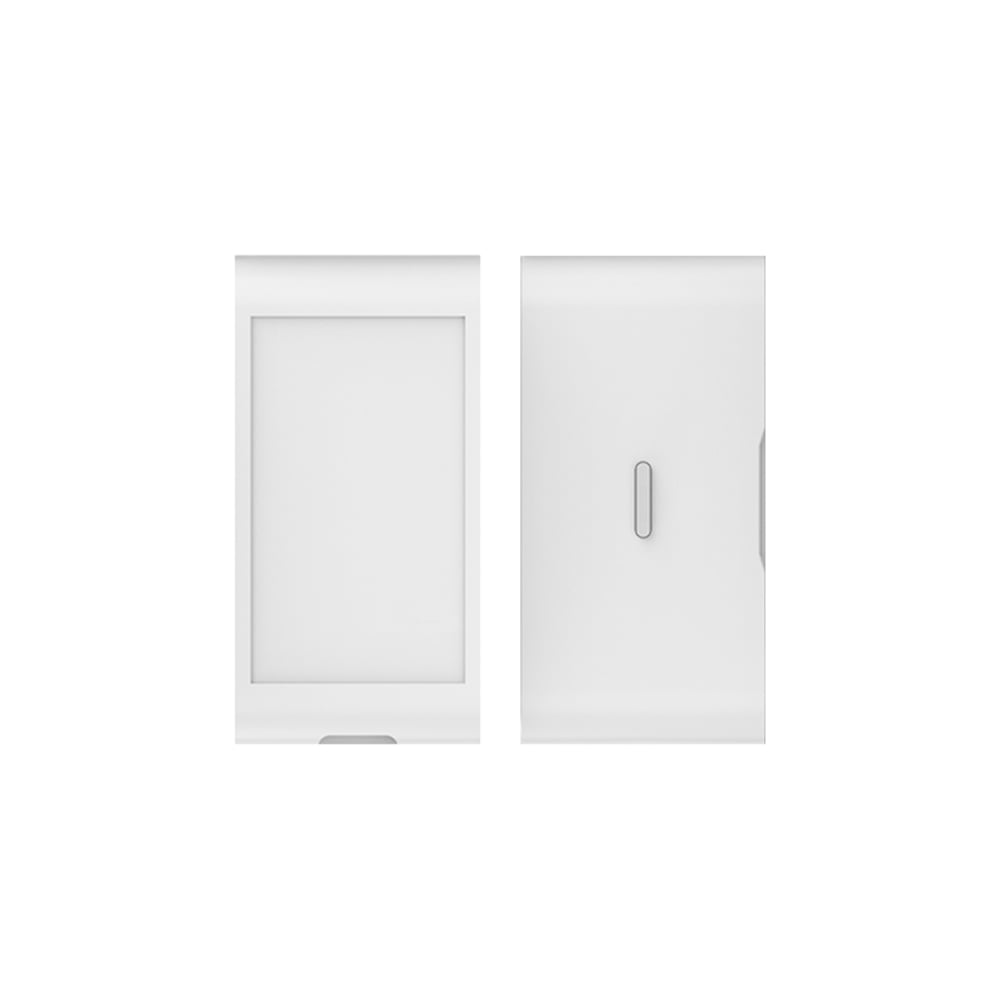
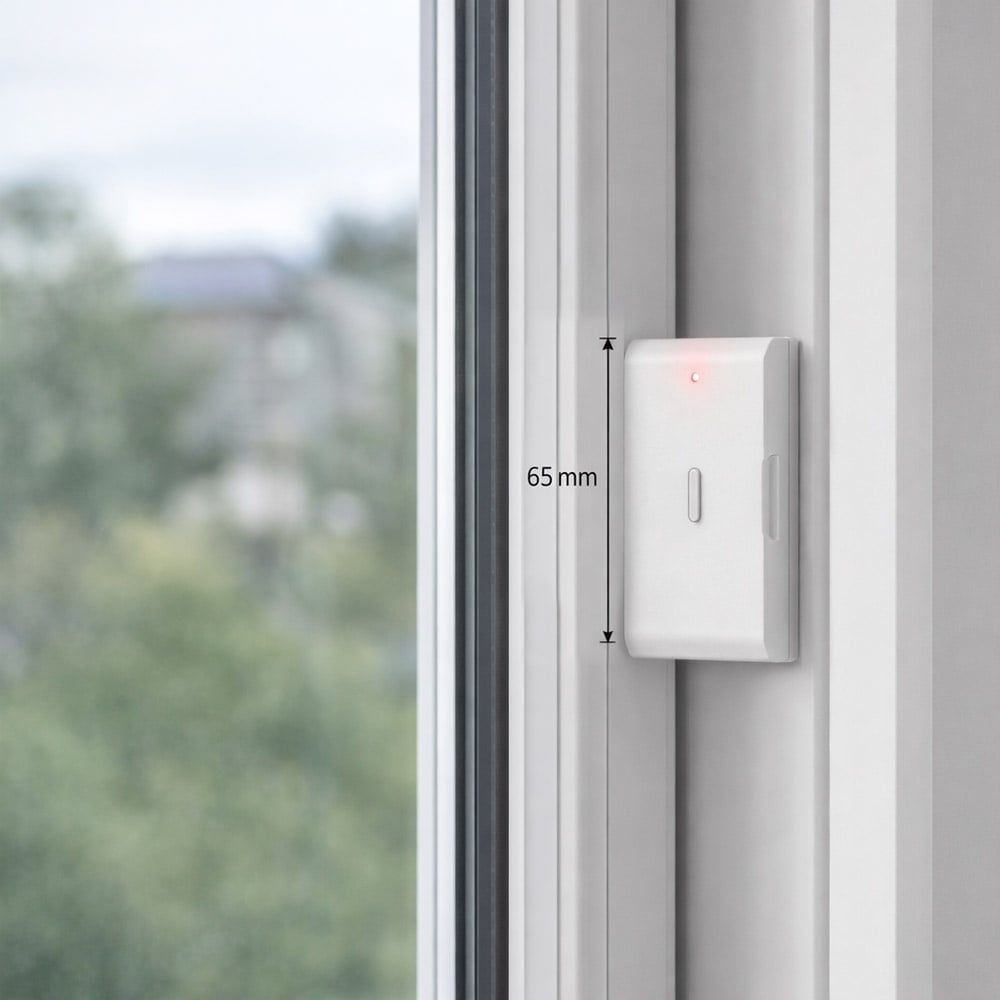
Sensorn har måtten cirka 65 x 31 x 15 mm.
Hur mycket väger VibraSense?
VibraSense väger cirka 31 gram.
Hur monteras VibraSense?
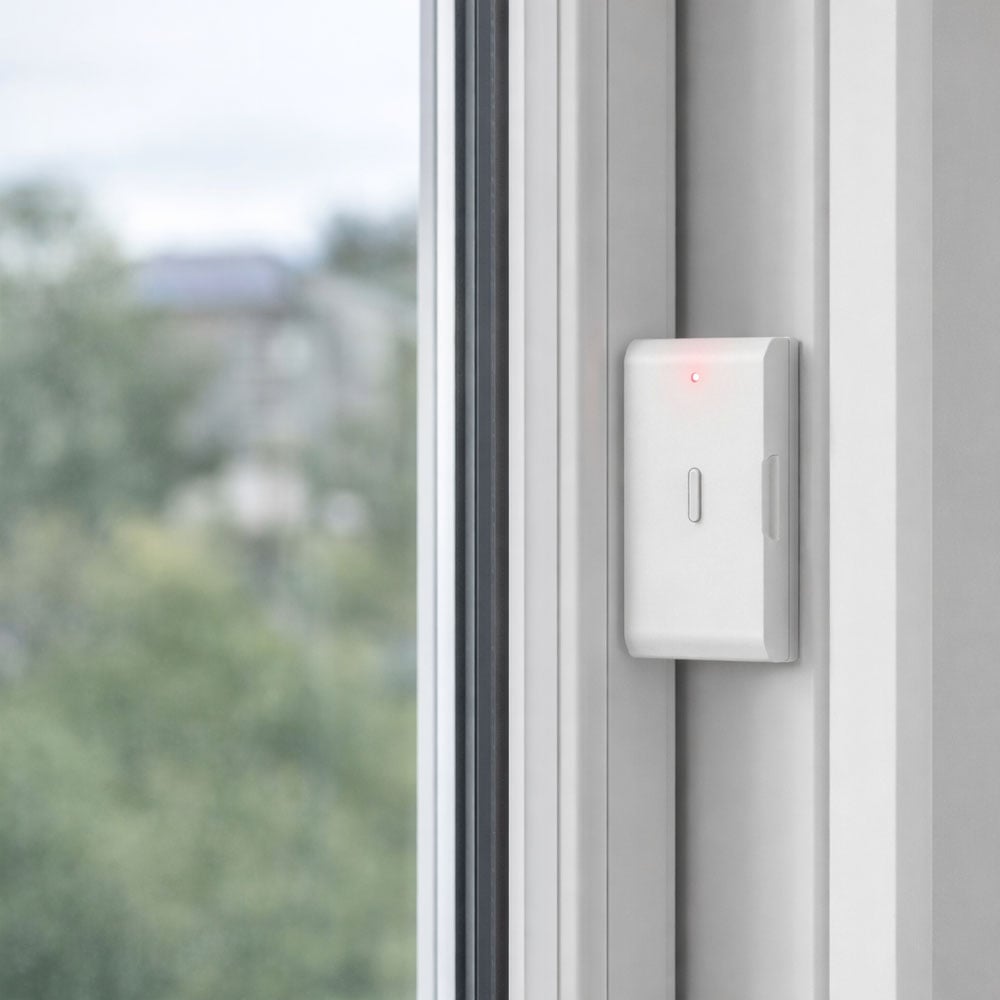
VibraSense monteras direkt på den yta som ska övervakas med medföljande dubbelhäftande tejp. Ingen kabeldragning behövs.
Ingår dubbelhäftande tejp?
Ja. Dubbelhäftande tejp medföljer för enkel montering.
Hur ska VibraSense monteras för bästa funktion?
Ytan bör vara ren, torr och plan. Produkten rekommenderas att monteras vertikalt och ska sitta ordentligt fast så att vibrationer från den skyddade ytan överförs till sensorn.
Hur kan jag minska risken för oönskade larm?
Undvik placeringar som utsätts för konstanta eller normala kraftiga vibrationer. Sensorn bör också sitta stabilt på en ren, plan yta och inte på ett löst eller poröst material.
Kan VibraSense monteras på en yta som vibrerar hela tiden?
Det rekommenderas inte. Konstant vibration kan orsaka oönskade larm. Välj en placering där vibration normalt bara uppstår vid fysisk påverkan eller manipulationsförsök.
Hur parar jag VibraSense med SecureX-hubben?
Sätt i batteriet, sätt SecureX-hubben i inlärningsläge och trigga VibraSense med en lätt vibration eller knackning. Bekräfta därefter att sensorn har lagts till i systemet. Första parkopplingen bör göras nära hubben.
Hur testar jag att VibraSense fungerar?
Knacka lätt på den yta där sensorn är monterad och kontrollera att SecureX-systemet registrerar händelsen och att du får avsedd larmindikering eller notis.
What do the LED indications mean?
Blue LED flashes when detected or alarm. Red LED may indicate low battery level.
Vad gör jag om VibraSense inte går att para med hubben?
Kontrollera att batteriet är korrekt monterat, att SecureX-hubben är i inlärningsläge och att sensorn befinner sig nära hubben vid den första parkopplingen. Trigga därefter sensorn med en lätt vibration eller knackning.
Vad gör jag om jag inte får någon pushnotis?
Kontrollera att VibraSense är registrerad i SecureX-hubben, att hubben har internetanslutning och att notiser för Stonehouse Smart-appen är aktiverade i mobilen.
Kan jag använda flera VibraSense i samma system?
Ja. Flera VibraSense kan användas i samma kompatibla SecureX-system för att skydda flera dörrar, fönster, glasytor eller andra objekt.
Kan jag se vilken VibraSense som har larmat?
Ja. Genom att registrera och namnge sensorerna separat i SecureX-systemet blir det enklare att identifiera vilken sensor och vilket område som har orsakat larmet.
Kan VibraSense användas tillsammans med DoorSense Pro?
Ja. VibraSense och DoorSense Pro kompletterar varandra bra. VibraSense kan reagera på slag och brytförsök medan DoorSense Pro registrerar när dörren eller fönstret faktiskt öppnas.
Kan VibraSense användas tillsammans med MotionEye Pro?
Ja. VibraSense kan upptäcka påverkan på en dörr eller ett fönster medan MotionEye Pro övervakar rörelse inne i det skyddade området.
Kan VibraSense användas tillsammans med andra SecureX-produkter?
Ja. Via SecureX-hubben kan VibraSense användas i samma larmsystem som exempelvis MotionEye Pro, DoorSense Pro, SmokeGuard, HeatSense, AquaGuard, QuickControl och kompatibla SecureX-sirener.
Passar VibraSense för villa och lägenhet?
Ja. VibraSense kan användas i både villor och lägenheter för att ge ett extra skydd på utsatta dörrar, fönster och andra objekt.
Kan VibraSense användas i butik?
Ja. Glaspartier, skyltfönster, dörrar, kassaskåp och andra utsatta objekt i butiker är exempel på användningsområden för vibrationsdetektering.
Kan VibraSense användas på kontor och företag?
Ja. Sensorn kan användas i kompatibla SecureX-installationer på kontor, lager och andra verksamheter där vibrations- och manipulationsdetektering behövs.
Vad är fördelen med VibraSense i ett SecureX-larm?
VibraSense ger ett extra lager av skydd genom att kunna upptäcka fysisk påverkan redan innan en dörr eller ett fönster har öppnats. Samtidigt får du en inbyggd SOS-funktion och central larmhantering via SecureX-hubben.
What is Stonehouse Smart?
Stonehouse Smart är appen och plattformen som används tillsammans med SecureX Connect Pro och andra kompatibla Stonehouse Smart-produkter. VibraSense kommunicerar med SecureX-hubben, medan hubben ger tillgång till larm, pushnotiser och andra appfunktioner. Stonehouse Smart finns för både iPhone och Android i App Store och Google Play. Sök efter "Stonehouse Smart" för att ladda ner appen.




 Svenska
  Dansk
Dansk
 Norsk bokmål
 English (UK)
 Suomi
Suomi
 Nederlands (Formeel)
 Polski
 Français
 Deutsch (Sie)
 Español