Which app is used with SecureX Connect Pro?
SecureX Connect Pro styrs och övervakas via Stonehouse Smart-appen. Systemet är även kompatibelt med Tuya Smart och Smart Life via hubben. Vi rekommenderar Stonehouse Smart-appen för SecureX-systemet. Stonehouse Smart finns för både iPhone och Android i App Store och Google Play. Sök bara efter "Stonehouse Smart" för att ladda ner appen.
What is the SecureX Connect Pro Alarm Package House?
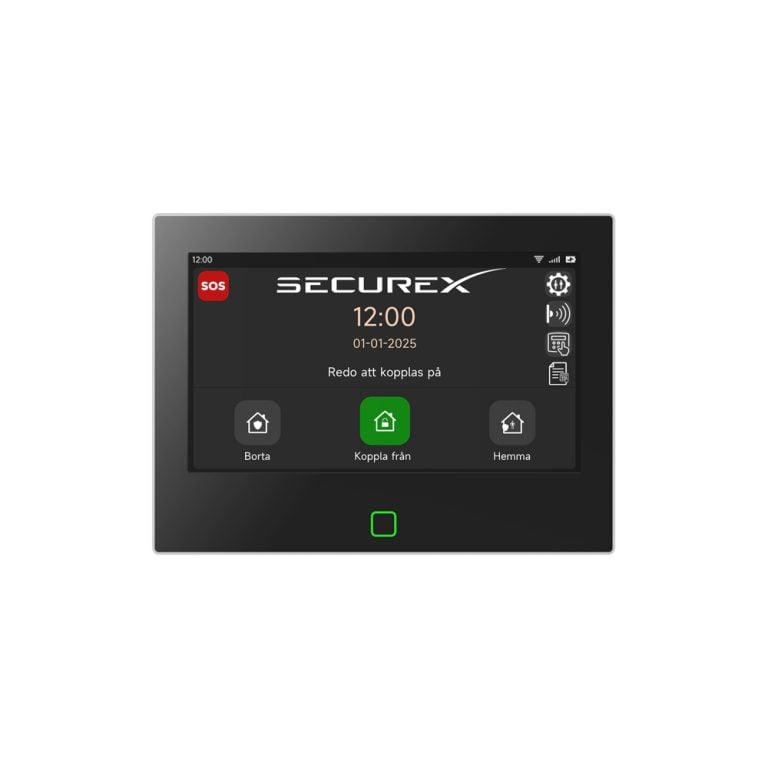
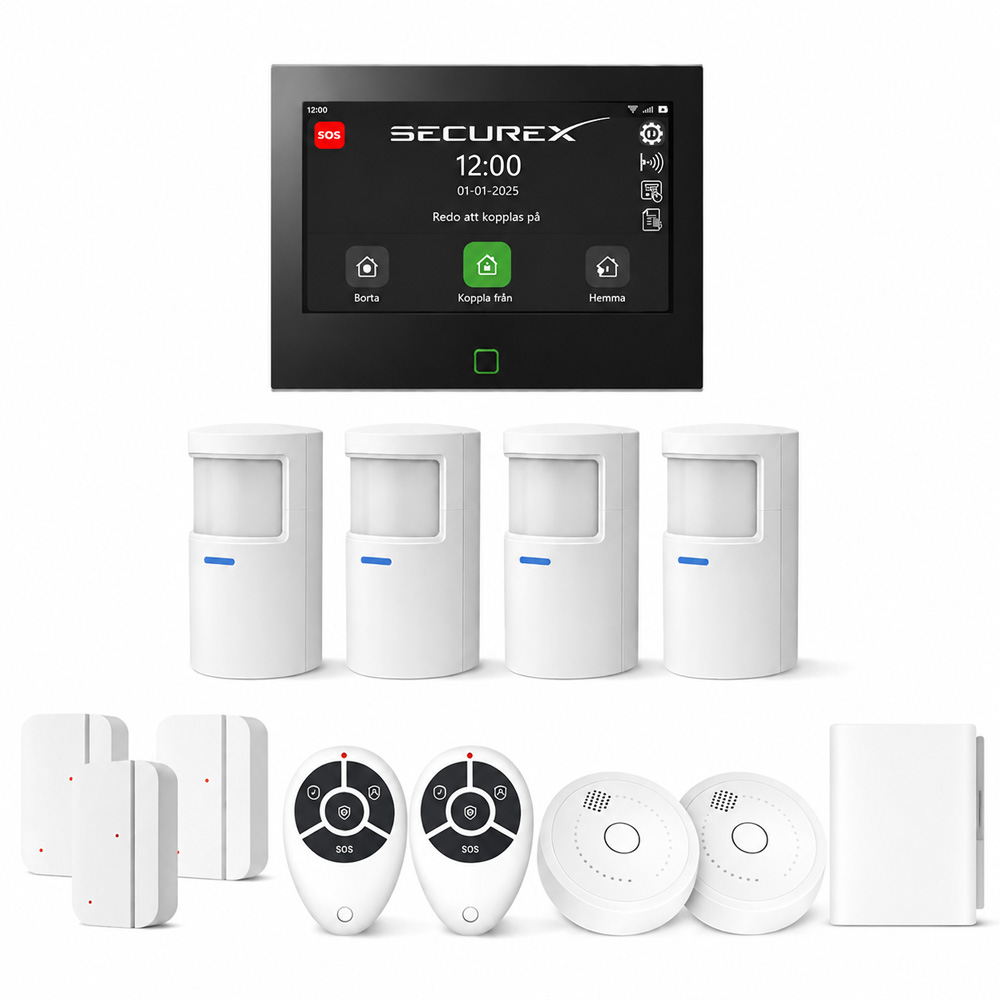
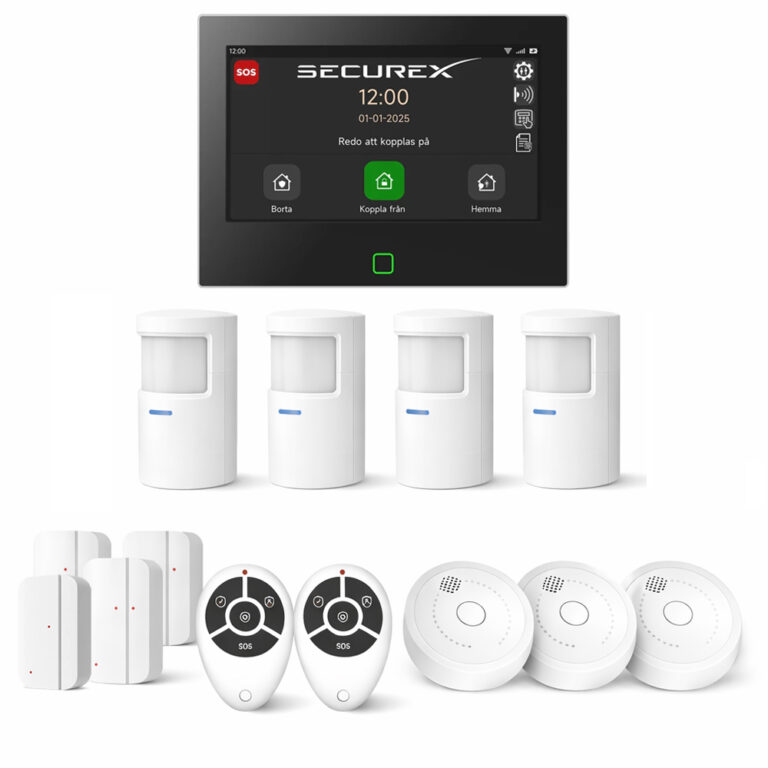
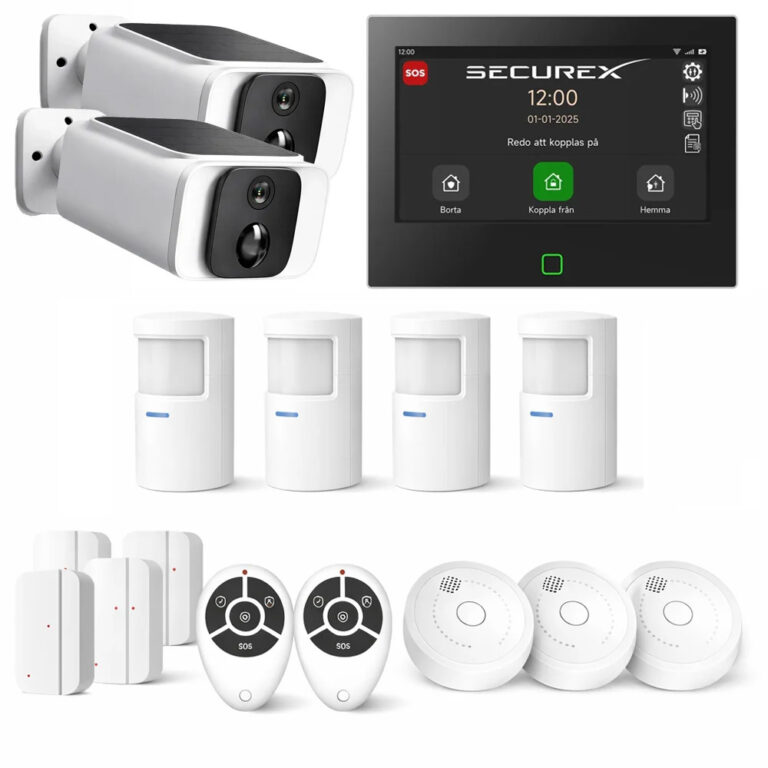
It is a complete and expandable alarm kit for a house with protection against both burglary and fire. The kit is based on SecureX Connect Pro with a 7-inch touchscreen and includes motion sensors, door and window sensors, interconnected smoke detectors and remote controls.
What is the article number of the parcel?
The article number is SXS-CONNECTPRO-SE-KIT-Villa.
What is included in the SecureX Connect Pro Alarm Package for Houses?
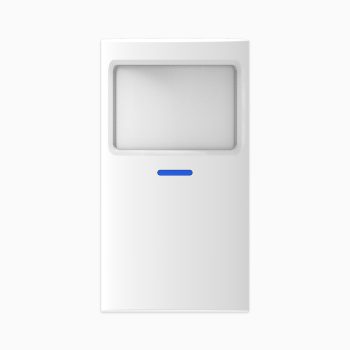
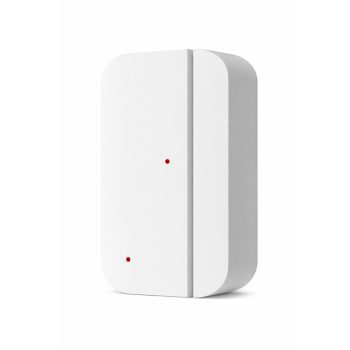
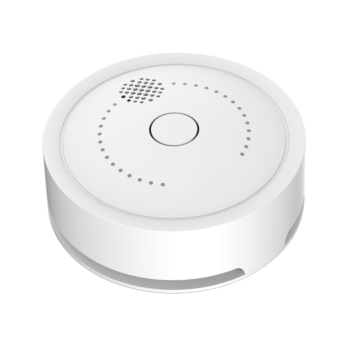
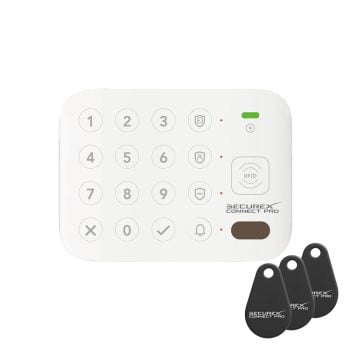
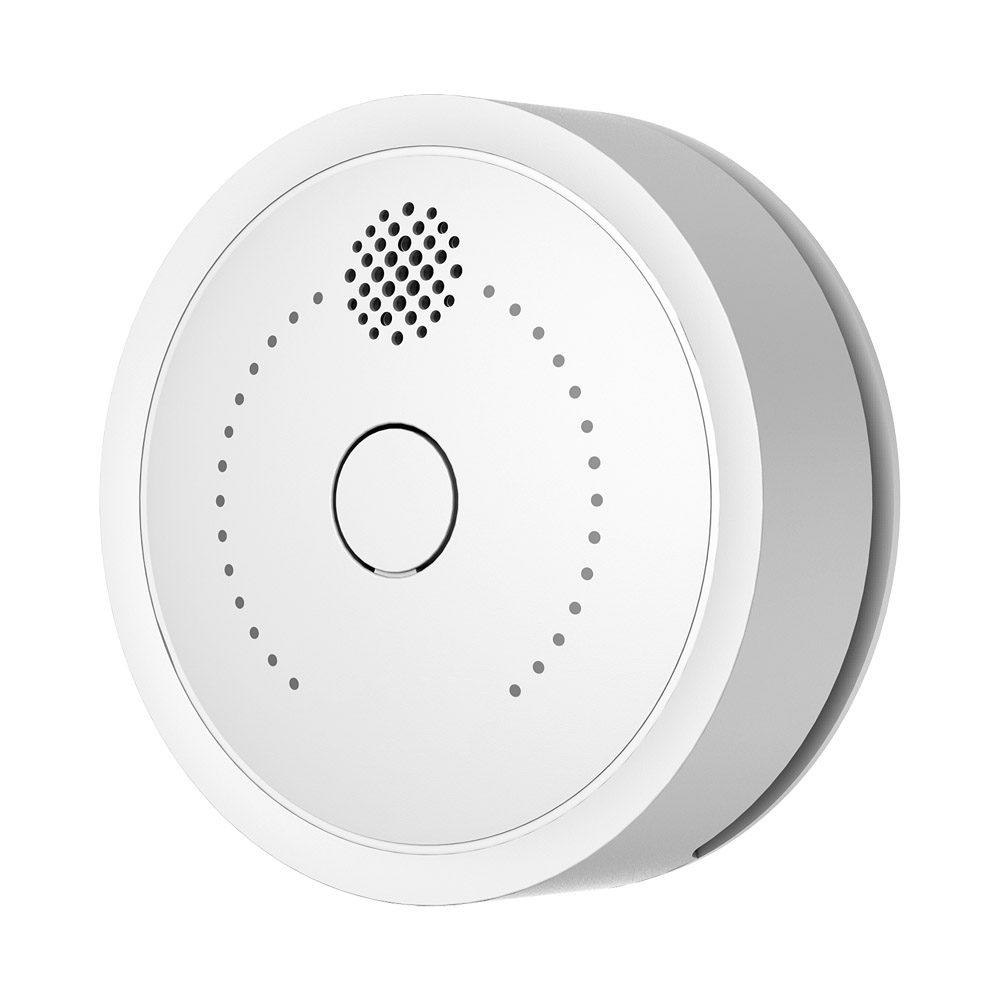
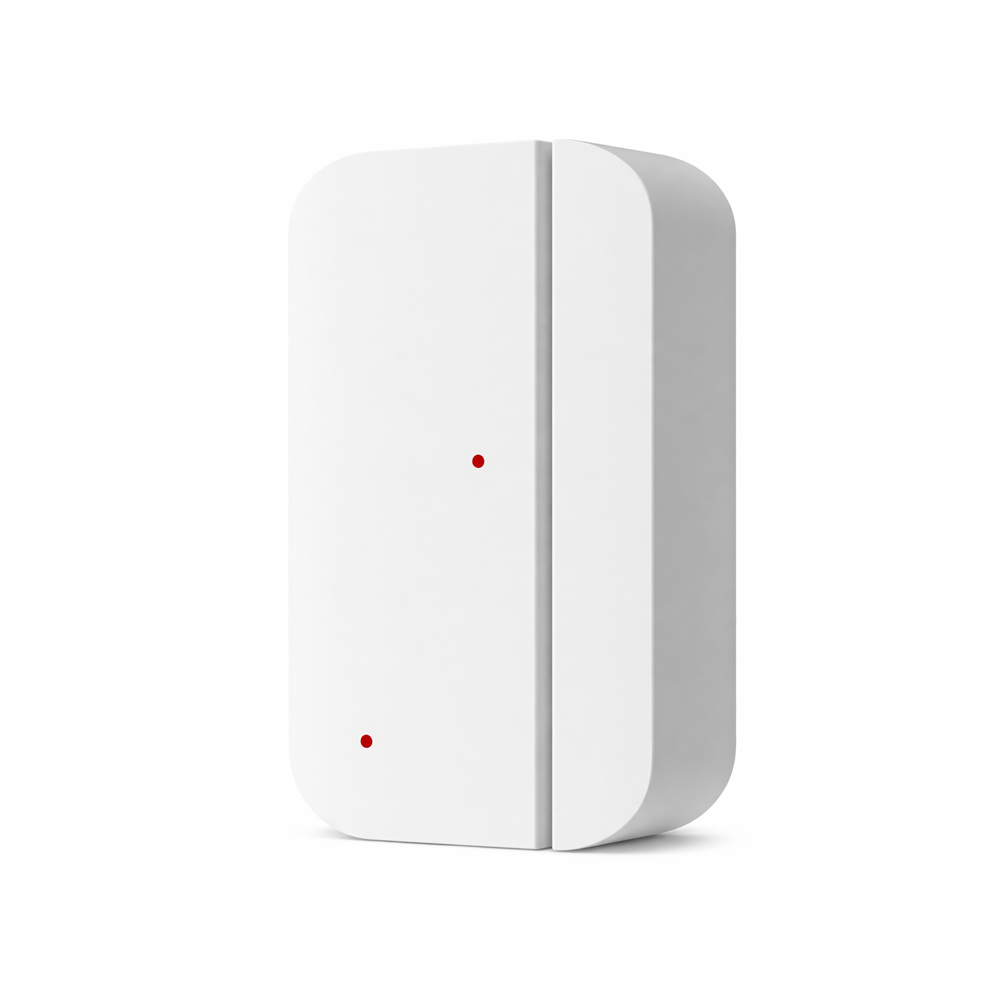
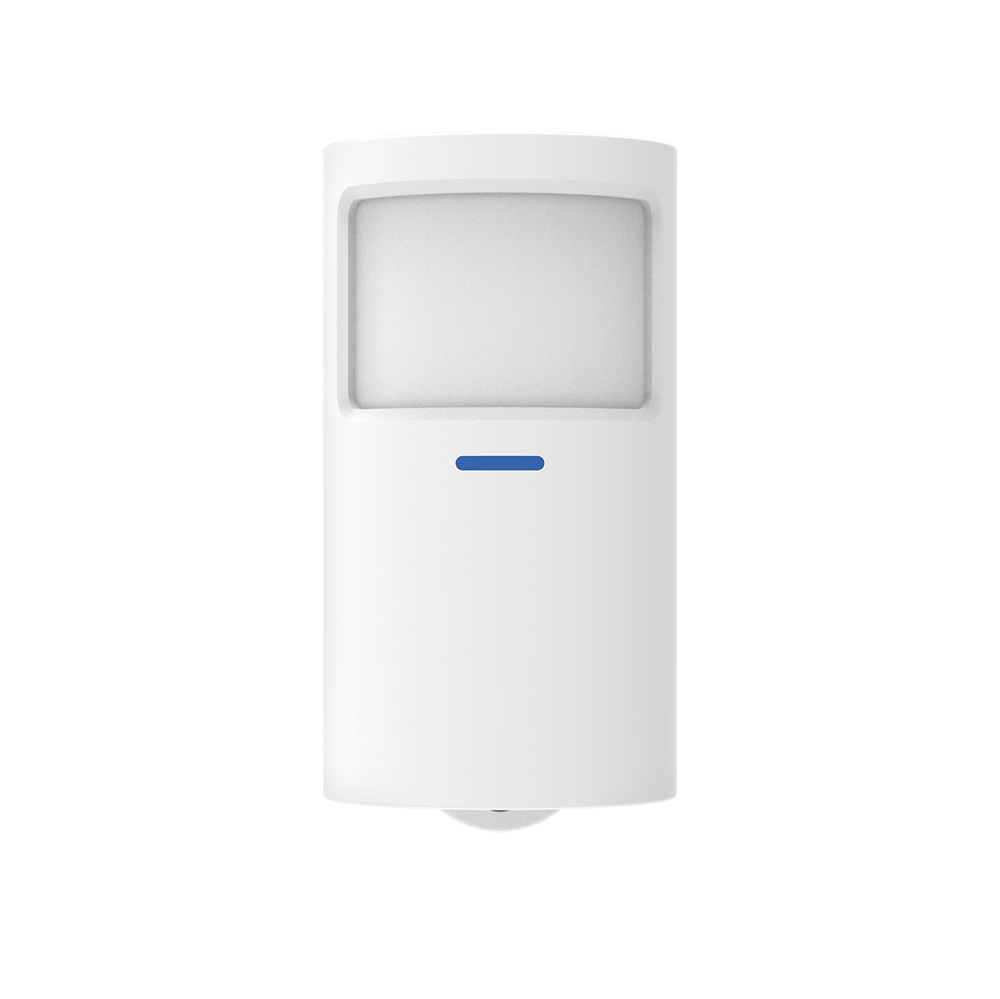
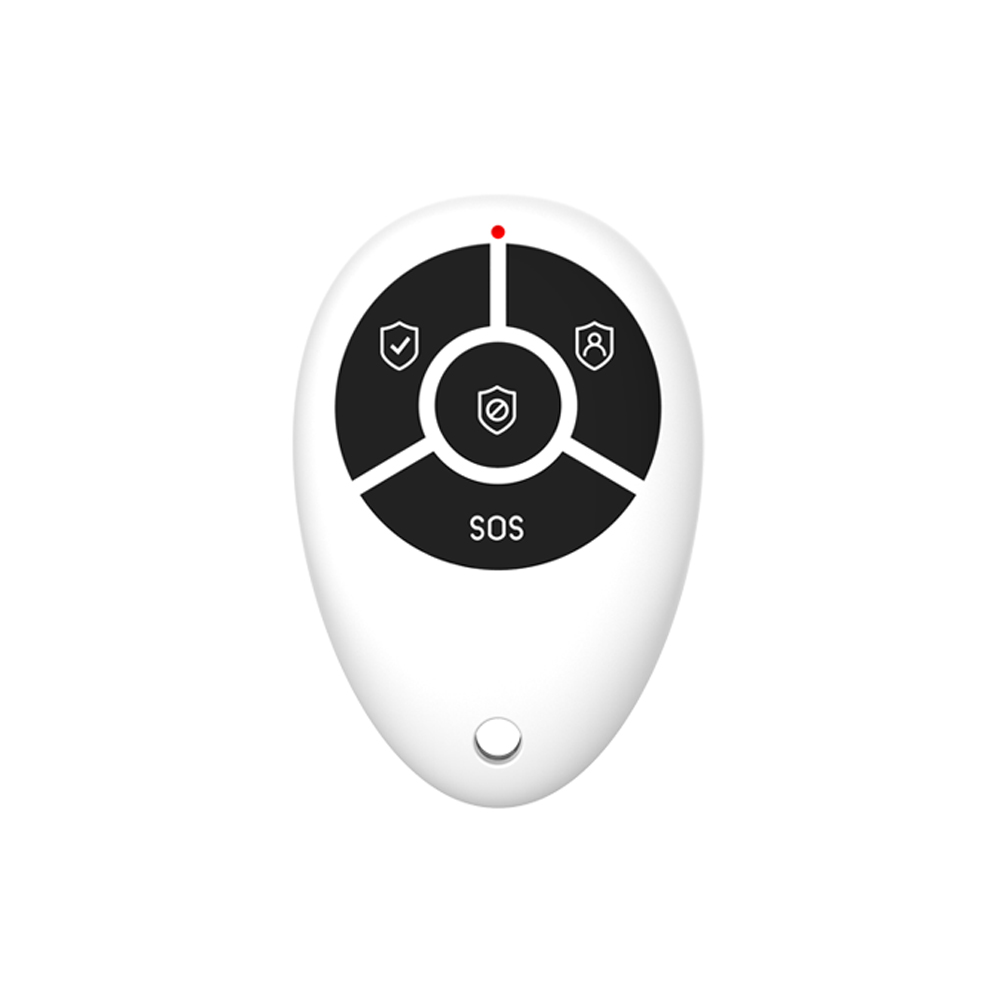
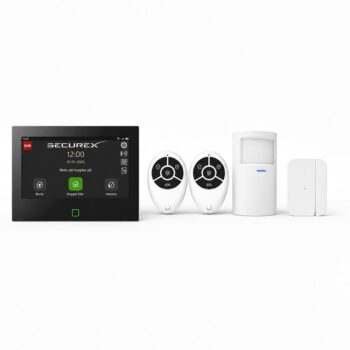
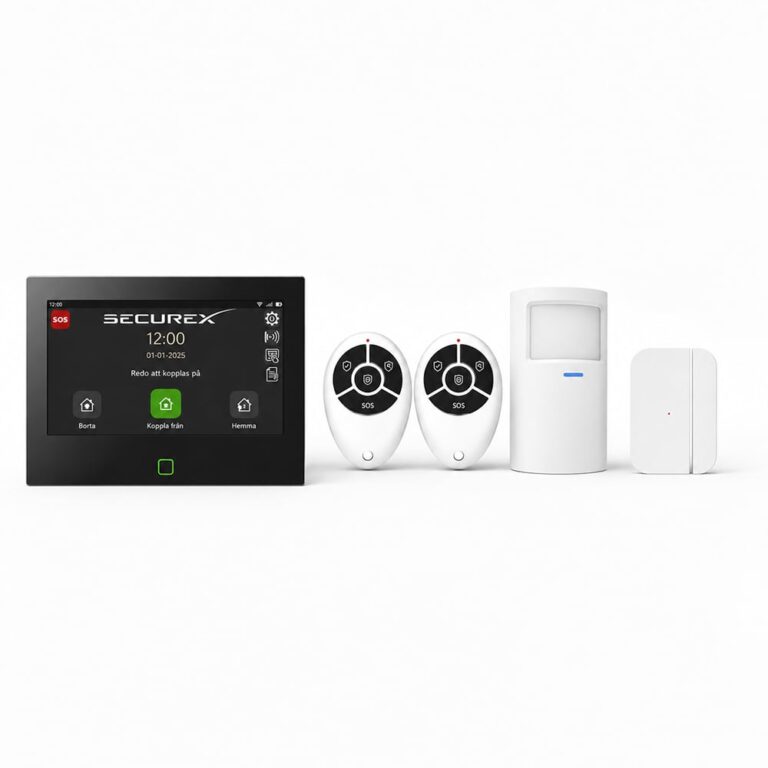
The package contains 1 SecureX Connect Pro starter kit, 4 SecureX MotionEye Pro motion sensors, 3 SecureX DoorSense Pro door and window sensors and 2 SecureX SmokeGuard smoke detectors. The starter kit includes, amongst other things, the Connect Pro panel and 2 SecureX QuickControl remote controls.
How many motion sensors are included?
It includes 4 SecureX MotionEye Pro PIR motion sensors.
How many door and window sensors are included?
3 SecureX DoorSense Pro sensors for doors and windows are included.
How many smoke detectors are included?
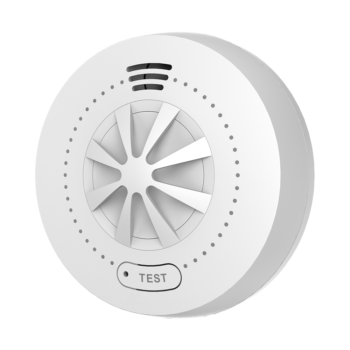
It includes 2 SecureX SmokeGuard interconnected smoke detectors.
Are remote controls included?
Yes. The SecureX Connect Pro starter kit included in the house package contains 2 SecureX QuickControl remote controls.
Is the package tailored for detached houses?
Yes. The package is designed for detached houses and other larger homes where multiple rooms, doors and windows need to be protected simultaneously while fire detection is required.
Is this the Swedish version?
Yes. This is the Swedish version of SecureX Connect Pro with a Swedish menu, a Swedish start-up guide, and Swedish voice messages.
Does the central station have a touch screen?
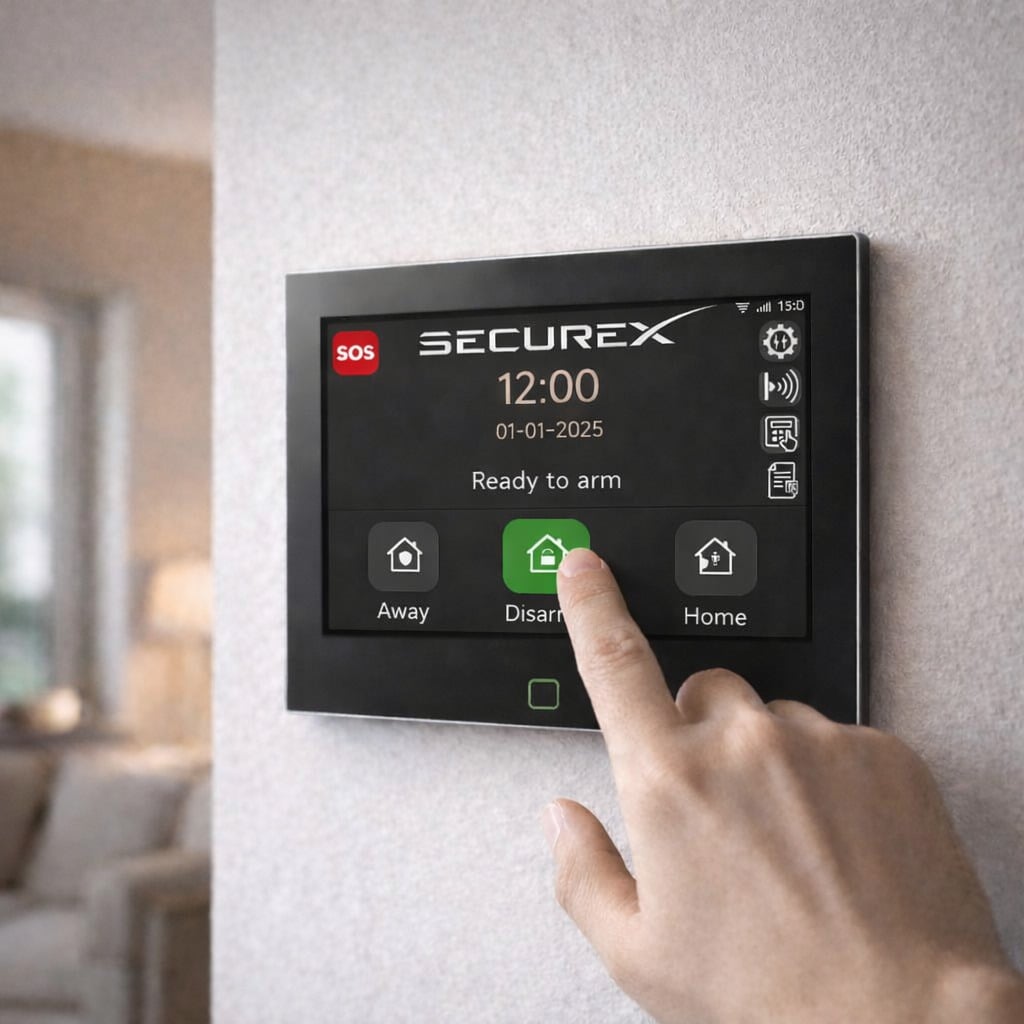
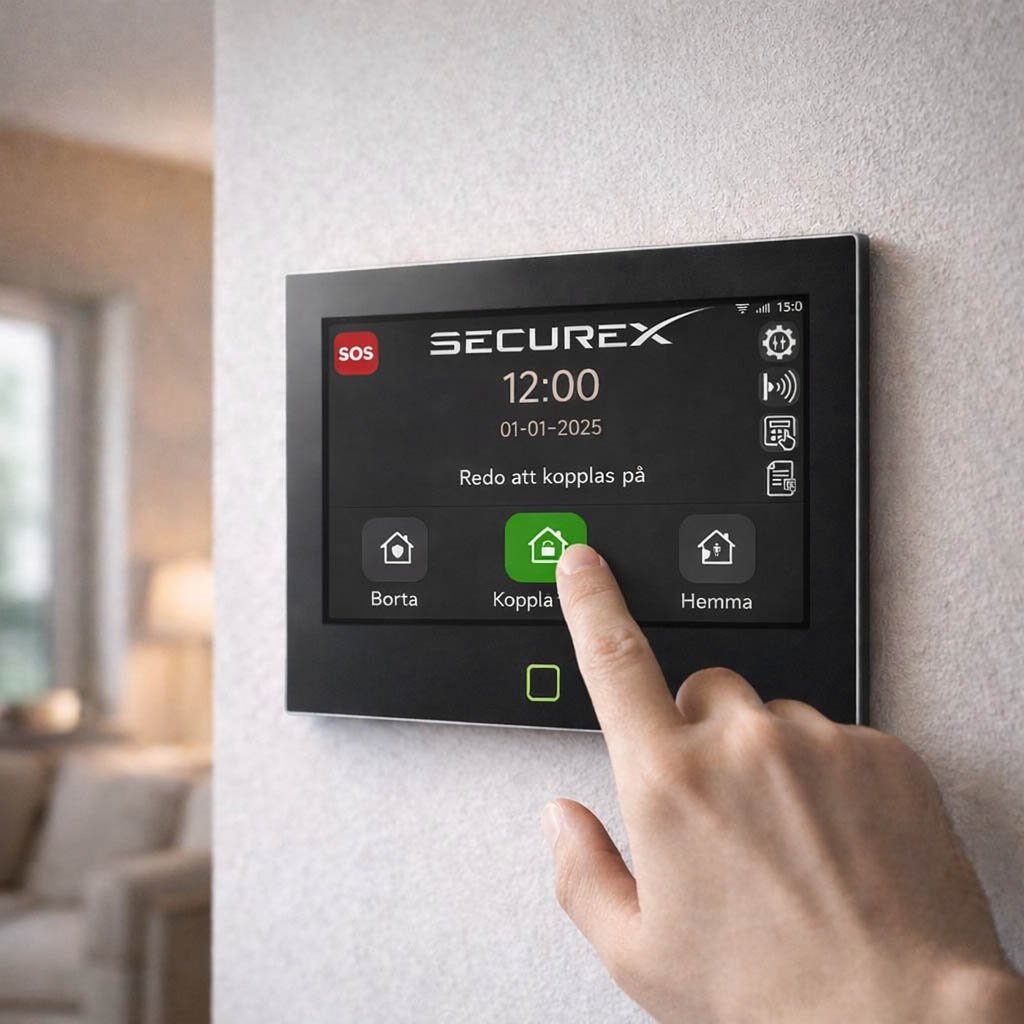
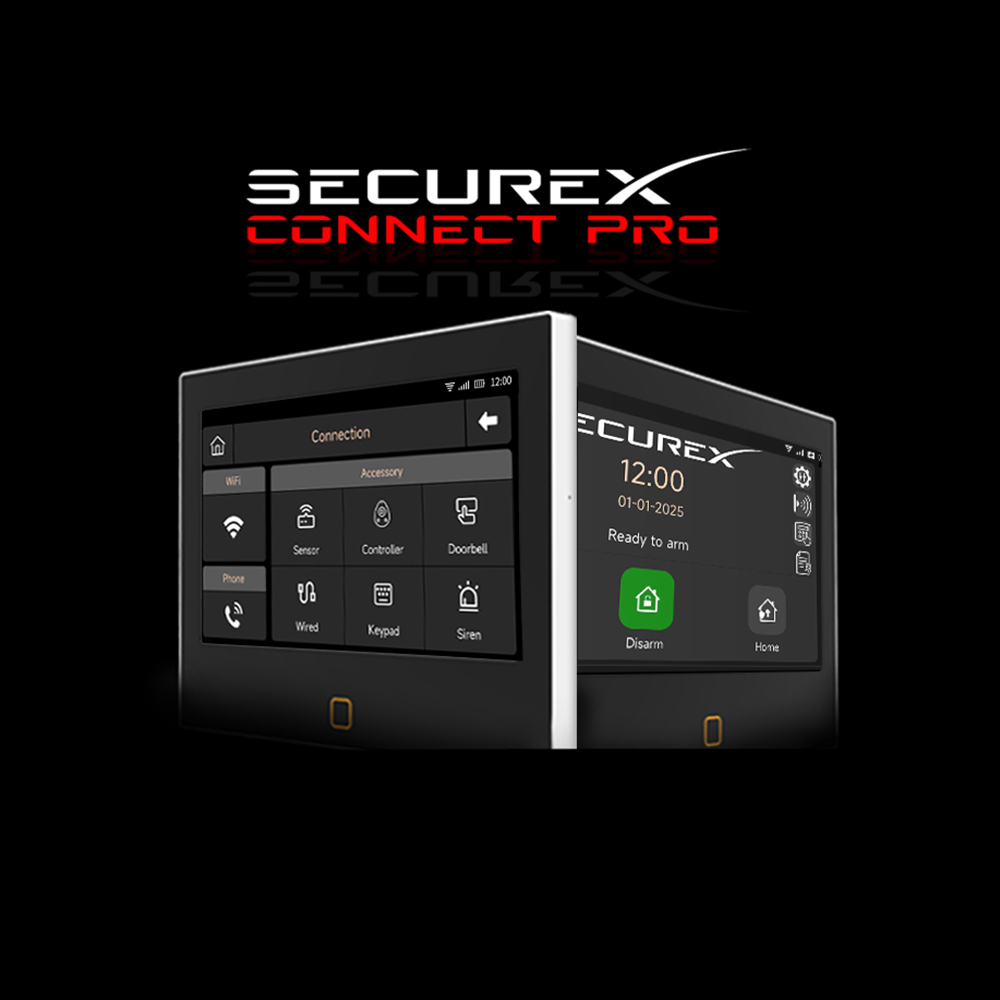
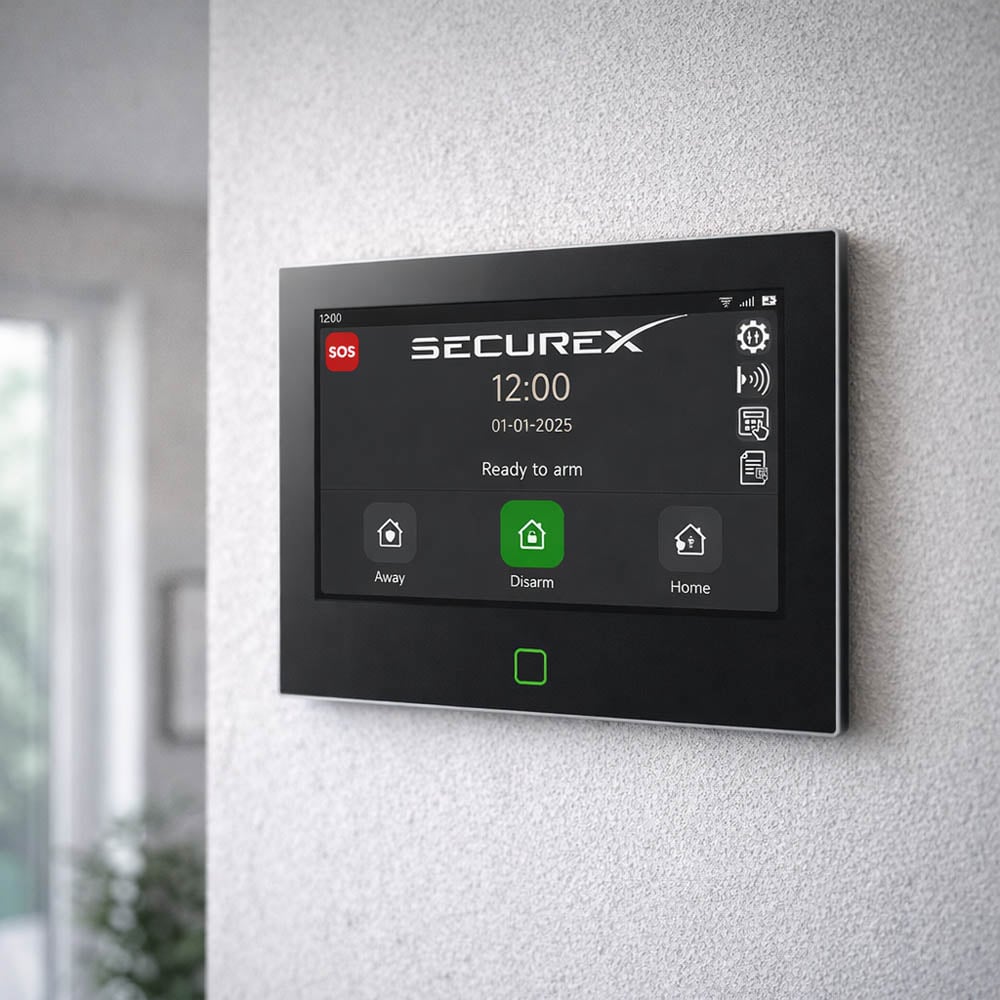
Yes. SecureX Connect Pro has a 7-inch touch screen that is used for installation, settings, and local control of the alarm system.
Are the menus in Swedish?
Yes. The panel’s menus and start-up guide are in Swedish, which makes the system easy to configure and use.
Which languages does SecureX Connect Pro support?
The panel, voice messages and the Stonehouse Smart system support Swedish, English, German, Finnish, French, Dutch, Polish, Spanish, Norwegian and Danish.
Does SecureX Connect Pro require a subscription?
No. SecureX Connect Pro can be used without a mandatory alarm subscription. App control and push notifications can be used via the internet without ongoing alarm subscriptions.
Do I need a SIM card?
No. A SIM card is not required for normal use via WiFi and the Stonehouse Smart app. If you want to use the system's mobile features for SMS and voice messages, a compatible SIM card needs to be installed and configured.
Does SecureX Connect Pro support 4G?
Yes. SecureX Connect Pro supports WiFi as well as 2G and 4G for mobile communication.
What happens when the alarm goes off?
When an alarm zone is activated, the alarm system siren starts and you receive information about the alarm in the Stonehouse Smart app. If a compatible SIM card has been installed and configured, the system can also send SMS and make voice calls with a spoken message.
Can I receive push notifications for alarms?
Yes. SecureX Connect Pro can send alarm events and notifications directly to the Stonehouse Smart app.
Can the system tell which section has triggered the alarm?
Yes. When configured for phone dialling, SecureX Connect Pro can provide a voice message with a speaking tone to indicate which section has triggered the alarm.
Can I listen to what is happening in the property?
Yes. When mobile communication is properly configured, you can use the intercom's built-in microphone and speakers for communication and surveillance during, for example, an alarm or SOS event.
Can I talk to someone at the central station?
Yes. SecureX Connect Pro has a built-in microphone and speaker and can be used for two-way communication when the function is properly configured.
Does the central station have a built-in siren?
Yes. SecureX Connect Pro has a built-in siren. The system can also be supplemented with external SecureX sirens.
Can I supplement with an outdoor siren?
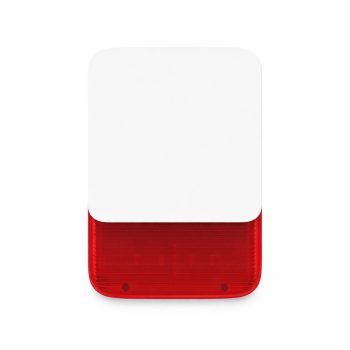
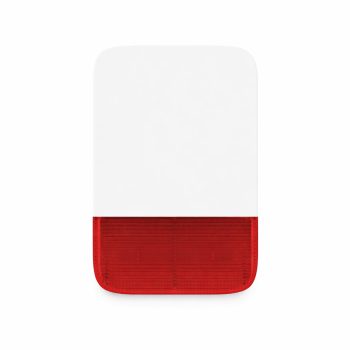
Yes. The system can, for example, be supplemented with the SecureX SirenGuard Pro, an outdoor siren with flashlights and long-range communication.
Does SecureX Connect Pro have a backup battery?
Yes. The control panel has a built-in backup battery of 5000 mAh.
What happens if the power goes out?
The central’s built-in backup battery takes over when the external power supply is lost. The wireless sensors are battery-powered and therefore continue to function as well.
How far does the SecureX MotionEye Pro and DoorSense Pro have range?
SecureX MotionEye Pro and DoorSense Pro use SecureX Long Range communication and have a specified range of up to approximately 500 meters in clear visibility. Indoors, the range is affected by factors such as walls, concrete, metal and other obstacles.
What is MotionEye Pro used for?
SecureX MotionEye Pro is a PIR motion sensor that detects movement in, for example, hallways, living rooms, corridors, entrances and other areas that need to be monitored.
How long is the battery life of the MotionEye Pro?
SecureX MotionEye Pro is designed for long battery life and has an estimated battery life of up to approximately 5 years depending on usage, signal strength, and environment.
What is DoorSense Pro used for?
SecureX DoorSense Pro is a magnetic contact that detects when a door or window is opened. The three sensors in the package can be placed, for example, on the front door, the patio door, and an open window.
How long is the battery life of DoorSense Pro?
SecureX DoorSense Pro has an estimated battery life of up to approximately 5 years depending on usage, signal strength, and environment.
Is SmokeGuard certified according to EN14604?
Yes. SecureX SmokeGuard, which is included in the package, is certified according to EN14604.
How long is the battery life of SmokeGuard?
SecureX SmokeGuard has a built-in lithium battery with a lifespan of up to 10 years.
Are the smoke detectors connected?
Yes. SecureX SmokeGuard can be connected so that compatible smoke detectors sound an alarm together. If one detector detects smoke, the other connected detectors can also alert.
Can I get a fire alarm on my mobile phone?
Yes. When SecureX SmokeGuard is used together with Connect Pro, fire incidents can be sent to the Stonehouse Smart app.
Can I add more smoke detectors?
Yes. The SecureX system can be expanded with additional compatible SmokeGuard and HeatSense detectors.
Can I supplement with heat detectors?
Yes. SecureX HeatSense can complement SmokeGuard in, for example, kitchens, garages, workshops and other environments where a heat detector may be more suitable than a traditional smoke detector.
How many wireless devices can SecureX Connect Pro handle?
SecureX Connect Pro supports up to 200 wireless devices, providing plenty of room for future expansion.
Can the alarm system be expanded later?
Yes. SecureX Connect Pro is developed as a scalable system. You can add more motion sensors, magnetic contacts, fire detectors, sirens, remote controls, keypads, and other compatible SecureX products.
Can I add a key ring?
Yes. The system can be supplemented with SecureX KeyAccess for convenient connection and disconnection of the alarm.
Can I use RFID tags?
Yes. With SecureX KeyAccess, compatible RFID tags can be used to control the alarm system.
Can I add more remotes?
Yes. Additional SecureX QuickControl remotes can be added to the system.
What can SecureX QuickControl do?
QuickControl is used for quick control of the alarm system and has functions for connection, home mode, disconnection and SOS.
Can I use the alarm in home mode at night?
Yes. The system can be configured so that selected sensors are active in home mode. For example, you can protect doors and windows while motion sensors in certain parts of the home are turned off.
Can I create different zones?
Yes. The sensors are recorded as separate zones in SecureX Connect Pro and can be configured according to how the home should be protected.
Can I see which sensor triggered the alarm?
Yes. Because the sensors are recorded as separate zones, the system can identify which zone caused the alarm event.
Does SecureX Connect Pro have a sabotage protection feature?
Yes. The control room has tamper alert systems, and compatible SecureX devices may have their own functions for detecting tampering.
Kan flera personer använda Stonehouse Smart-appen?
Ja. Systemet kan delas med flera behöriga användare så att exempelvis familjemedlemmar kan få tillgång till kompatibla funktioner.
Kan jag kombinera larmsystemet med andra Stonehouse Smart-produkter?
Ja. SecureX Connect Pro ingår i Stonehouse Smart-ekosystemet och kan användas tillsammans med kompatibla smarta hem-produkter för att skapa scenarier och automationer.
Kan jag exempelvis tända belysning automatiskt vid larm?
Ja. Med kompatibla Stonehouse Smart-produkter kan du skapa automationer där exempelvis belysning aktiveras när en larmhändelse inträffar.
Har SecureX Connect Pro stöd för Google Assistant?
Ja. Stonehouse Smart-systemet har stöd för Google Assistant för kompatibla smarta funktioner. Exakt vilka funktioner som kan styras beror på den anslutna produkten.
Kan jag installera larmpaketet själv?
Ja. SecureX Connect Pro är utvecklat för enkel installation och har en svensk uppstartsguide som steg för steg hjälper dig att konfigurera systemet.
Hur lång tid tar installationen?
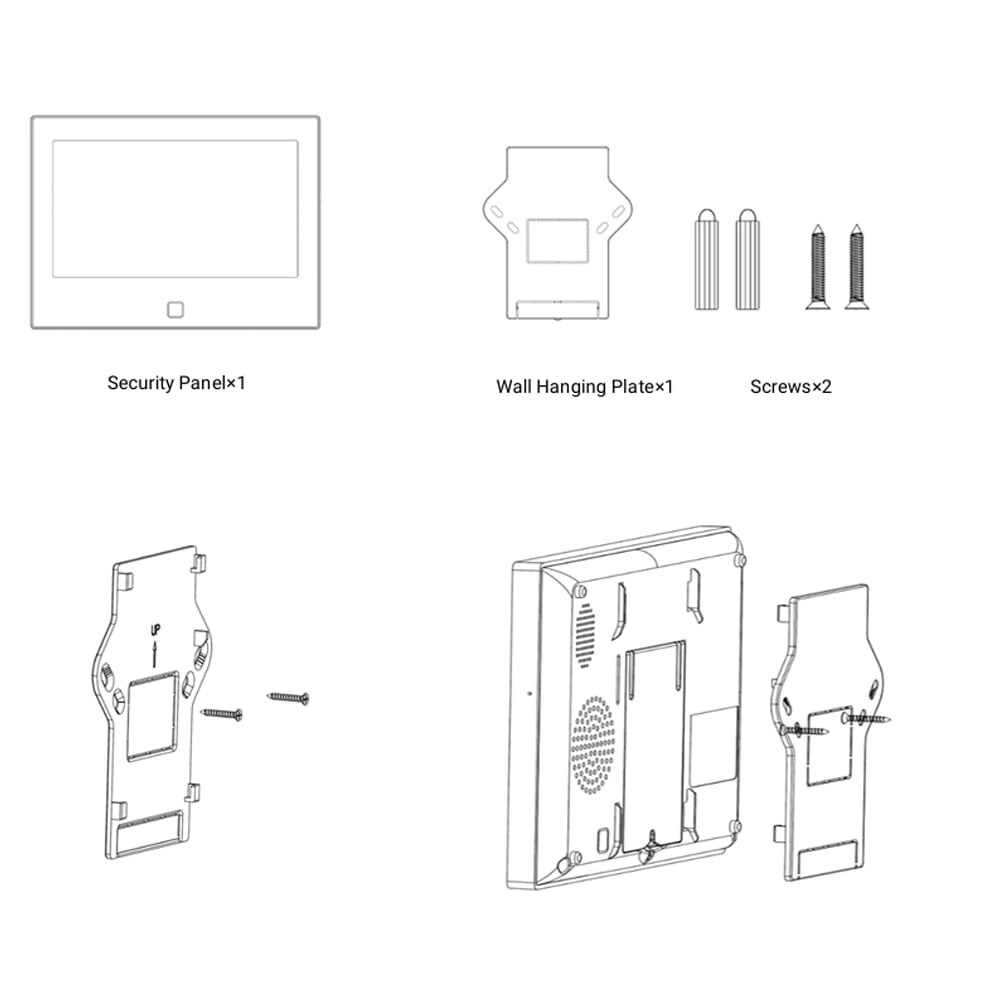
Grundkonfigurationen av SecureX Connect Pro är utvecklad för att kunna genomföras på omkring 30 minuter. Den totala installationstiden beror på hur och var paketets sensorer och branddetektorer ska monteras.
Behöver sensorerna kabeldragning?
Nej. MotionEye Pro, DoorSense Pro, SmokeGuard och QuickControl är trådlösa och batteridrivna, vilket minskar behovet av kabeldragning.
Kan SecureX Connect Pro användas som hybridlarm?
Ja. Connect Pro kan även byggas ut för hybridinstallation där trådlösa SecureX-enheter kombineras med kompatibla trådbundna givare.
Kan jag använda befintliga trådbundna larmgivare?
Ja. Med SecureX LinkBridge kan kompatibla befintliga trådbundna givare integreras med SecureX Connect Pro. LinkBridge har stöd för upp till 16 trådbundna zoner.
Får SecureX Connect Pro programuppdateringar?
Ja. SecureX Connect Pro får kostnadsfria uppdateringar via Stonehouse Smart-systemet under produktens livslängd.
Kostar uppdateringarna extra?
Nej. Programuppdateringarna för SecureX Connect Pro är kostnadsfria.
Har larmpaketet garanti?
Ja. SecureX Connect Pro Larmpaket Villa levereras med 3 års garanti.
Finns svensk support?
Ja. SecureX Connect Pro säljs med support via svenska Stonehouse Security AB.
Är systemet certifierat?
Produktinformationen anger certifieringar och överensstämmelser som CE, RoHS, REACH, FCC ID för H700, UKCA för H700 och ERP.
Är SecureX Connect Pro ett bra alternativ om jag inte vill ha ett larmabonnemang?
Ja. Systemet är utvecklat för att kunna användas utan obligatoriskt larmabonnemang. Du får larm och information direkt till mobilen och kan själv välja om du vill komplettera med SIM-kort för SMS och talande röstmeddelanden.
Kan paketet kompletteras med kameror?
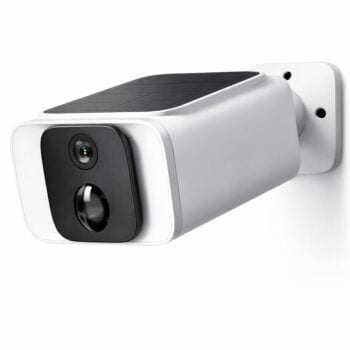
Ja. Du kan komplettera systemet med kompatibla Stonehouse Smart- och SecureX-kameror om du även vill ha kameraövervakning.
Vad är skillnaden mellan Larmpaket Villa och Larmpaket Villa Stor?
Larmpaket Villa innehåller 4 MotionEye Pro, 3 DoorSense Pro och 2 SmokeGuard utöver Connect Pro Startpaket. Villa Stor är ett större paket med 4 MotionEye Pro, 4 DoorSense Pro och 3 SmokeGuard och passar när fler dörrar, fönster eller delar av bostaden behöver skyddas.
Passar paketet även för kontor eller mindre företag?
Ja. Även om paketet är sammansatt för villa kan SecureX Connect Pro användas i exempelvis kontor, mindre företag, fritidshus och andra fastigheter där ett utbyggbart larmsystem behövs.
What is Stonehouse Smart?
Stonehouse Smart är appen och plattformen som används för SecureX Connect Pro och andra kompatibla Stonehouse Smart-produkter. Via appen kan du övervaka och styra systemet, ta emot notiser och kombinera säkerhetsfunktioner med kompatibla smarta hem-produkter. Stonehouse Smart finns för både iPhone och Android i App Store och Google Play. Sök efter "Stonehouse Smart" för att ladda ner appen.



 Svenska
  Dansk
Dansk
 Norsk bokmål
 English (UK)
 Suomi
Suomi
 Nederlands (Formeel)
 Polski
 Français
 Deutsch (Sie)
 Español