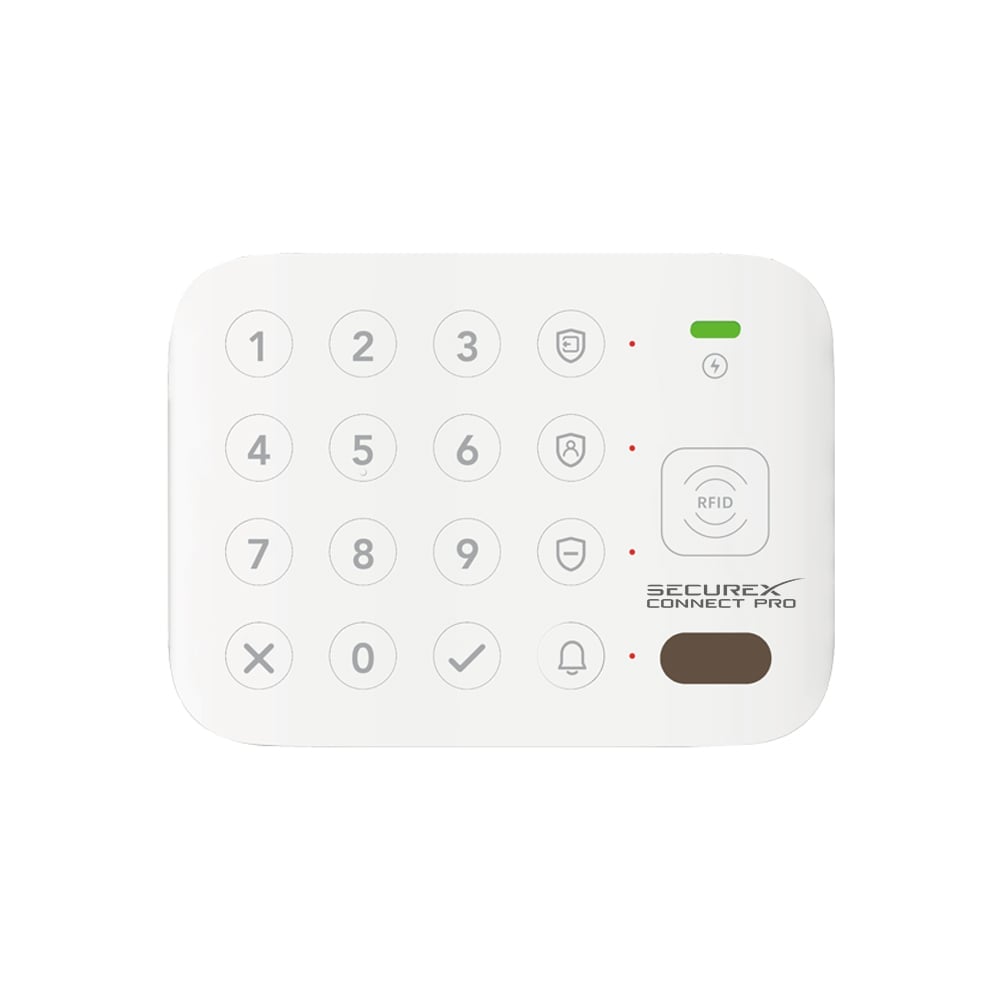
SecureX KeyAccess – keypad with RFID Long Range 500 meters


🟢 47 pcs in stock - Delivery 1-2 days
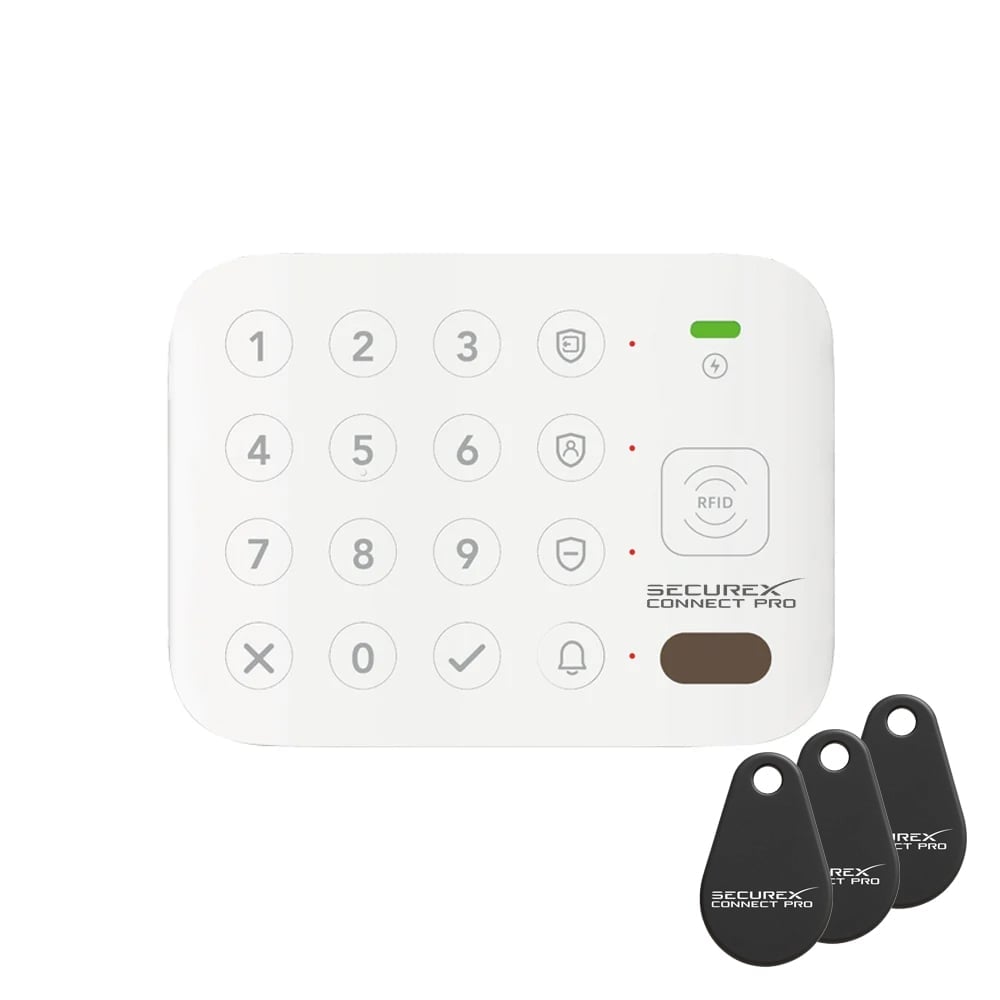
Extra Long Range (868 Mhz) keypad with RFID for SecureX Pro.
Up to 500 m range, multi-user codes, tamper alarm and USB-C charging.
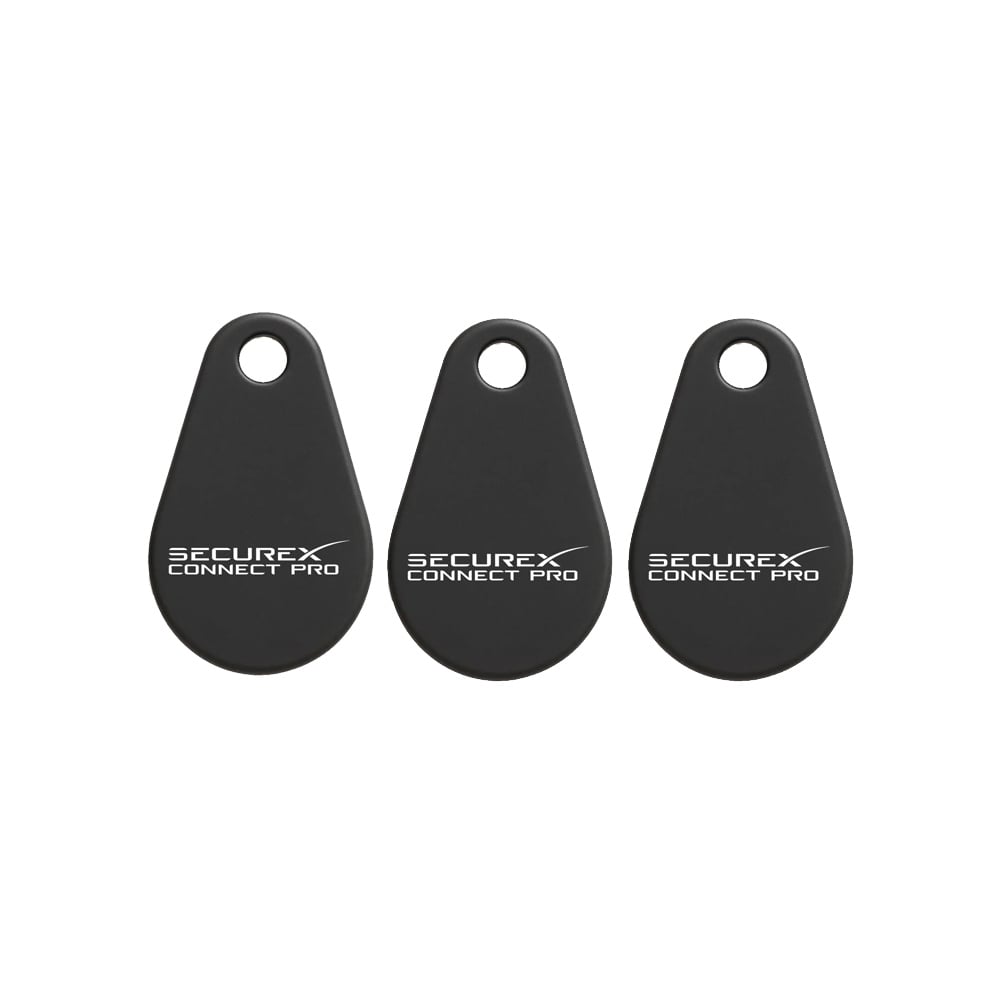
3 RFID tags included.
Item number: SXS-KEYACCESS-SE
697,00 kr
Combine with more tags. 3 are included with purchase of keypad but you can pair up to 10.
SecureX KeyAccess – additional keypad with RFID for SecureX Pro (Long Range)
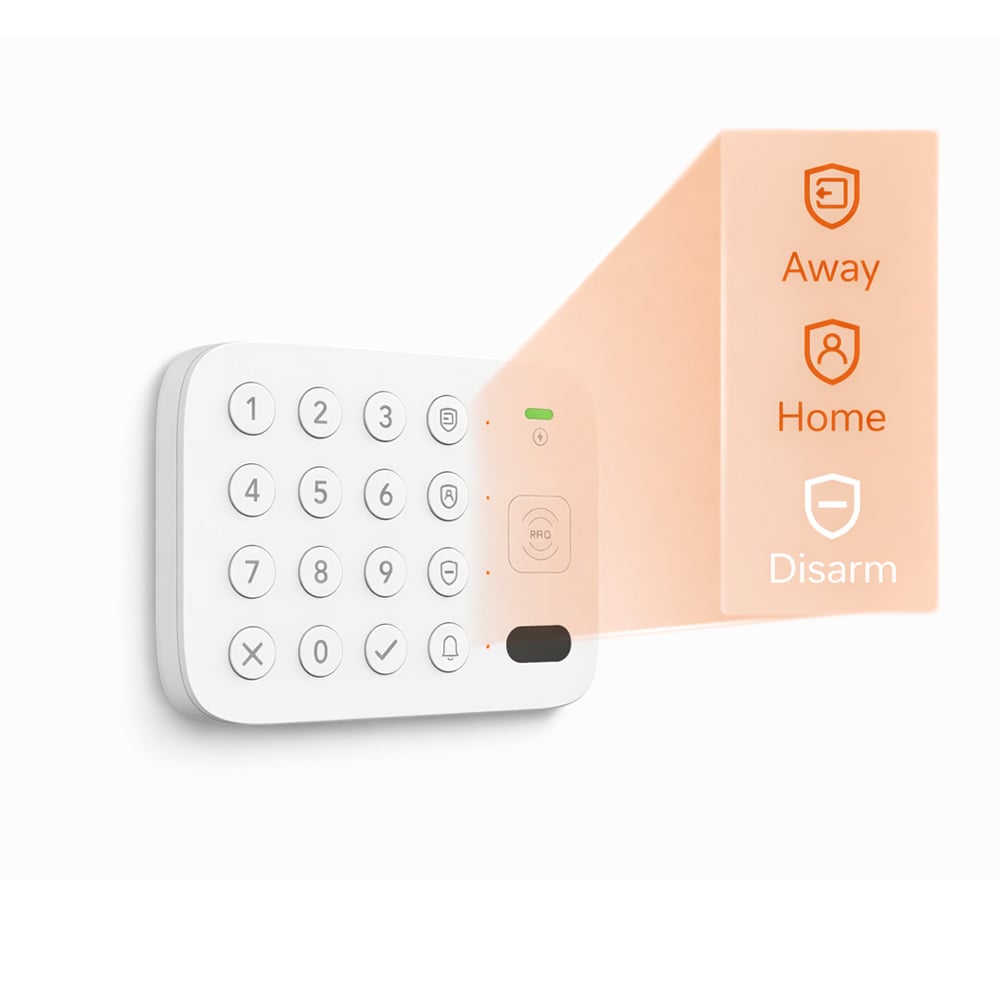
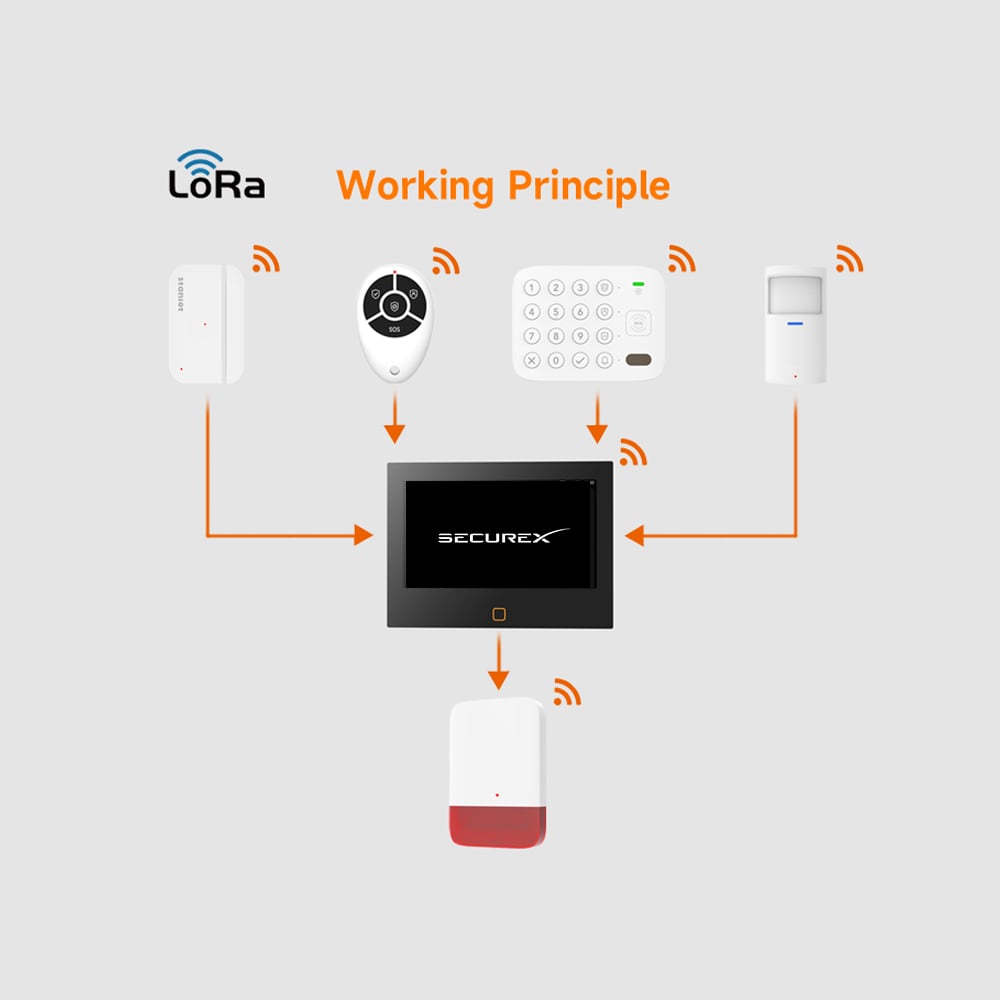
SecureX KeyAccess is an additional keypad for SecureX Pro that makes it easy to control the alarm with code, RFID tags or button pressWith Long Range 868 MHz you get a stable wireless connection with up to 500 meter range in clear line of sight, which is perfect for larger properties or where you want extra secure communication.
The keypad is built to be both smooth and secure in everyday use. It supports multiple users, RFID, smart presence wake-up and automatic backlighting – so it is always clear and easy to use.
All handling is done via SecureX Hub and you see status and events in The Stonehouse Smart appCompatibility with Tuya and Smart Life takes place via the hub.
Smart functions for easy everyday life
-
RFID support (up to 10 tags) – fast and safe
-
Multiple user codes (multi-user)
-
Microwave sensor wakes up the keypad when present
-
Light sensor automatically adjusts the backlight
-
Doorbell button for extra convenience
-
Tamper alarm in case of manipulation attempts
Battery operation & charging
KeyAccess has a built-in 3.7 V / 1500 mAh lithium battery and is loaded via USB-C (5V/1A)The low power consumption provides long operating time even with frequent use.
Important – system & compatibility
-
This is a additional keypad for SecureX Pro
-
Requires SecureX hub (cannot be used standalone)
-
App control and integration is done via the hub
Benefits & features
-
Long Range 868 MHz with up to 500m range (clear view)
-
Comes with 3 SecureX RFID tags
-
Full integration via SecureX Hub
-
Real-time status in The Stonehouse Smart app
-
Tuya & Smart Life supported via hub
-
Support for up to 10 RFID tags
-
Multi-user codes
-
Doorbell button, microwave sensor & light sensor
-
Tamper alarm
-
USB-C charging and built-in battery
Areas of use
-
Villas and apartments
-
Companies and retail premises
-
Summer cottages and garages
-
Industrial environments with requirements for stable access
Technical specification
-
Power supply: DC 5V / 1A (USB-C)
-
Battery: 3.7V/1500mAh lithium
-
Standby power: <100 µA
-
Working current: <10mA
-
Communication: Long Range 868 MHz
-
Scope: up to 500 m (line of sight)
-
Working temperature: −10°C to +50°C
-
Relative humidity: <95 % (without condensation)
-
RFID support: up to 10 tiles
-
Measure: approx. 90 × 90 × 45 mm
Delivery contents
-
SecureX KeyAccess keypad: 1 pc
-
RFID SecureX tags: 3 pcs
-
USB-C charging cable: 1 pc
-
Mounting materials (screws & plugs)
-
Manual
| Weight | 280 g |
|---|---|
| Brand/Make | |
| Apps & Integrations | Smart Life, Stonehouse Smart, Tuya |
| Battery & Power Supply | DC 5V 1A (USB-C), Built-in battery: 3.7V/1500 mAh lithium |
| Wireless Communication | LoRa |
| Scope | up to 500 m (line of sight) |
| Dimensions (WxHxD mm) | 90 × 90 × 45mm |
| Other Specifications | approx. 90 × 90 × 45 |
| Areas of use | Standby: <100 µA, Working: <10 mA, Support for up to 10 RFID cards, Multi-user codes, Microwave sensor, Light sensor, Doorbell button, Tamper alarm |
| Features & Benefits | Villas, businesses, summer cottages, industry |
What is SecureX KeyAccess?
Do I need a SecureX hub to use KeyAccess?
What are the ways I can turn the alarm on and off?
How far does KeyAccess go?
What wireless technology does it use?
How many RFID tags can it handle?
Are RFID tags included?
Does it support multiple user codes?
What is the default admin code?
What does the microwave sensor do?
How does the backlight work?
Does KeyAccess have a tamper alarm?
How is KeyAccess operated?
What app is used?
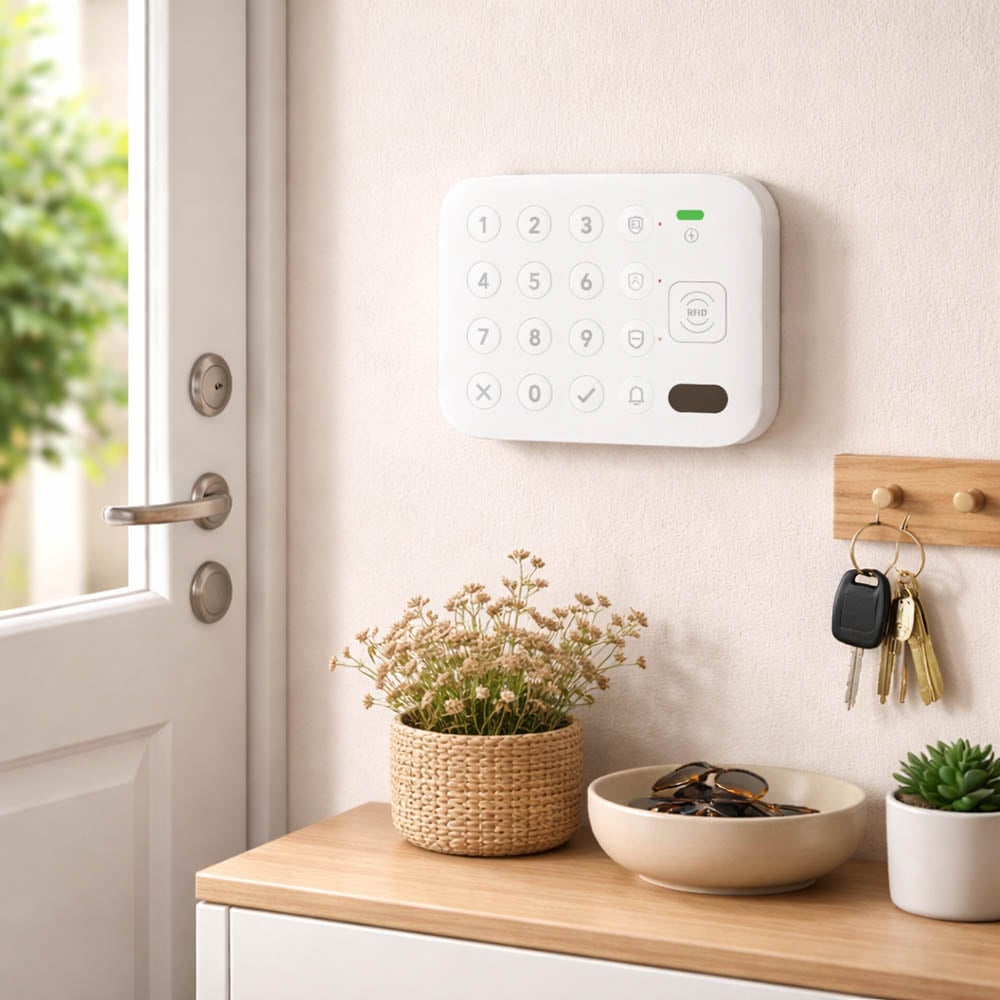
Where should I place the keypad?
How do I pair KeyAccess with the SecureX hub?
How do I turn the alarm on and off in practice?
What do the sound signals mean?
How do I add an RFID tag?
How do I delete all RFID tags?
How do I change the administrator code?
How do I change or delete user codes?
How do I activate or deactivate the microwave sensor?
How do I reset KeyAccess?
What do the LED indications mean?
What are the dimensions of KeyAccess?
What is included in the delivery?
What do I do if it won't pair?
What do I do if the range feels short?
What is Stonehouse Smart?
About Tuya Inc.: Tuya is a global IoT (Internet of Things) platform with approximately 5,000 employees worldwide. The company has been listed on the NYSE (New York Stock Exchange) under the ticker TUYA since 2021.
Related products
-
SecureX - Keypads, SecureX - Multi-buttons & Emergency, SecureX - Accessories
SecureX QuickControl – easy alarm control with SOS button
 SecureX - Keypads, SecureX - Multi-buttons & Emergency, SecureX - Accessories
SecureX QuickControl – easy alarm control with SOS button
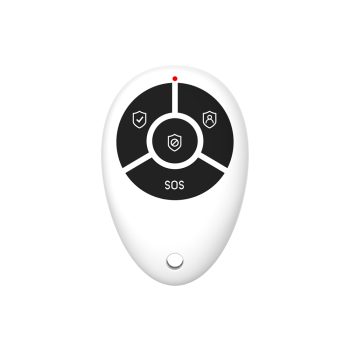
Varumärke: SecureX Connect Pro, Stonehouse SmartCompact remote control for SecureX alarms with buttons for alarm on/off, home mode and SOS.
Used via SecureX hub and works with Stonehouse Smart App.
SKU: SSREMOTE-SX -
SecureX - Keypads, SecureX - Accessories
SecureX RFID tag for alarm control
SecureX RFID tags provide quick and easy access to your SecureX system. Simply hold the tag against the reader to disarm or control permissions.
The tags are durable, reliable and can be delivered with your own logo/number for a professional and personal solution.
SKU: SX-TAG