

Wi-Fi Weather Station Pro – 7-in-1 sensor with wind, rain & UV – Smart & App-controlled

🟢 10 pcs in stock - Delivery 1-2 days
-
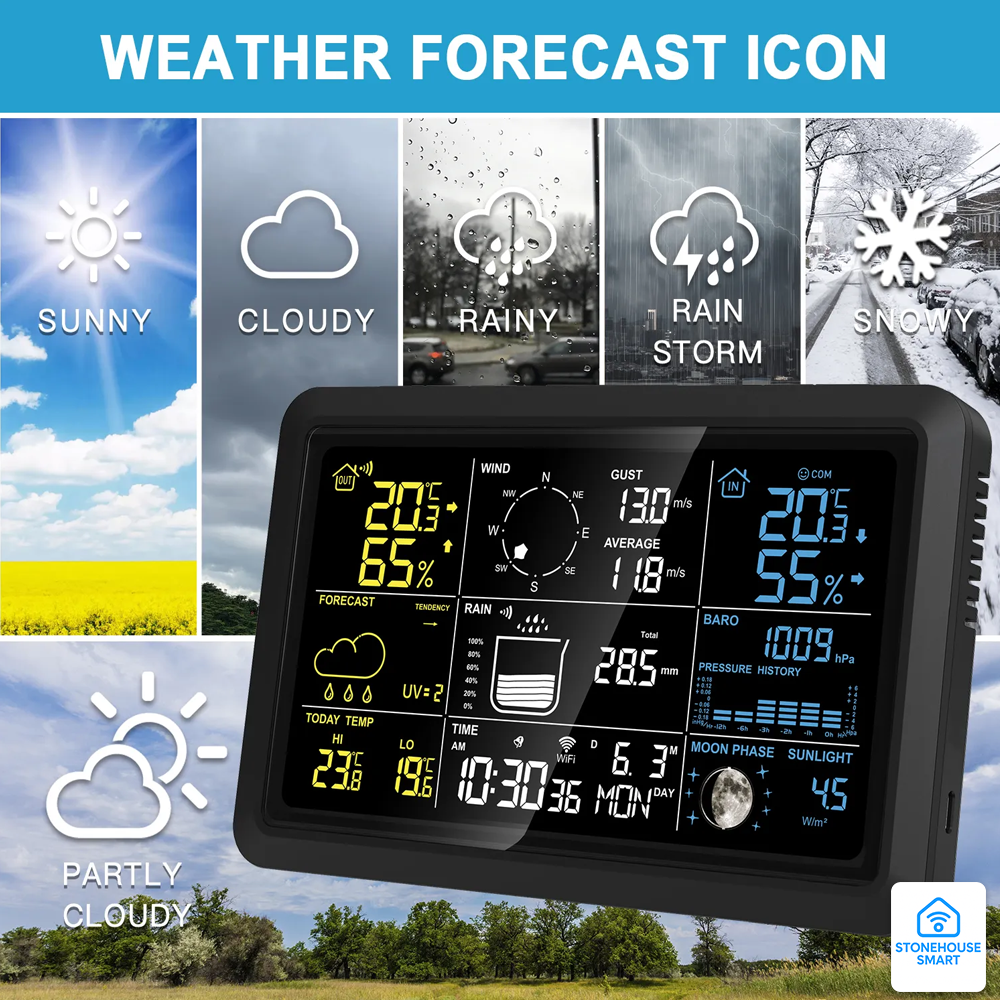
4-day forecast on screen + up to 6 days in the Stonehouse Smart / Tuya app
-
Wi-Fi + Bluetooth Easy Pair – automatic date/time, graphs & push notifications
-
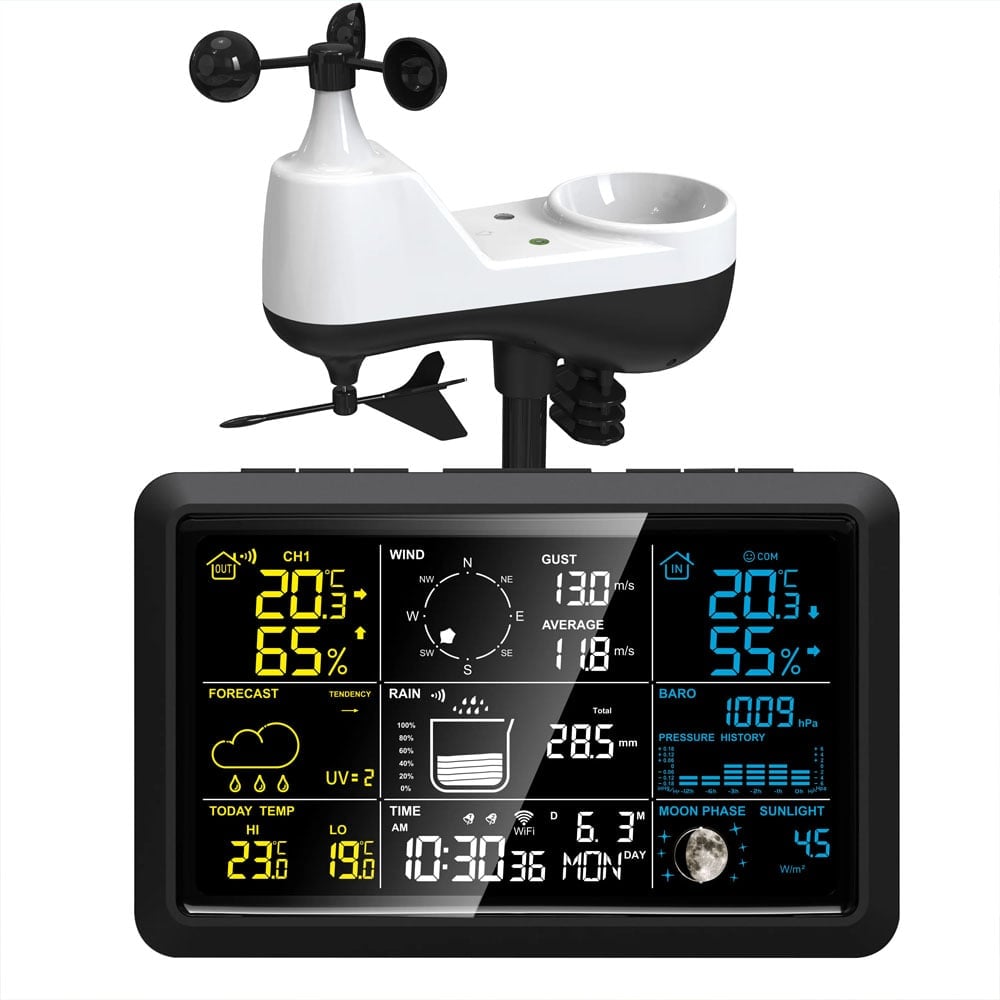
Wind 0–180 km/h & 0–359 ° – precise direction via internal compass
-
Rain gauge 0–9999 mm – rain warning adjustable (standard 50 mm/24 h)
-
Solar radiation 1–190 W/m² + UV index
Item number: SMK-WEATHER-PRO
1239,00 kr
Wi-Fi Weather Station Pro – 7-in-1 sensor with wind, rain & UV
Quick overview
- 4-day forecast on screen + up to 6 days in the Tuya app
- Wi-Fi + Bluetooth Easy Pair – automatic date/time, graphs & push notifications
- Wind 0–180 km/h & 0–359 ° – precise direction via internal compass
- Rain gauge 0–9999 mm – rain warning adjustable (standard 50 mm/24 h)
- Solar radiation 1–190 W/m² + UV index
- Indoor/outdoor climate – temp −40 … +60 °C & humidity 20 – 95 % RH
- 3 independent alarms, temp & rain alert
- USB-C power adapter + AAA backup (station) | AA + solar panel (sensor)
- 100m range between sensor & base unit, 25 m Wi-Fi to router
- 3-stage taillight & low battery icon
- Installation manual in English, German, French, Spanish and Italian.
Product description
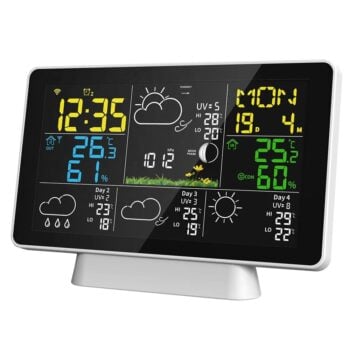
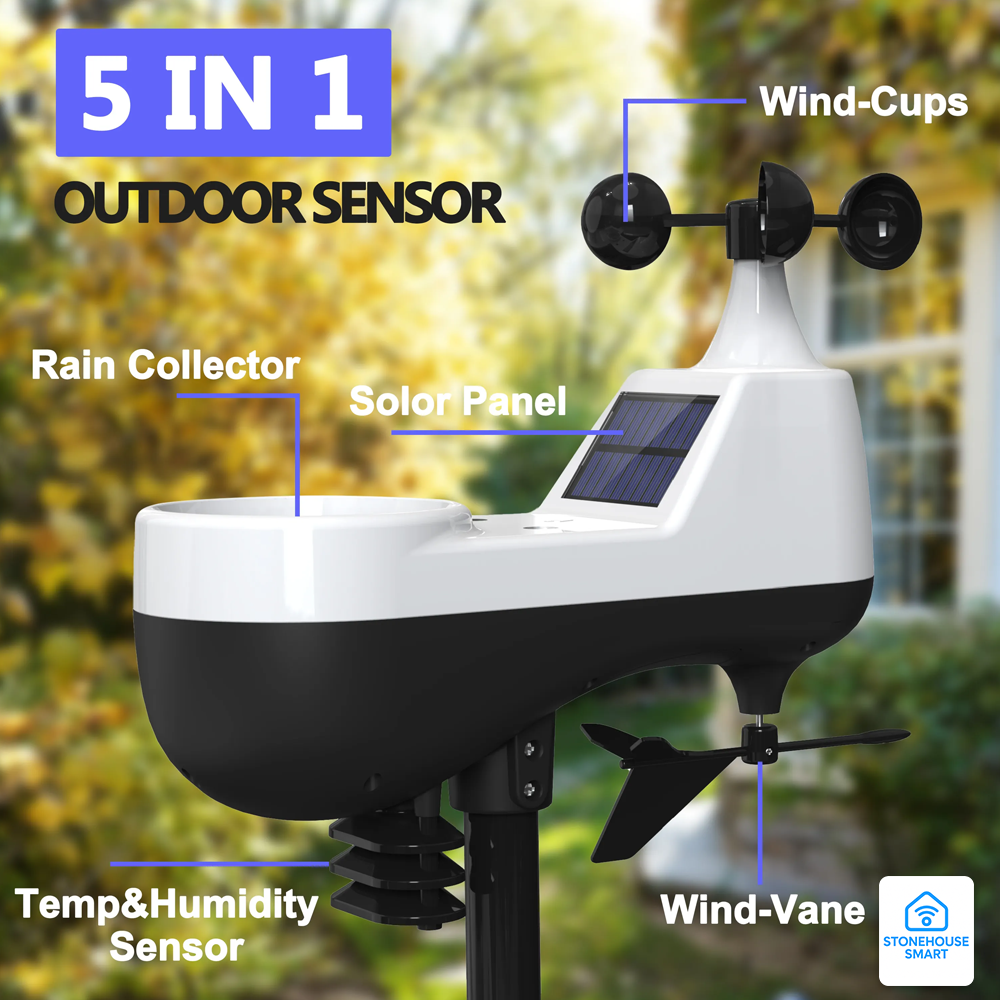
With the advanced Wi-Fi Pro Weather Station you get a complete weather station for your home, farm or greenhouse. The solar-powered 7-in-1 outdoor sensor measures wind speed, wind direction, precipitation, UV index, solar radiation, temperature and humidity in a single robust package. Thanks to Stonehouse Smart / Tuya Smart you can follow real-time data, historical graphs and AI forecasts on your mobile – and also automate smart-home routines (e.g. close awnings when UV exceeds 6). Push alarms are triggered by high/low temp or heavy rain, while the large color screen provides a clear overview in real time.
All sensors are located in the outdoor unit and in this case you cannot have more sensors. If you want to control more spaces, you can buy separately SMH-WEATHER which is simpler but has the option of 3 sensors, e.g. in basements or storage rooms.
Keep in mind that you can create scenarios in the Stonehouse Smart App, e.g. start heating elements if the temperature falls below certain degrees.
Which weather station should you choose?
If you're wondering which weather station is best for you, our guide can help you.
We explain how WiFi weather stations work, what an outdoor sensor does and what distinguishes a simpler model from a more advanced weather station such as SMK-WEATHER PRO.
The guide also goes through functions such as temperature measurement, weather forecasts and how sensors communicate with the display.
Read the guide here:
Guide to Wi-Fi Weather Station Pro – 7-in-1 sensor
Technical specifications
| Parameter | Value | |
|---|---|---|
| Forecast | 4 days on display, 6 days in app | |
| Wind speed | 0 – 180 km/h (111 mph) ±(spec.) | |
| Wind direction | 0 – 359° | |
| Rainfall | 0 – 9999 mm, resolution 0.1 mm | |
| Solar radiation / UV | 1 – 190 W/m² | |
| Indoor temperature | −9.9 … +50 °C (±1 °C 0–40 °C) | |
| Outdoor temperature | −40 … +60 °C (±2 °C) | |
| Humidity (all sensors) | 20 – 95 % RH (±5 % RH 40–80 % RH) | |
| Pressure | 850 – 1100 hPa (±5 hPa) | |
| Power – base unit | 5 V USB-C (3 W) + 3 × AAA backup | |
| Current – sensor | 3 × AA (LR6) + solar panel | |
| Wireless | Wi-Fi 2.4 GHz / Bluetooth (pairing) | |
| Sensor range | ≤ 100 m clear view | |
| Wi-Fi range | ≤ 25 m to router | |
| Taillight | 3 levels + 8 s auto when battery operated | |
| Alarm | 70 dB @ 10 cm | |
| Base unit dimensions | approx. 190 × 98 × 40 mm |
Highlights
- 7-in-1 solar sensor with bubble level & north marking for easy assembly
- Pressure trend graph over 12 hours on display for quick weather interpretation
- Three user alarms with weekly schedule – controlled via app or directly on the device
- Rain warning & tempalert – sound + flash on screen and push notification
- Multilingual interface – day of the week in 7 languages, manually or automatically via app
The package contains
| Part | Number | |
|---|---|---|
| ① Base station with color screen | 1 | |
| ② 7-in-1 solar powered sensor | 1 | |
| ③ Mounting bracket & screw kit | 1 | |
| ④ USB-C cable + 5V power adapter | 1 | |
| ⑤ Manual (5 languages): EN, DE, FR, ES, IT | 1 |
(Batteries not included.)
Installation – step by step
- Place the sensor 1.5 m above ground and at least 15 m free in all directions; the solar panel should point south
- Adjust the level and lock the hex screws for accurate rain measurement
- Connect base unit to power adapter (insert AAA backup in case of power outage).
- Pair up – hold WIFI/LIGHT/SNZ for 3 seconds, follow the Stonehouse Smart/Tuya app for Wi-Fi login
- Wait until all icons show stable data; adjust channels 1–3 if adding additional sensors
Frequently Asked Questions (FAQ)
- Can I drive without Wi-Fi?
Yes, all measurements are saved locally but you lose forecast and remote access. - How often are batteries replaced?
Sensor: 6–12 months depending on climate; Base unit: AAA only in case of longer power outages. - Does Home Assistant support?
Indirectly via the Tuya integration or MQTT bridge. -
Which weather station should I choose?
| Dimensions | 205 × 131 × 26mm |
|---|---|
| Brand/Make |
What is SMK-WEATHER PRO?
What is the difference between SMK-WEATHER and SMK-WEATHER PRO?
What does the weather station measure?
Do I need to buy extra sensors?
Is WiFi required for it to work?
What app is used?
What WiFi is supported?
How long is the sensor's range?
How is the outdoor unit mounted?
Does it measure rain automatically?
Can I get an alarm for rain or temperature?
Does it show the weather forecast?
Does it work on battery?
What batteries are used?
Is the installation difficult?
Is SMK-WEATHER PRO suitable for a villa, holiday home or business?
Is this a complete weather station?
Which model should I choose?
Related products
-
Smart Climate & Weather
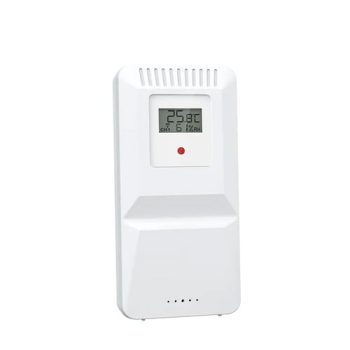
Temperature & humidity sensor for Wifi weather station
Extra temperature and humidity sensor that easily connects to your WiFi weather station with SKU: SMH-WEATHER (not for the SMH-WEATHER-Pro model)
Gives you accurate measurements in multiple rooms or outdoors with a range of up to 100 meters. Perfect for home, office, greenhouse or conservatory.
SKU: SMH-WEATHER-Sensor -
Smart Climate & Weather
WiFi Weather Station – Smart and App Controlled – Keep track of the climate at home & via your mobile phone
 Smart Climate & Weather
WiFi Weather Station – Smart and App Controlled – Keep track of the climate at home & via your mobile phone
Varumärke: Stonehouse Smart-
4-day forecast online – automatically downloaded via Wi-Fi
-
Stonehouse Smart / Tuya / Smart Life (iOS/Android) – alarms, temperature graphs & push notifications
-
Indoor + outdoor climate – support for 3 wireless sensors (1 × included)
-
Temperature warning & 3 separate wake-up alarms – set in app or on device
-
Air pressure, UV index & moon phase directly on the screen
-
Power adapter + battery backup – Wi-Fi active with power adapter, 3 × AAA as a backup for the station.
-
3-step backlight or 10 s auto-illumination in battery operation
-
100 m sensor range (free line of sight) & 25 m to router
SKU: SMH-WEATHER -