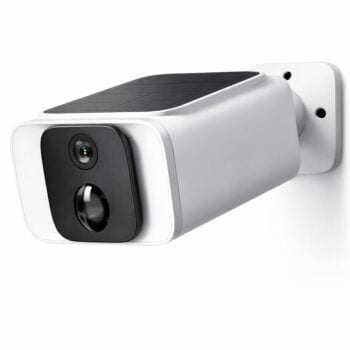


, ,

SecureX QuickControl – easy alarm control with SOS button

SecureX Connect ProStonehouse Smart
Availability:

🟢 99 pcs in stock - Delivery 1-2 days


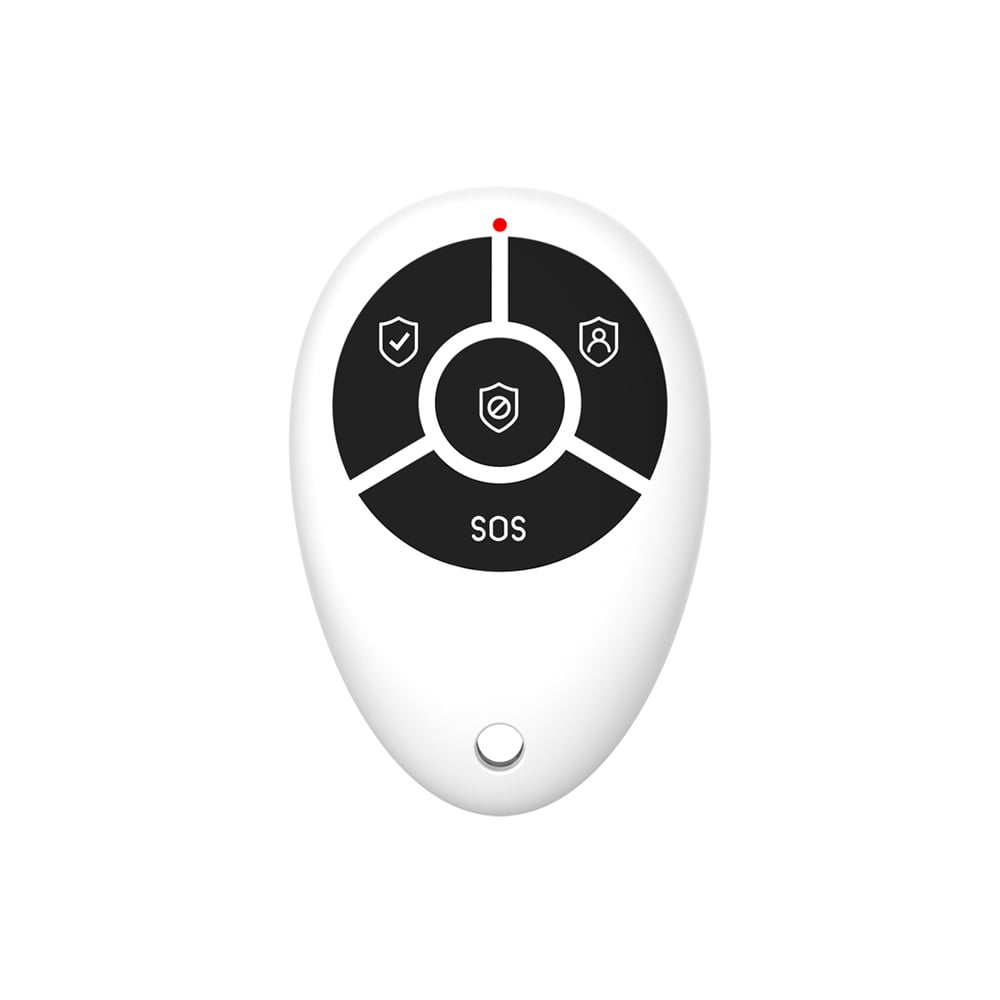
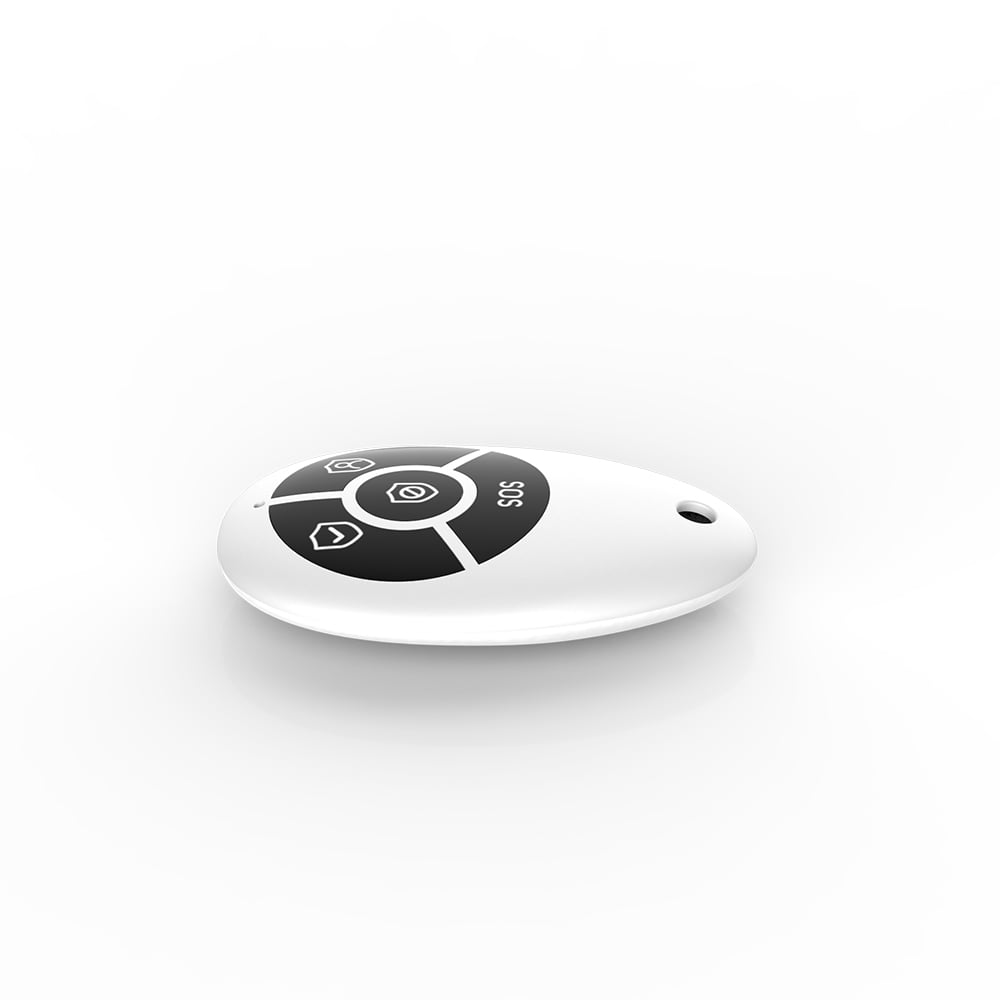
Compact remote control for SecureX alarms with buttons for alarm on/off, home mode and SOS.

Used via SecureX hub and works with Stonehouse Smart App.

Item number: SSREMOTE-SX

224,00 kr

SecureX QuickControl – easy alarm control with SOS button

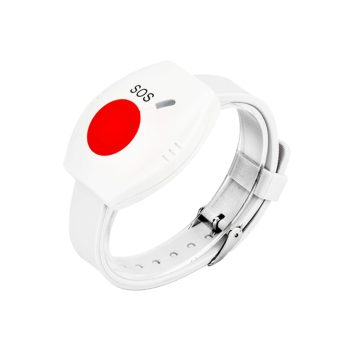
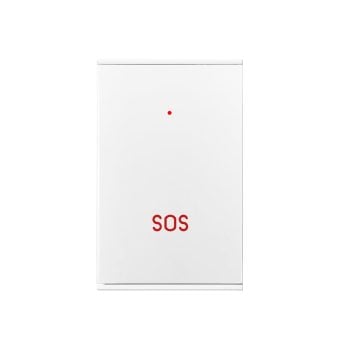
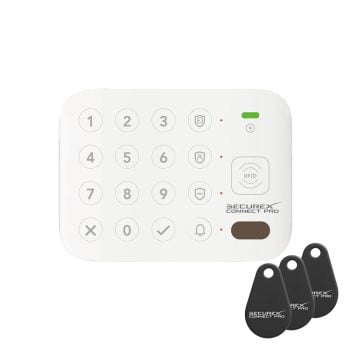
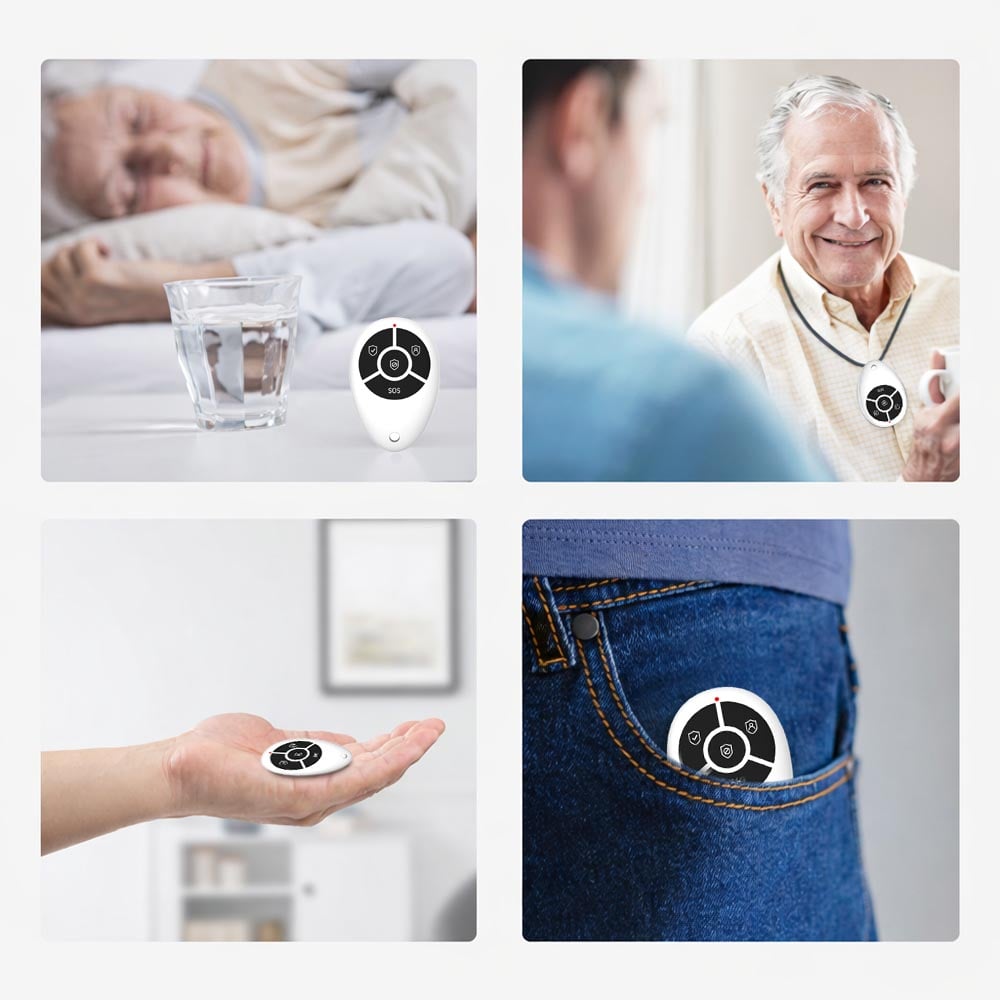
SecureX QuickControl is a compact and reliable remote control for easy control of your SecureX alarm system. With clear buttons you can quickly alarm on, home position, alarm off or trigger SOS alarm – perfect when you want to act immediately without taking out your mobile phone.

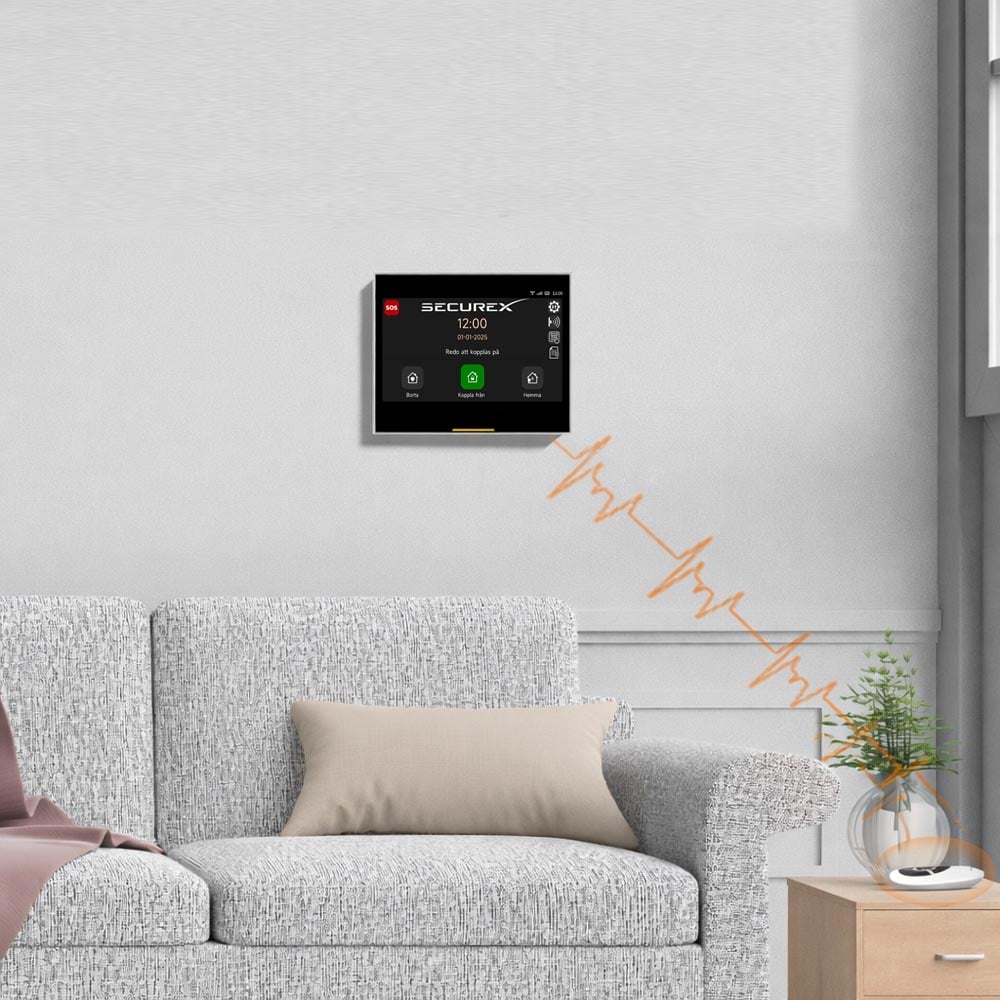
The remote control is fully integrated via The SecureX Hub, which is the hub of the system and ensures stable and secure communication. All SecureX devices are adapted for Stonehouse Smartapp, where you get full overview and control directly on your mobile phone.

For added flexibility, SecureX QuickControl is also compatible with Tuya and Smart Life, making it easy to integrate into existing smart home solutions.

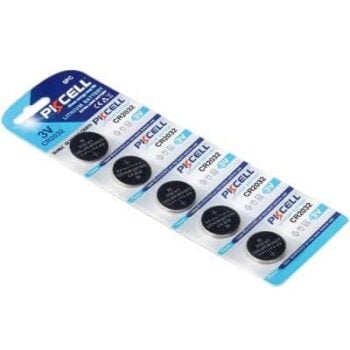
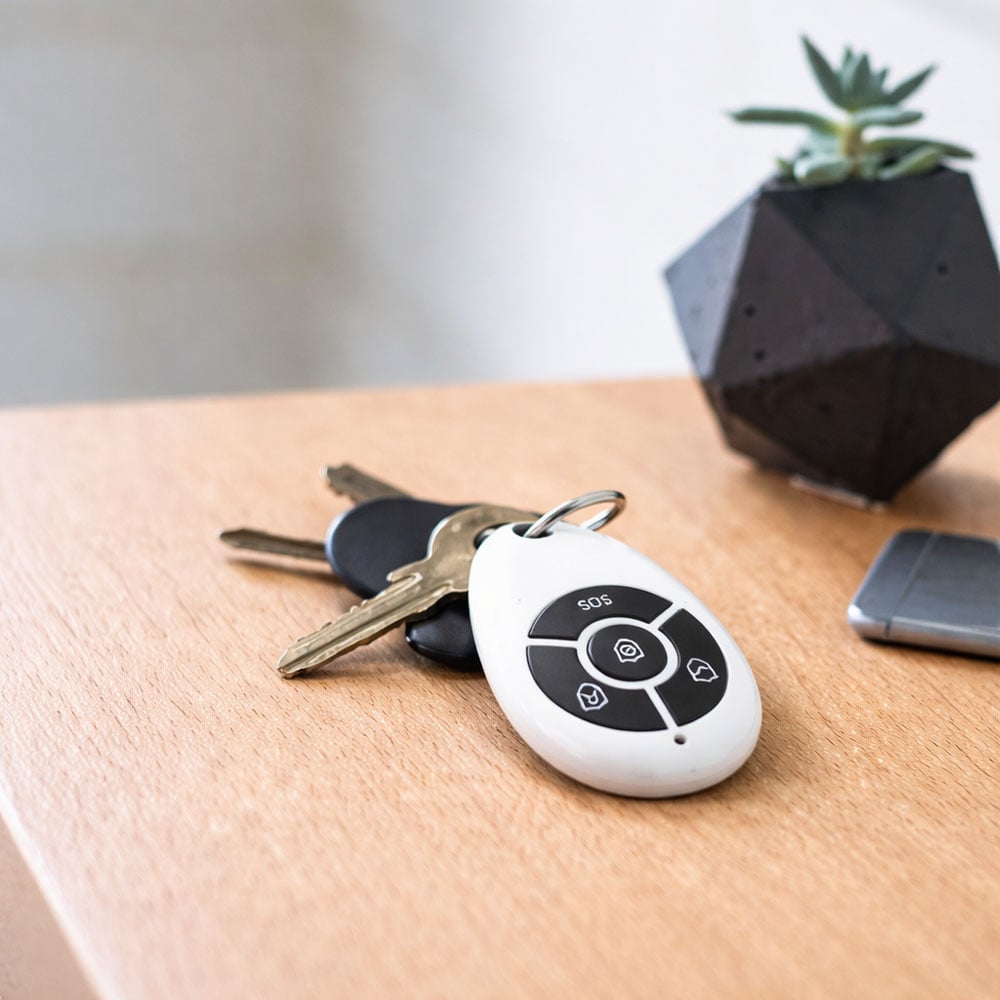
The small and lightweight design means that QuickControl can be easily attached to your key ring or carried in your pocket. With very low power consumption and a standard CR2032 battery you get long battery life and minimal maintenance.


Benefits & features

  • Full integration via SecureX hub

  • Adapted for the Stonehouse Smart app (iOS & Android)

  • SOS function for emergencies

  • Quick and easy alarm control (on/off/home mode)

  • Compact design – perfect for a keychain

  • Very low power consumption for long battery life


Areas of use

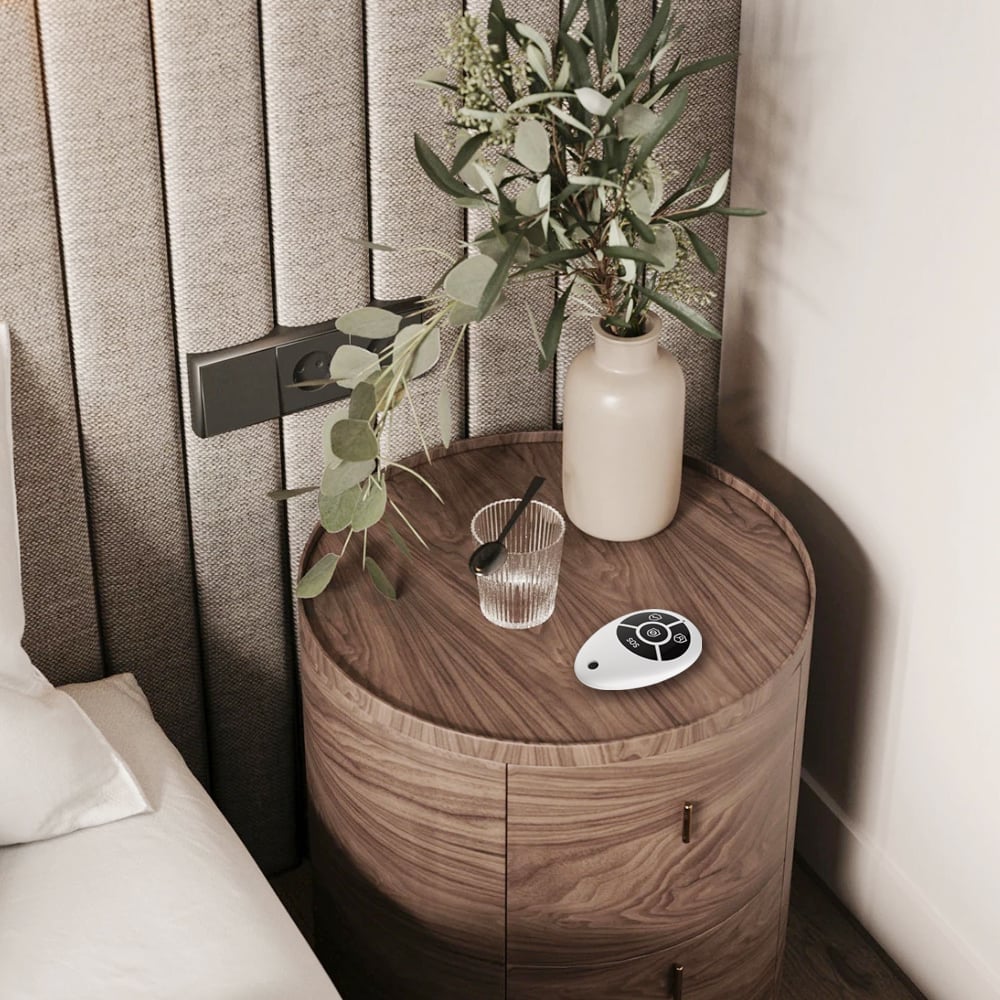
  • Villas and apartments

  • Offices and retail premises

  • Summer cottages and holiday homes

  • Quick access to alarm functions for the whole family


Technical specification

  • Battery: CR2032 × 1

  • Quiescent current: ≤ 1 μA

  • Working current: ≤ 10mA

  • Working temperature: −10°C to +50°C

  • Wireless communication: 433 MHz, eV1527 and coding for SecureX

  • Measure: 60 × 39.7 × 12mm

  • App support: Stonehouse Smart (iOS/Android), compatible with Tuya & Smart Life


SecureX QuickControl is a perfect accessory for those who want quick, easy and safe control over your alarm system – always close at hand.
Weight 16 g
Brand/Make

,

Apps & Integrations

Smart Life, Stonehouse Smart, Tuya

Battery & Power Supply

1 × CR2032 battery

Wireless Communication

433MHz (eV1527)

Sound level/Signal

60 × 39.7 × 12

Dimensions (WxHxD mm)

Standby: ≤1 µA, Working: ≤10 mA, Temp: -10°C to +50°C

Other Specifications

Home, office, summer cottages

Areas of use

SOS function, remote control for alarm on/off/home mode, compact for keychain

Frequently asked questions
What is SecureX QuickControl?
SecureX QuickControl is a compact remote control for controlling your SecureX alarm system. You can quickly arm the alarm, activate home mode, turn off the alarm or trigger an SOS alarm without taking out your phone.
What can I do with the buttons on QuickControl?
You can control the alarm with hotkeys for alarm on, home mode, alarm off, and SOS alarm for emergencies.
Do I need a SecureX hub to use QuickControl?
Yes. QuickControl is used in conjunction with the SecureX hub, which receives the signal and controls the alarm in the system.
What app is used for the SecureX system?
SecureX is adapted for the Stonehouse Smart app (iOS and Android), where you get an overview and control over the system.
Is QuickControl compatible with Tuya and Smart Life?
Yes, QuickControl is compatible with Tuya and Smart Life via the hub.
What wireless technology does QuickControl use?
It communicates via 433 MHz (eV1527) with SecureX encoding.
How long is the range of QuickControl?
The range is approximately 80 to 100 meters depending on obstacles and environment. Walls, metal and other obstacles may reduce the range.
What battery is used?
QuickControl uses 1 CR2032 battery.
How long does the battery last?
It has very low power consumption for long battery life. Quiescent current is ≤ 1 μA and operating current is ≤ 10 mA.
What temperature range can it handle?
It is designed for −10 °C to +50 °C.
How big is QuickControl?
The dimensions are 60 × 39.7 × 12 mm.
How do I pair QuickControl with the hub?
Insert the CR2032 battery, open the Stonehouse Smart app and select Add Device. Put the hub into pairing mode for control according to the instructions in the app. Then press any button on the QuickControl to start pairing and confirm in the app.
What do I do if it doesn't respond?
Check that the battery is seated correctly and replace the battery if necessary.
What do I do if it won't pair?
Make sure the hub is in pairing mode and that you are standing close to the hub during the first pairing.
What do I do if the range feels short?
Test closer to the hub and avoid obstacles such as thick walls and metal between you and the hub.
What do I do if SOS doesn't work as I expected?
Check the app's settings or automations and that the correct function is connected to SOS.
0
    0
    Your shopping cart is emptyReturn to store